

Listen and Type
Listen and Type is the job WriteVoice takes off your hands. It listens while you speak and types clean, punctuated text into any app.
On a Mac, press Command+D and talk, and the words are inserted at your cursor. On iPhone and iPad, tap the mic on the WriteVoice keyboard.
It also transcribes recordings, so you no longer play audio and type it out line by line.
Start CreatingStop pausing audio to type it out
Typing from a recording means play, pause, type, rewind, and repeat.
Import the recording into WriteVoice instead, and you get the full text with punctuation in one pass.
For your own words, skip the recording and dictate straight into the document.
In a lab test, speaking a short message in English was 2.93 times faster than typing it on an iPhone keyboard. See the texting statistics
Ideal for anything you would otherwise type out
Use it for:
- Typing up voice memos and interviews
- Notes from lectures you recorded
- Emails and messages written by voice
- Drafts and documents without the keyboard
- Replies in Slack, WhatsApp, and iMessage
- Language learners checking how their spoken sentences come out
- Writing in 50+ languages, switching mid-sentence
- And so much more...
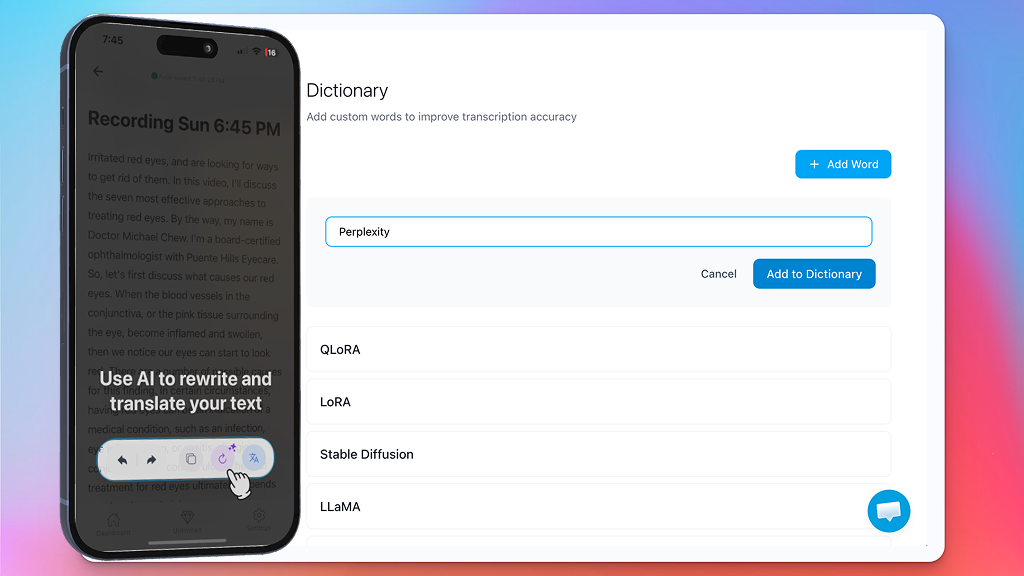
See WriteVoice in action
Talk, and watch your words come out clean. The same way on your phone and on your Mac, with no typing and no messy transcript to fix.
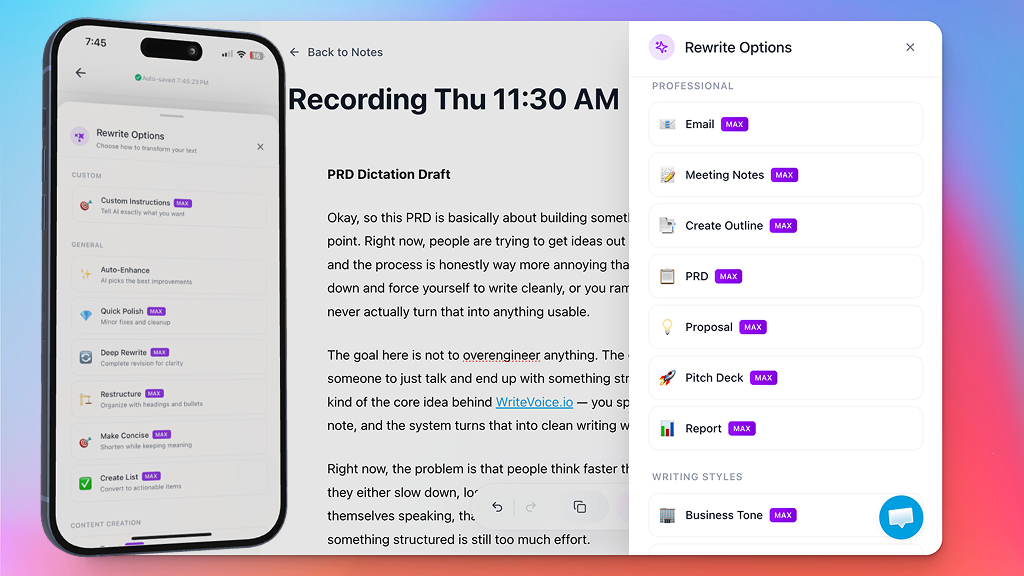
Rewrite anything with one tap
A clean transcript is just the start, because WriteVoice can also reshape what you said.
Open Rewrite Options and pick how to transform the text, from a quick polish to a full rewrite.
The same words can become an email, a tidy list, or a short post in seconds.
- Auto-Enhance picks the best improvements for you
- Quick Polish fixes the small stuff and cleans it up
- Make Concise shortens it while keeping your meaning
- Create List turns a ramble into clear, actionable items
Use your voice everywhere you write
WriteVoice runs as a keyboard on your phone, so you can dictate into:
- Email and messages
- Notes and to-do lists
- Docs and reports
- Chat and social apps
- Search bars
- Anywhere you can type
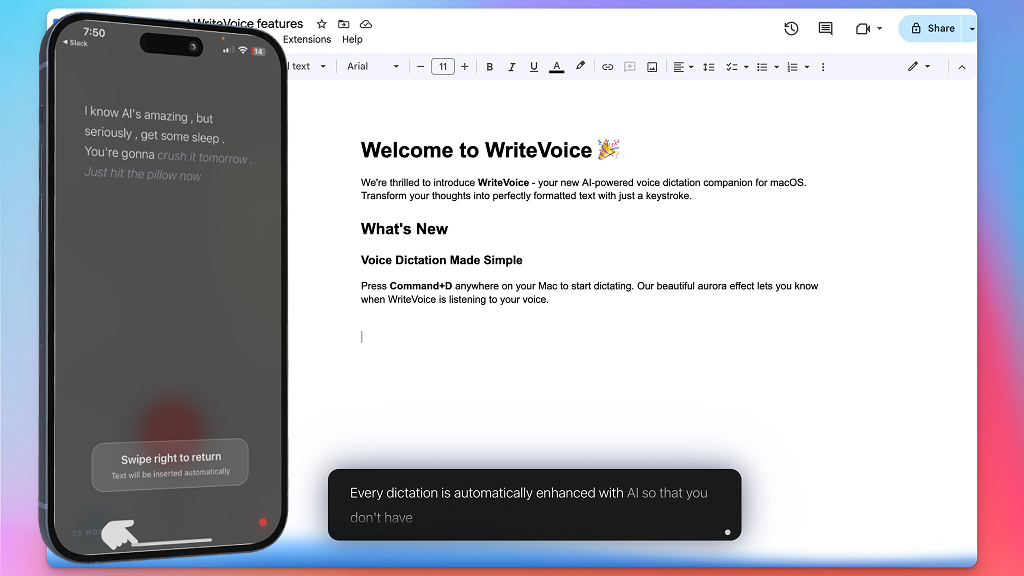
A simple tool that does the typing for you
Good voice to text tools are hard to find.
WriteVoice is built to be fast, accurate, and easy for anyone.
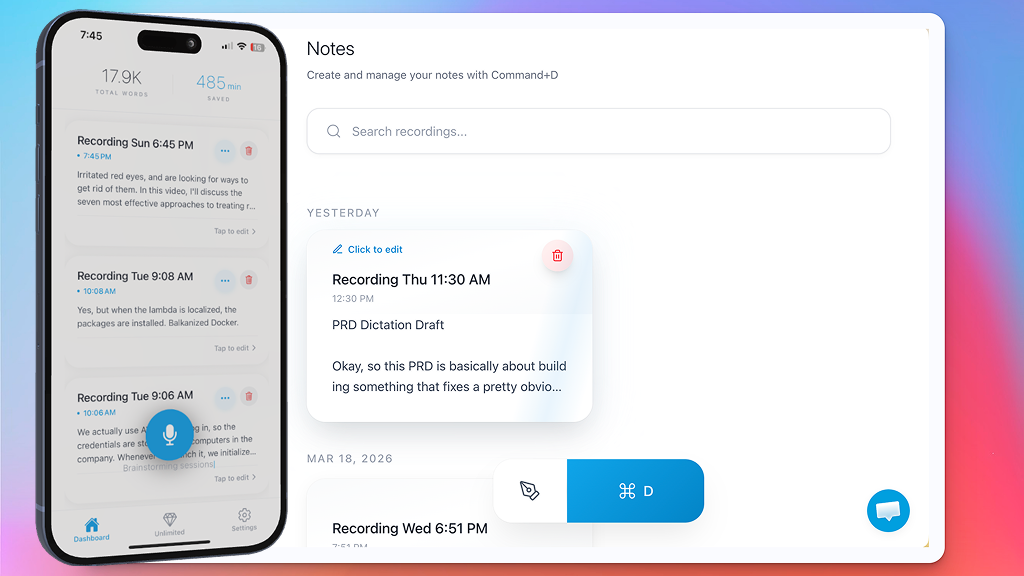
Every dictation is saved in Notes
Nothing you say gets lost, since every dictation and recording is saved as a note.
Your notes are organized by date, so the one you need is easy to find.
Search any word, tap to edit or retitle, and pick up right where you left off.
- A searchable library of everything you dictate
- Recordings and imported audio transcribed into notes
- Edit, retitle, and organize with a tap
- Translate a note into dozens of languages
Your notes follow you across devices
Sign in once and your notes sync everywhere, so you can start on one device and finish on another:
- Start a note on your iPhone or iPad
- Pick it up in the Mac desktop app
- Open it in any browser on the web
- Everything stays in sync, automatically
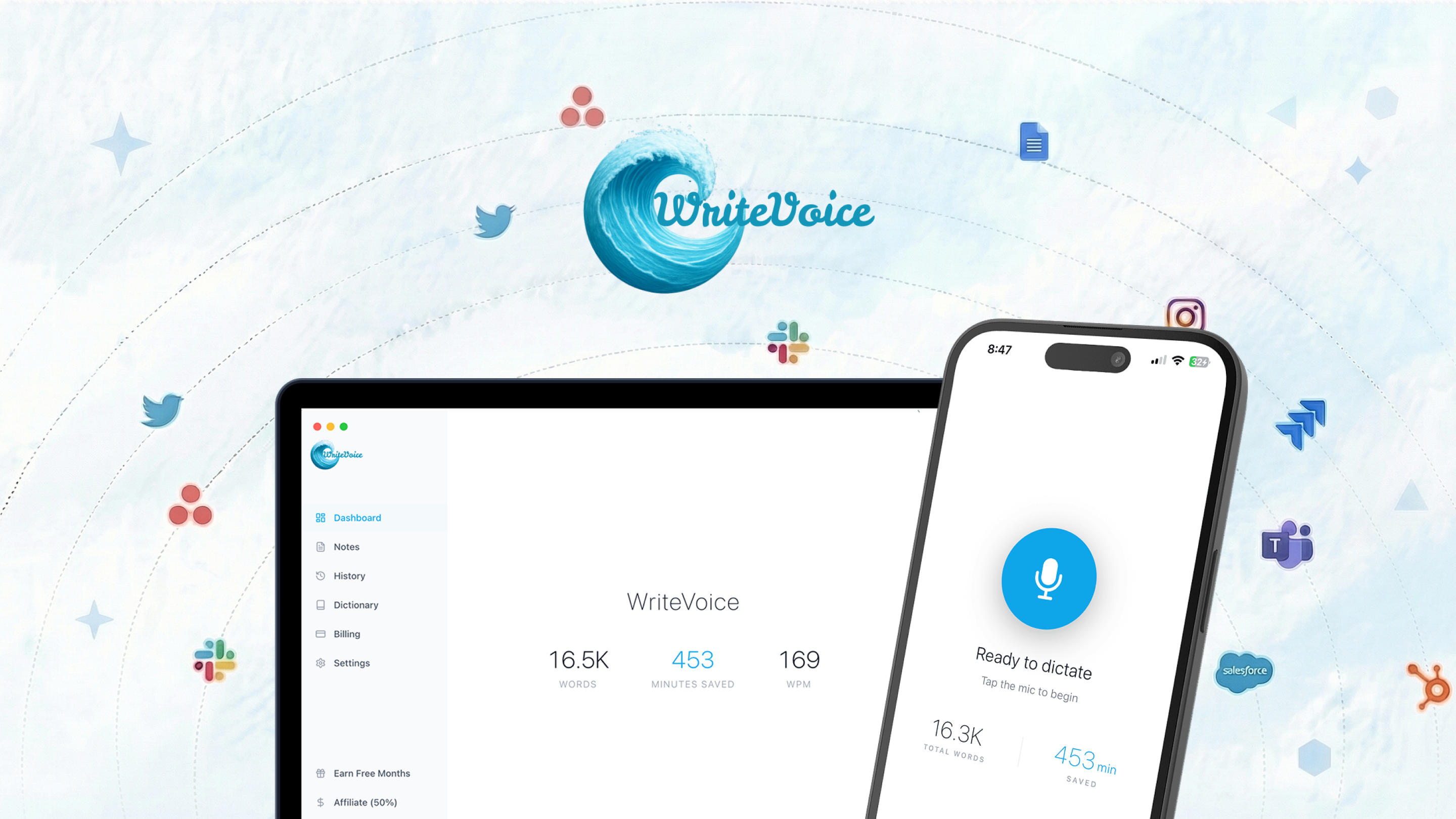
Speak it instead of typing it
Typing slows you down, and speaking is up to 4x faster. Open any app, talk, and WriteVoice gives you finished text. Start Creating for free and let your voice do the writing.
Start CreatingFrequently asked questions
Can I use it to practice speaking a new language?
Yes. Speak a sentence in the language you are learning and read how WriteVoice wrote it. If the text matches what you meant, your pronunciation was clear enough to be understood.
Can it type out a recording someone else made?
Yes. Import the audio or video file, and WriteVoice transcribes it into a note you can edit, copy, or export.
Does it work in every app?
On a Mac, it inserts text at your cursor in any app. On iPhone and iPad, it works in any app where you can switch to the WriteVoice keyboard.
How does WriteVoice work?
You speak, and WriteVoice turns your voice into text. The AI removes filler words, fixes grammar and punctuation, and formats the result for you.
Do I need to clean up the text after?
Usually not. WriteVoice returns clean, formatted text with up to 99% accuracy, so most of the time it is ready to use as is.
Which apps does it work in?
It works in any app on your phone through the WriteVoice keyboard. Dictate into email, messages, notes, docs, and chat.
How accurate is it?
WriteVoice reaches up to 99% accuracy. It handles accents and natural speech, and custom vocabulary keeps names and jargon spelled right.
What languages are supported?
WriteVoice supports dozens of languages. It can transcribe and translate between them.
Is it free?
Yes, WriteVoice is free to start. You can begin dictating right away on iPhone and iPad.