

AI Voice Recognition
AI voice recognition is fast and accurate with WriteVoice. You speak naturally, and the AI turns your words into clean, formatted text with up to 99% accuracy.
It reads accents and everyday speech, so what you say comes back ready to use.
Speaking is up to 4x faster than typing, so your thoughts land as text the moment you finish.
Start CreatingThe perfect speech-to-text tool for fast writers
WriteVoice listens as you talk and writes it down for you, so you skip the keyboard and keep your flow.
The AI removes filler words like um and uh, fixes grammar and punctuation, and shapes your words into tidy paragraphs and lists.
You get finished text you can edit, copy, and export, not a raw block you have to clean up by hand.
Ideal for any time you would rather speak than type
Turning speech into clean text is ideal for all kinds of work and writing. Use it for:
- Emails and replies you want to send fast
- Notes and to-do lists captured on the go
- Messages across Slack, WhatsApp, and Notion
- Meeting recordings turned into clean transcripts
- First drafts of posts, memos, and reports
- Voice notes you want as text, not audio
- Names, brands, and jargon kept spelled right with custom vocabulary
- Writing in 50+ languages, with translation into 30+
- And so much more...
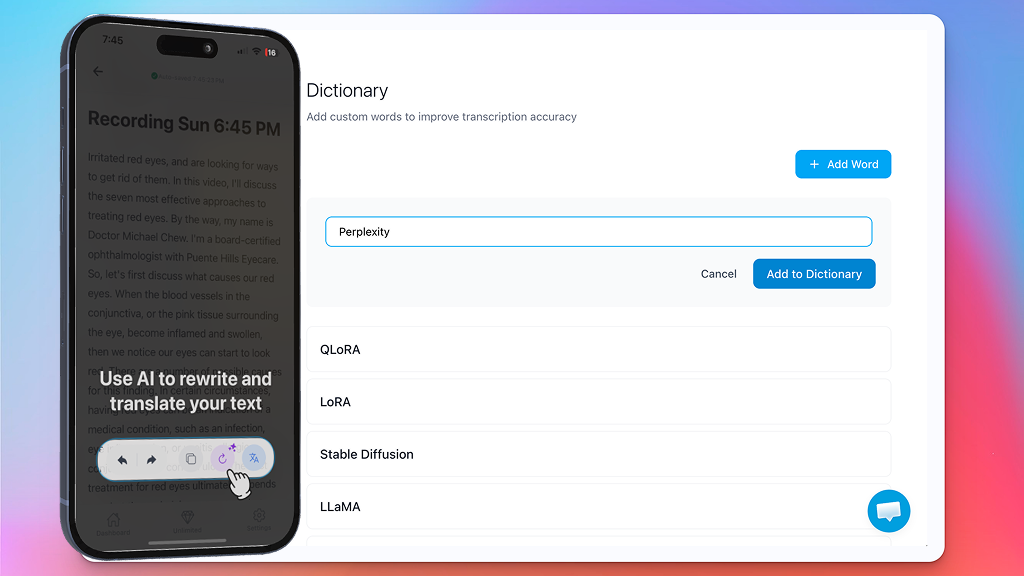
See WriteVoice in action
Talk, and watch your words come out clean. The same way on your phone and on your Mac, with no typing and no messy transcript to fix.
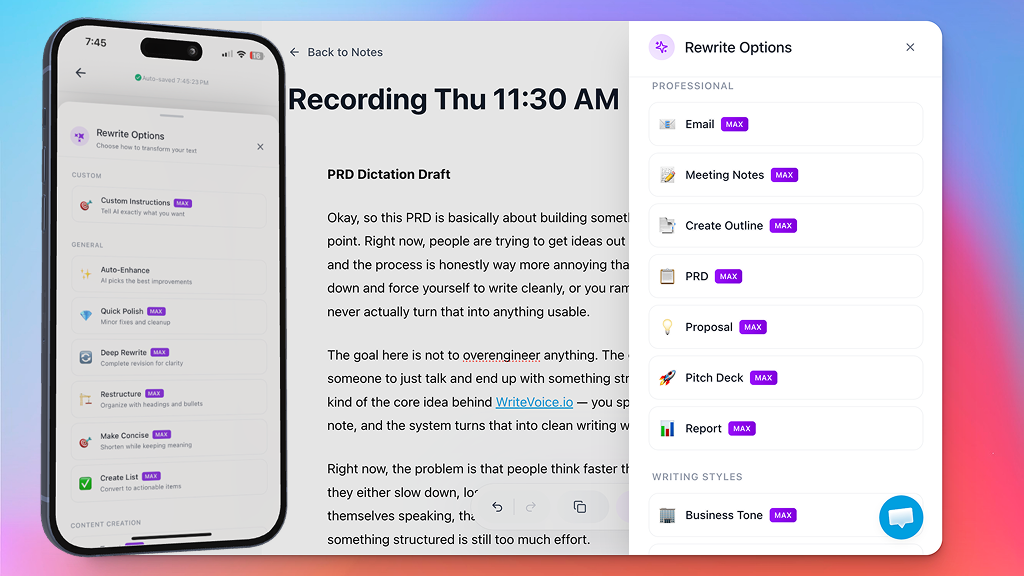
Rewrite anything with one tap
A clean transcript is just the start, because WriteVoice can also reshape what you said.
Open Rewrite Options and pick how to transform the text, from a quick polish to a full rewrite.
The same words can become an email, a tidy list, or a short post in seconds.
- Auto-Enhance picks the best improvements for you
- Quick Polish fixes the small stuff and cleans it up
- Make Concise shortens it while keeping your meaning
- Create List turns a ramble into clear, actionable items
Use your voice everywhere you write
WriteVoice runs as a keyboard on your phone, so you can dictate into:
- Email and messages
- Notes and to-do lists
- Docs and reports
- Chat and social apps
- Search bars
- Anywhere you can type
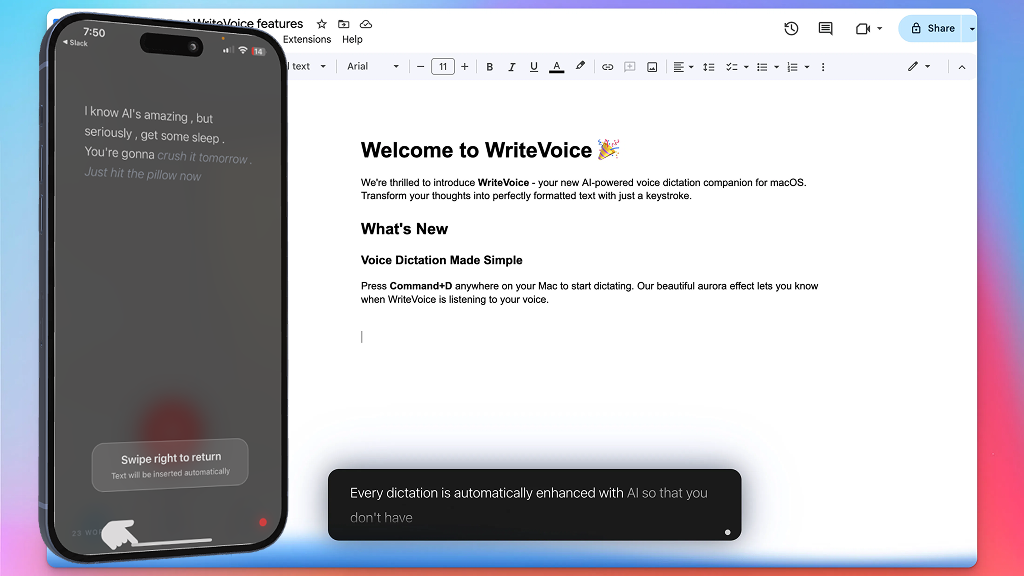
A simple tool that does the typing for you
Good voice to text tools are hard to find.
WriteVoice is built to be fast, accurate, and easy for anyone.
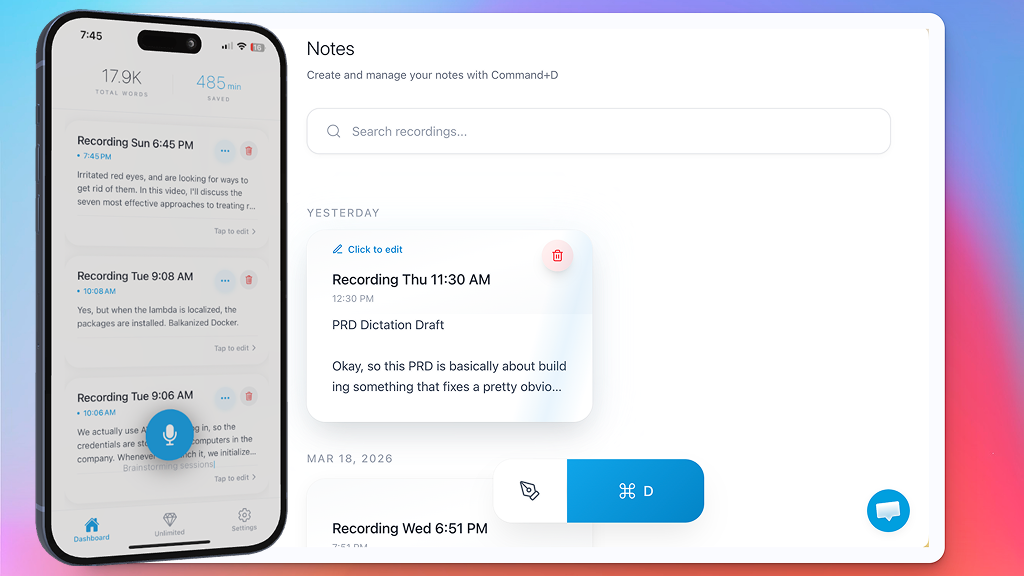
Every dictation is saved in Notes
Nothing you say gets lost, since every dictation and recording is saved as a note.
Your notes are organized by date, so the one you need is easy to find.
Search any word, tap to edit or retitle, and pick up right where you left off.
- A searchable library of everything you dictate
- Recordings and imported audio transcribed into notes
- Edit, retitle, and organize with a tap
- Translate a note into dozens of languages
Your notes follow you across devices
Sign in once and your notes sync everywhere, so you can start on one device and finish on another:
- Start a note on your iPhone or iPad
- Pick it up in the Mac desktop app
- Open it in any browser on the web
- Everything stays in sync, automatically
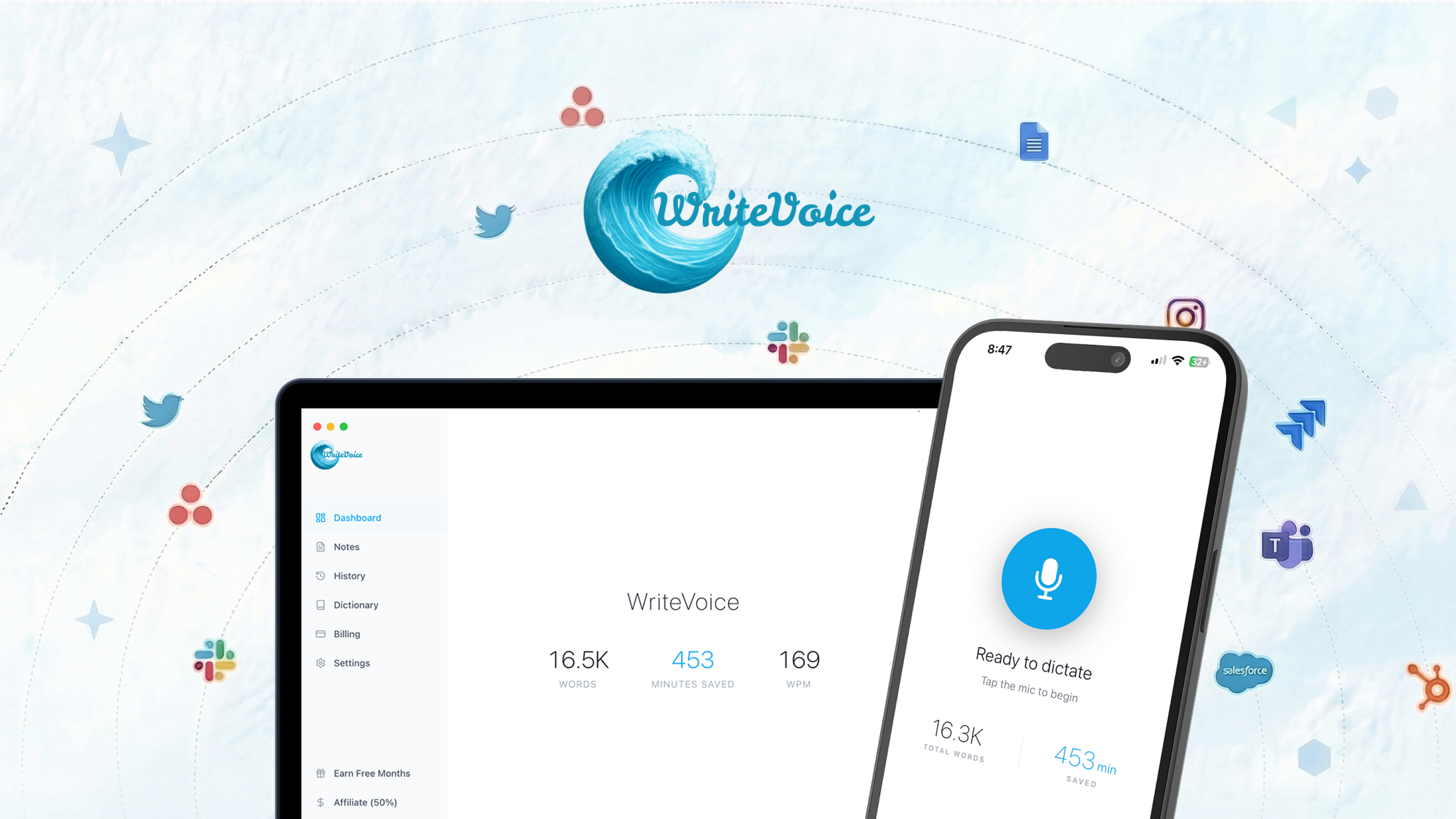
Speak it instead of typing it
Typing slows you down, and speaking is up to 4x faster. Open any app, talk, and WriteVoice gives you finished text. Start Creating for free and let your voice do the writing.
Start CreatingFrequently asked questions
How does WriteVoice work?
You speak, and WriteVoice turns your voice into text. The AI removes filler words, fixes grammar and punctuation, and formats the result for you.
Do I need to clean up the text after?
Usually not. WriteVoice returns clean, formatted text with up to 99% accuracy, so most of the time it is ready to use as is.
Which apps does it work in?
It works in any app on your phone through the WriteVoice keyboard. Dictate into email, messages, notes, docs, and chat.
How accurate is it?
WriteVoice reaches up to 99% accuracy. It handles accents and natural speech, and custom vocabulary keeps names and jargon spelled right.
What languages are supported?
WriteVoice supports dozens of languages. It can transcribe and translate between them.
Is it free?
Yes, WriteVoice is free to start. You can begin dictating right away on iPhone and iPad.