
It Onboarding Checklist
Smooth onboarding creates lasting relationships. This It Onboarding Checklist transforms confusing starts into confident beginnings that set everyone up for success. Whether people, systems, or services, build the repeatable process that scales excellence. Stop reinventing onboarding and start perfecting it.
Pre-Arrival IT Preparation
□ Order computer/laptop
□ Configure operating system
□ Install standard software
□ Create Active Directory account
□ Set up email account
□ Configure security groups
□ Prepare mobile device
□ Order peripherals (mouse, keyboard)
□ Set up desk phone
□ Configure printers
□ Prepare headset
□ Document setup details
Account Creation
□ Domain account creation
□ Email address setup
□ Calendar configuration
□ Distribution list additions
□ SharePoint permissions
□ Database access
□ Application accounts
□ Cloud service access
□ VPN configuration
□ Remote desktop setup
□ Multi-factor authentication
□ Password manager account
Hardware Provisioning
□ Assign laptop/desktop
□ Provide monitors
□ Issue keyboard/mouse
□ Set up docking station
□ Provide headset
□ Issue mobile phone
□ Assign tablet if needed
□ Provide chargers/cables
□ Issue security token
□ Set up webcam
□ Configure printer access
□ Document serial numbers
Software Installation
□ Operating system updates
□ Office suite installation
□ Email client setup
□ Web browsers
□ Communication tools (Slack/Teams)
□ VPN client
□ Antivirus software
□ Development tools
□ Project management software
□ Time tracking tools
□ Department-specific software
□ License activation
Security Configuration
□ Set password requirements
□ Enable disk encryption
□ Configure firewall
□ Set up MFA/2FA
□ Install security certificates
□ Configure backup solution
□ Enable remote wipe
□ Set screen lock timeout
□ Configure Windows Hello/Touch ID
□ Install DLP software
□ Enable audit logging
□ Security awareness training
Network Access
□ Assign static IP if needed
□ Configure WiFi access
□ Set up VPN profile
□ Grant firewall exceptions
□ Configure proxy settings
□ Set up network drives
□ Map shared folders
□ Configure network printers
□ Test connectivity
□ Document network settings
□ Provide network diagram
□ Emergency access procedures
Communication Tools
□ Email account active
□ Calendar permissions set
□ Instant messaging configured
□ Video conferencing setup
□ Phone system training
□ Voicemail configuration
□ Contact list access
□ Team chat channels
□ Notification preferences
□ Out-of-office setup
□ Signature configuration
□ Mobile email setup
System Training
□ Password policy training
□ Security best practices
□ Email and calendar usage
□ File sharing procedures
□ Backup procedures
□ Help desk process
□ Software usage training
□ Remote access training
□ Print services
□ Video conferencing
□ Collaboration tools
□ Mobile device management
Developer Access (If Applicable)
□ Source control access
□ Development environment
□ Build server access
□ Testing environments
□ Database access
□ API credentials
□ Documentation wikis
□ Bug tracking system
□ CI/CD pipeline access
□ Code review tools
□ Container registries
□ Cloud platform access
Documentation
□ IT policies acknowledgment
□ Acceptable use policy
□ Security guidelines
□ Asset assignment forms
□ Software licenses
□ Access request procedures
□ Support contact information
□ System architecture docs
□ Troubleshooting guides
□ FAQ resources
□ Training materials
□ Emergency procedures
First Week Support
□ Day 1 setup assistance
□ Initial troubleshooting
□ Software training
□ Answer questions
□ Verify all access
□ Test all systems
□ Address issues
□ Follow-up meeting
□ Collect feedback
□ Document problems
□ Update configurations
□ Schedule advanced training
How the It Onboarding Checklist works
Define what you’re onboarding and success criteria. Input timeline and resource constraints. The AI generates a phased it onboarding checklist with clear milestones and validation points. Track progress, identify bottlenecks, and continuously improve. Export templates for consistency.
Poor onboarding compounds into massive problems. Early confusion becomes lasting frustration, missing steps create future failures, and bad experiences spread faster than good ones. This checklist ensures systematic success from the start. It’s how professionals build scalable excellence.
Meet the smartest dictation for auto-formatted and ready-to-send text
WriteVoice turns your voice into clean, punctuated text that works in any app. Create and ship faster without typing. Your first step was It Onboarding Checklist; your next step is instant dictation with WriteVoice.
A blazing-fast voice dictation
Press a hotkey and talk. WriteVoice inserts accurate, formatted text into any app, no context switching
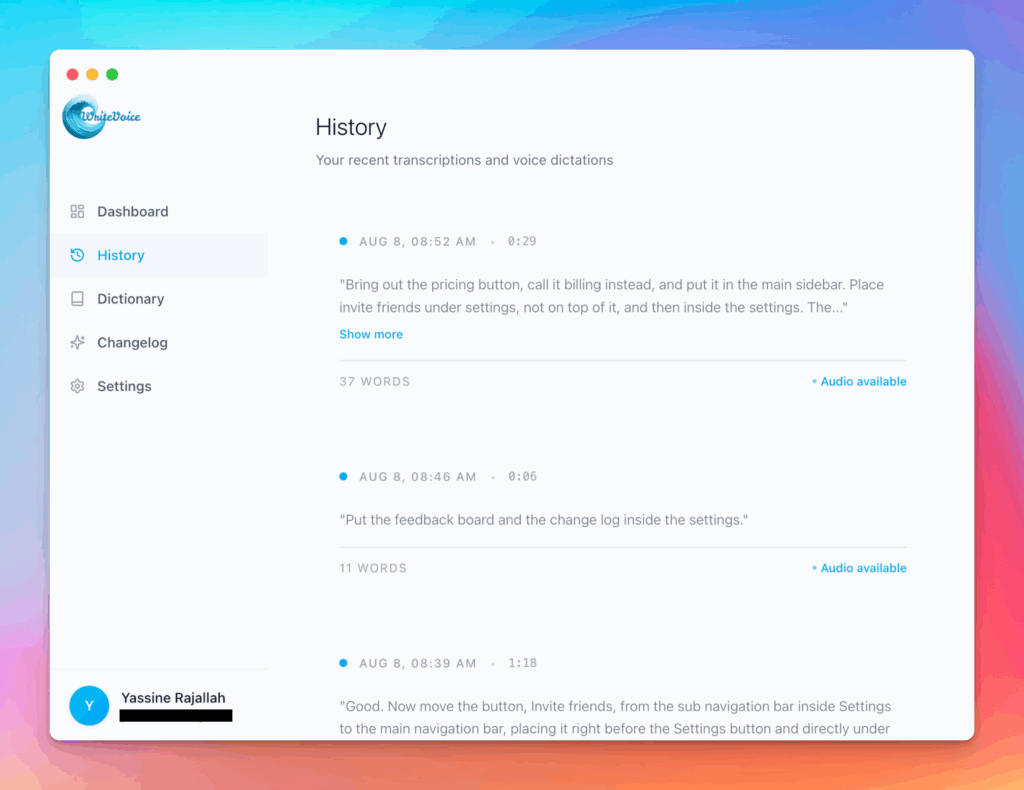
Works in any app
Press one hotkey and speak; your words appear as clean, punctuated text in Slack, Gmail, Docs, Jira, Notion, and VS Code—no context switching, just speed with writevoice
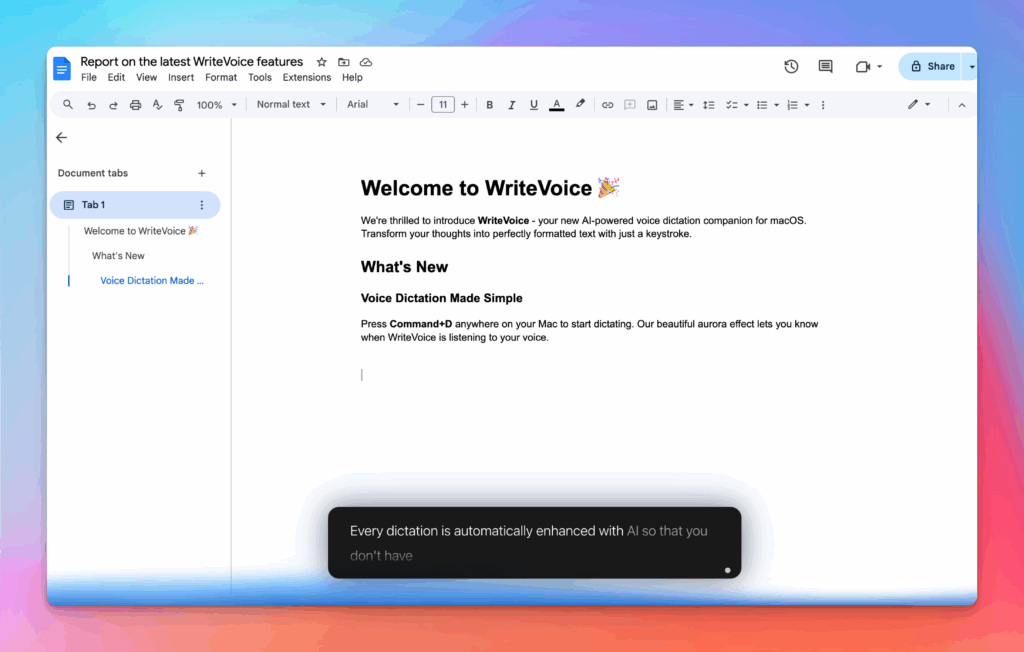
Accurate, multilingual, and smart
97%+ recognition, smart punctuation, and 99+ languages so your ideas land first try, built for teams and pros.
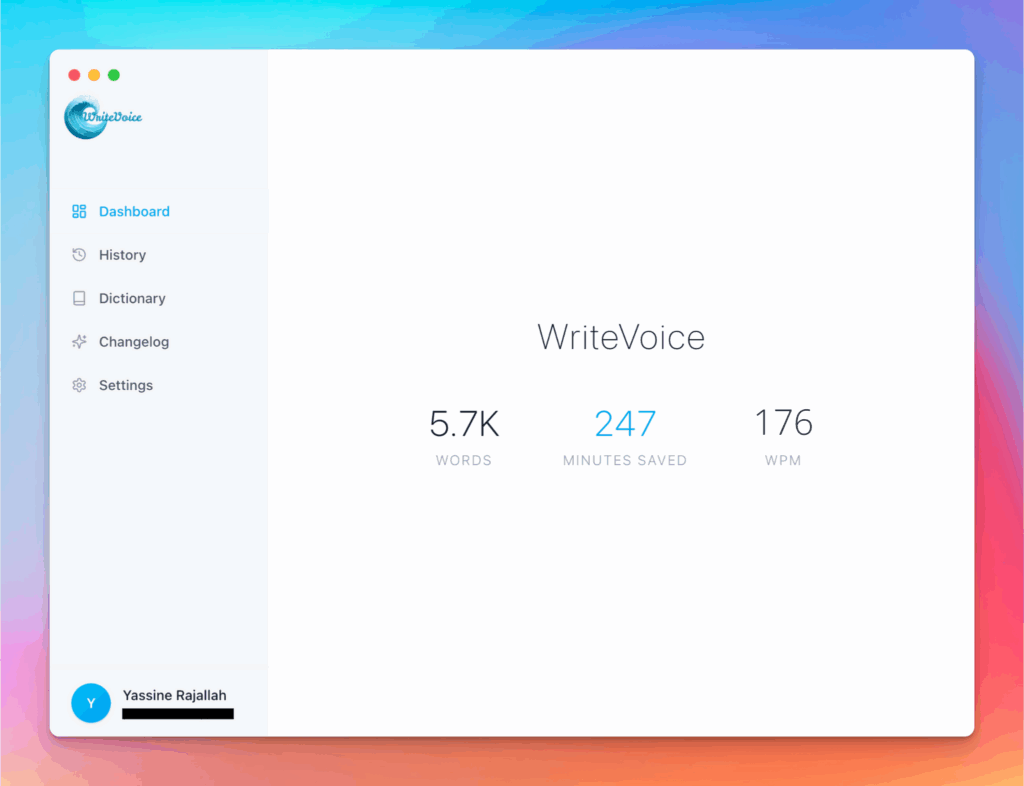
Private by default
Zero retention, audio and text are discarded instantly, with on-device controls so you can dictate sensitive work confidently.