
Information Technology Onboarding Checklist
Smooth onboarding creates lasting relationships. This Information Technology Onboarding Checklist transforms confusing starts into confident beginnings that set everyone up for success. Whether people, systems, or services, build the repeatable process that scales excellence. Stop reinventing onboarding and start perfecting it.
Infrastructure Setup
□ Network account creation
□ Active Directory setup
□ Exchange mailbox creation
□ Office 365 licensing
□ Azure AD configuration
□ Google Workspace setup
□ AWS/Cloud accounts
□ Database access grants
□ Server permissions
□ Storage allocation
□ Bandwidth provisioning
□ DNS entries
Endpoint Management
□ Device enrollment
□ MDM profile installation
□ Compliance policies
□ Update management
□ Antivirus deployment
□ Encryption enablement
□ Certificate installation
□ Proxy configuration
□ Group policy application
□ Software deployment
□ Patch management
□ Asset tracking
Identity Management
□ SSO configuration
□ LDAP integration
□ SAML setup
□ OAuth provisioning
□ API key generation
□ Service accounts
□ Privileged access
□ Role assignments
□ Permission matrices
□ Access reviews
□ Password vaults
□ Key management
Collaboration Platforms
□ Microsoft Teams setup
□ Slack workspace access
□ Zoom account creation
□ WebEx provisioning
□ SharePoint sites
□ OneDrive configuration
□ Google Drive access
□ Confluence spaces
□ Wiki permissions
□ Document libraries
□ Project workspaces
□ Shared calendars
Development Environment
□ IDE installation
□ Version control access
□ Repository permissions
□ Build tool setup
□ Package managers
□ Docker configuration
□ Kubernetes access
□ Testing frameworks
□ Debugging tools
□ Performance profilers
□ Code analyzers
□ Documentation tools
Security Implementation
□ Zero Trust setup
□ Conditional access
□ DLP policies
□ SIEM integration
□ SOC notifications
□ Incident response
□ Forensics tools
□ Vulnerability scanning
□ Penetration testing
□ Security training
□ Phishing simulation
□ Compliance tracking
Monitoring & Analytics
□ System monitoring
□ Application insights
□ Log aggregation
□ Performance metrics
□ Alerting rules
□ Dashboard access
□ Report subscriptions
□ Analytics tools
□ Business intelligence
□ Data visualization
□ Capacity planning
□ Trend analysis
Service Management
□ ITSM platform access
□ Incident management
□ Change control
□ Problem management
□ Service catalog
□ Knowledge base
□ Self-service portal
□ Workflow automation
□ SLA tracking
□ Asset management
□ Configuration items
□ Service mapping
Compliance & Governance
□ Policy acknowledgments
□ Regulatory training
□ Data classification
□ Privacy requirements
□ Retention policies
□ Audit preparations
□ Risk assessments
□ Control validations
□ Exception handling
□ Evidence collection
□ Compliance reporting
□ Certification tracking
Disaster Recovery
□ Backup enrollment
□ Recovery procedures
□ Failover access
□ Emergency contacts
□ Escalation paths
□ BCP documentation
□ DR testing schedule
□ RTO/RPO awareness
□ Data restoration
□ System recovery
□ Communication plans
□ Alternative access
Knowledge Transfer
□ Architecture overview
□ System documentation
□ Process workflows
□ Standard procedures
□ Troubleshooting guides
□ Runbook access
□ Automation scripts
□ Configuration standards
□ Best practices
□ Lessons learned
□ Project histories
□ Technical debt
Performance Enablement
□ Skills assessment
□ Training pathways
□ Certification plans
□ Lab environments
□ Sandbox access
□ Documentation time
□ Innovation projects
□ Hackathon participation
□ Conference attendance
□ Online courses
□ Mentorship program
□ Career development
How the Information Technology Onboarding Checklist works
Define what you’re onboarding and success criteria. Input timeline and resource constraints. The AI generates a phased information technology onboarding checklist with clear milestones and validation points. Track progress, identify bottlenecks, and continuously improve. Export templates for consistency.
Poor onboarding compounds into massive problems. Early confusion becomes lasting frustration, missing steps create future failures, and bad experiences spread faster than good ones. This checklist ensures systematic success from the start. It’s how professionals build scalable excellence.
Meet the smartest dictation for auto-formatted and ready-to-send text
WriteVoice turns your voice into clean, punctuated text that works in any app. Create and ship faster without typing. Your first step was Information Technology Onboarding Checklist; your next step is instant dictation with WriteVoice.
A blazing-fast voice dictation
Press a hotkey and talk. WriteVoice inserts accurate, formatted text into any app, no context switching
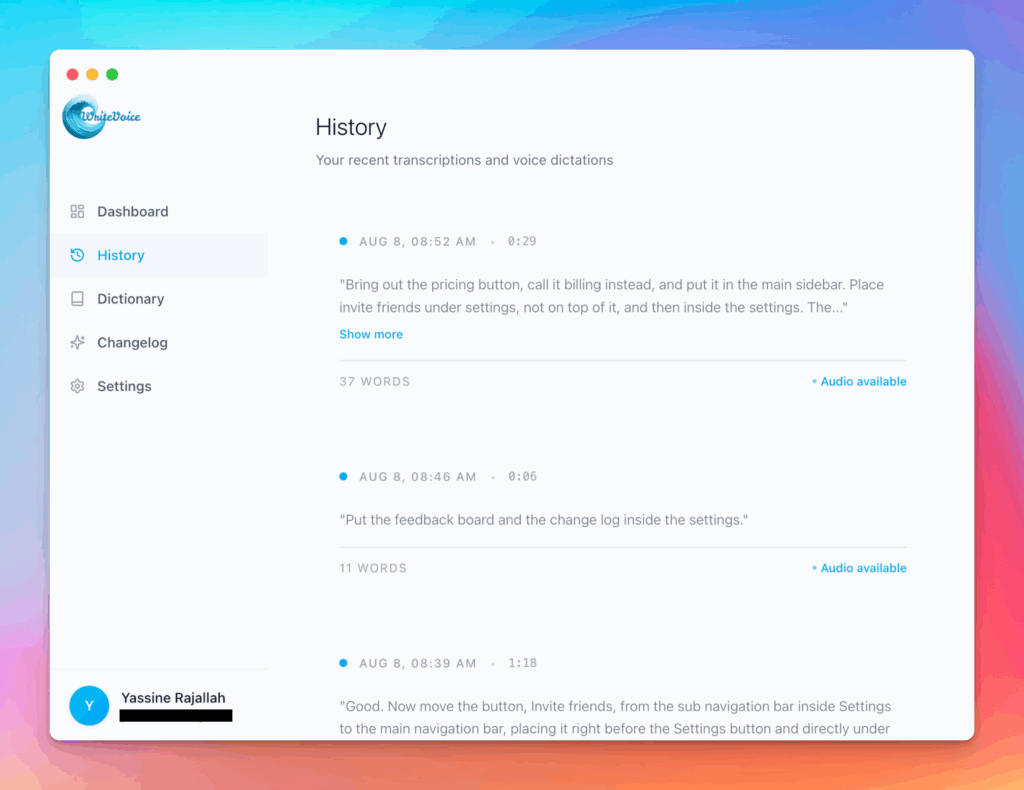
Works in any app
Press one hotkey and speak; your words appear as clean, punctuated text in Slack, Gmail, Docs, Jira, Notion, and VS Code—no context switching, just speed with writevoice
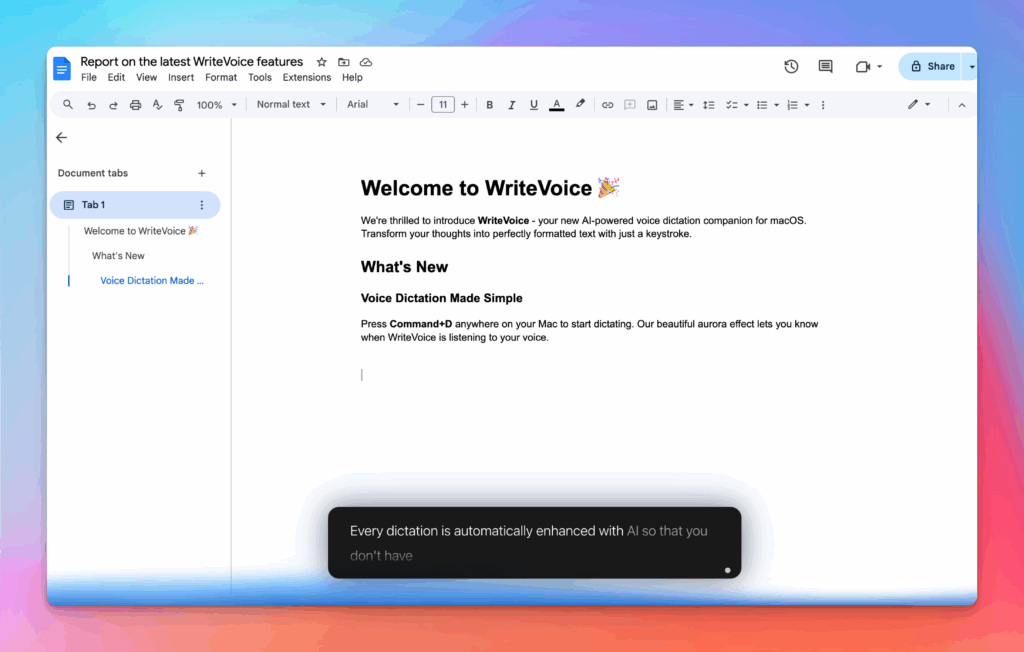
Accurate, multilingual, and smart
97%+ recognition, smart punctuation, and 99+ languages so your ideas land first try, built for teams and pros.
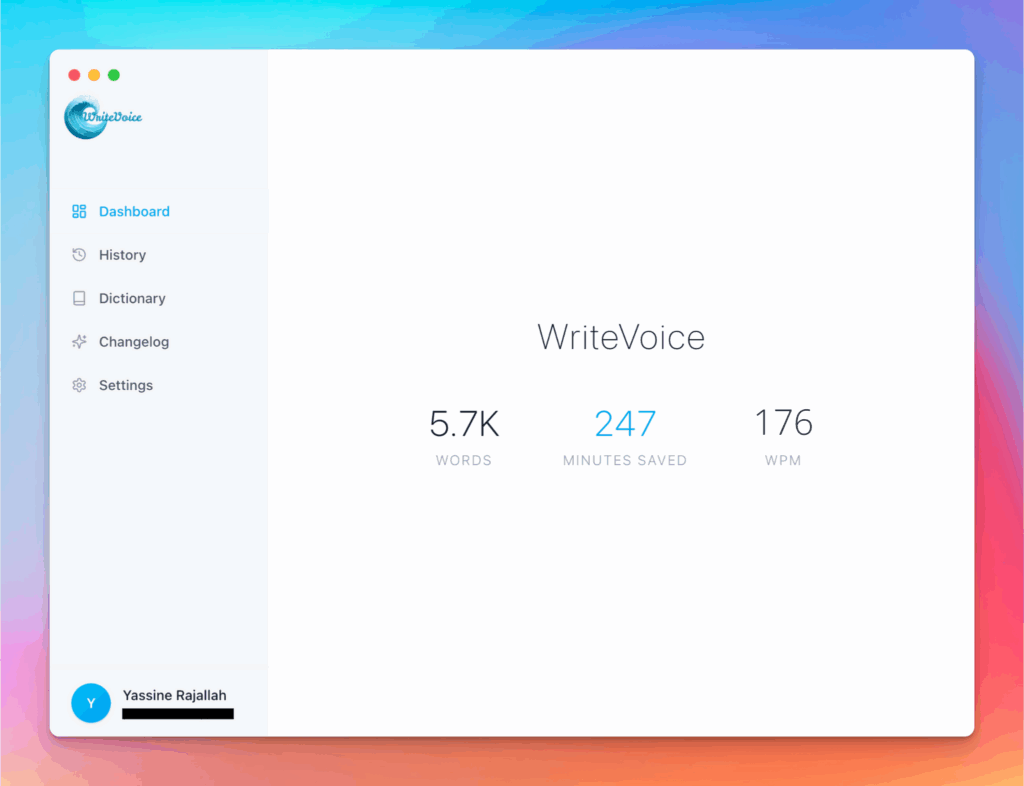
Private by default
Zero retention, audio and text are discarded instantly, with on-device controls so you can dictate sensitive work confidently.