Your Guide to a Voice Activated Recorder App
A voice activated recorder app is a smart helper on your phone. It only records when it hears a sound. It skips all the quiet parts. This saves you time and space on your phone.
What Is a Voice Activated Recorder App
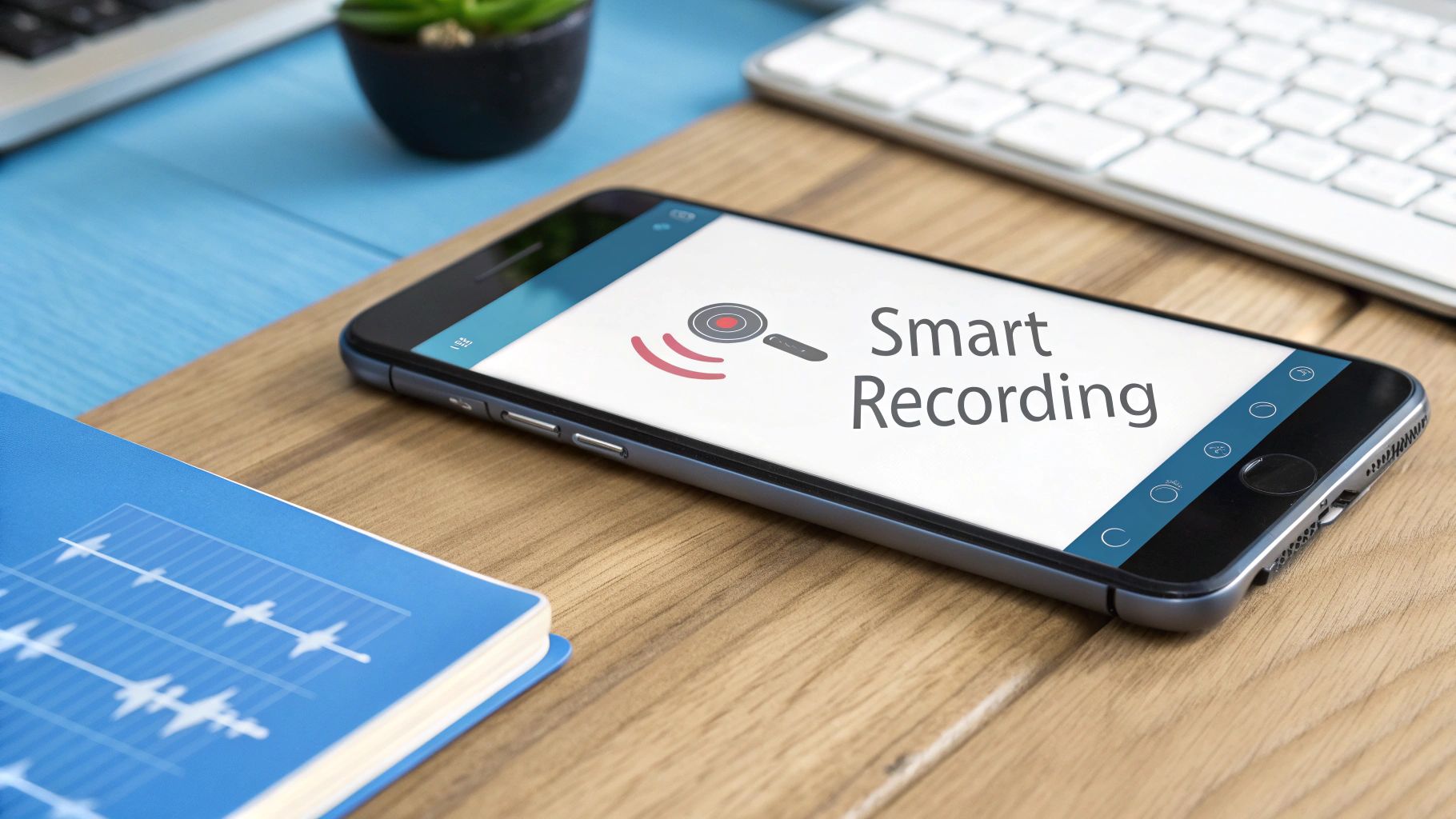
Think of a porch light that only turns on when someone walks by. The light doesn't stay on all night. A voice activated recorder app works the same way but with sound.
This smart app on your phone listens for sounds. It knows the difference between quiet and sound. So it rests when it is quiet. The moment it hears a voice, it starts recording right away.
When the sound stops, the app pauses again. This means you don't record hours of silence. This is great for your phone's memory and its battery.
Why Smart Recording Is a Big Deal
Think about a normal recorder. You press a button to start and a button to stop. It records everything in between. It records the talk, but also the long quiet parts and shuffling papers.
When you listen to it, you have to skip through all the empty parts. It’s like looking for your favorite toy in a big messy room. A voice activated recorder cleans up the room for you.
This smart idea gets rid of the boring parts. You get a clean recording with just the words that matter.
This kind of app is getting very popular. More and more people are using them. Many now use smart AI to work even better. Over 3 out of 4 people with a smartphone use their voice to do things. So this app is a really helpful next step. You can learn more about voice activated recorder market trends and see the numbers yourself.
Here is a simple way to see the difference.
Why a Smart App Is Better
See why a smart recording app is better than a regular one.
| What it does | Regular Recorder App | Voice Activated Recorder App |
|---|---|---|
| How it starts | You press a start/stop button | It starts and stops with sound |
| What's inside | Has all the quiet parts | Only has the talking parts |
| Listening time | Long; you have to skip silence | Fast; you hear just the good parts |
| Space it uses | A lot; saves all the silence | Not much; only saves sounds |
| Battery it uses | A lot; it's always recording | A little; it "sleeps" when quiet |
A voice-activated app gives you a better recording with less work.
Who Uses This App
A voice activated recorder is a tool that helps many different people. It makes recording easy and fast.
Here are a few examples:
- Students: A student can record a long class. The app will only save the teacher's voice. This makes it much easier to study for a test.
- Reporters: A reporter doing an interview can get a clean recording. It won't have all the "ums" and quiet breaks. This makes it faster to find good quotes.
- People at Work: In a meeting, you can record all the big ideas. You won't have to record the quiet times when people are thinking. This gives you a short, helpful summary of the meeting.
This app is for anyone who needs to record important sounds without the boring silent parts. It is a smarter way to record.
How These Smart Apps Know When to Listen
Have you ever wondered how the app knows when to start recording? It's not magic. It's just smart technology. These apps have very good digital "ears." They are always listening for one thing: a sound that is loud enough to be important.
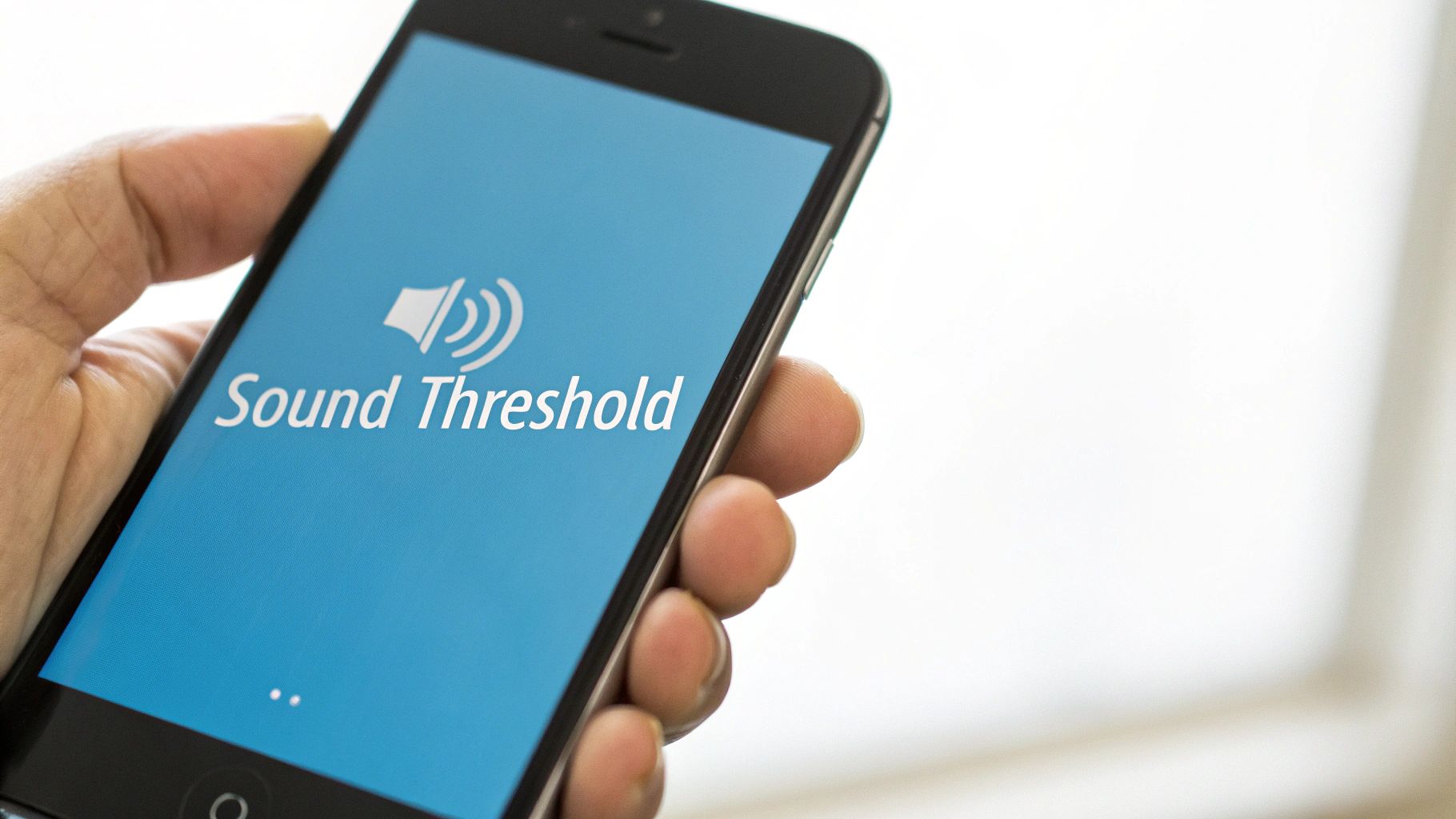
This works because of something called a sound threshold. Think of it like a gate for your microphone. The gate's job is simple. It only opens to record when a sound is louder than a level you set. If a sound is too quiet, the gate stays shut.
And the best part? You are in charge of the gate. You can go into the app's settings. You can tell it how loud a sound needs to be to start recording. It’s like telling a dog to only bark when someone is at the door, not for every leaf that falls.
Setting the Right Sound Level
When a sound is louder than the level you set, the app starts recording. As soon as the sound gets quiet again, the app pauses.
This simple but smart tool makes these apps so useful. They get rid of all the silent parts. You get a clean sound file with only the parts that matter. No more hunting through minutes of quiet to find what you want to hear.
Think about how you could use this in different places:
- In a quiet library: You can set the sound level very low. This will pick up even a soft whisper.
- In a busy coffee shop: You can set the sound level higher. This will ignore the clatter of dishes and only record the talk at your table.
- In a big meeting room: You can set the level just right to hear the main speaker. It will ignore small sounds like a cough from far away.
Being able to tell the app what to listen for is what makes it a smart tool. It lets you record exactly what you need, no matter where you are.
The Brains Behind It
How does it really work? The app is always listening to sound. It measures how loud the sound is in something called decibels (dB). When you change the sound level, you are telling the app, "Only record if the sound is louder than X decibels."
This smart listening is a small part of a bigger puzzle. It's how computers learn to understand people. If you want to know more about how computers understand words, check out our guide on what is Natural Language Processing.
This smart listening feature makes your life easier. It makes sure your recordings are short, helpful, and have no fluff. This saves you a lot of time later.
Must-Have Features for Your Recorder App
Picking the right voice-activated recorder app is like picking the right tool for a job. A simple hammer can hit a nail. But a power drill does it faster and better. Not all recorder apps are the same. A few special features can make a big difference.
Let's look at the "must-have" features that make an app great.
Control How the App Hears
A great app lets you control its "ears." This is called Sound Threshold Control. It's like a volume knob for what the app thinks is important enough to record.
Let's say you're in a loud coffee shop. With this feature, you can tell the app to ignore the background noise. It will only wake up and record a voice that is loud enough. This gives you a much cleaner recording of just the talk.
Turn Talk into Words on a Page
Now for a feature that seems like magic: Automatic Transcription. This is when the app turns spoken words into written words. You can read the conversation instead of listening to it.
This saves a lot of time. Think of a reporter after an interview. Instead of listening to a long recording to find one sentence, they can just search for a word in the text. This is a huge help.
Good transcription is not just about getting the words right. It's about being fast and correct. One wrong word can change what a sentence means. So a very good transcription tool is a must-have.
Save Your Recordings Online
Have you ever lost a file you worked hard on? Cloud Sync is a feature that makes sure this never happens to your recordings. It saves a copy of your files safely online.
This is a big help for students. They can record a class on their phone. When they get home, the file is already on their computer, ready to use. You don't have to move files yourself, and you don't have to worry about losing them.
Know Who Is Talking
The smartest apps can now tell different voices apart. This is called Speaker Identification. This is a great feature that knows who is talking in a recording.
The app gives each speaker a label, like "Speaker 1" and "Speaker 2." This is very helpful for meetings with many people. You can see exactly who said what.
This kind of smart tool is why the market for voice recorders is growing so fast. With most people owning a smartphone, these helpful tools are easier to get than ever.
Keep Your Recordings Safe
Your recordings can have private information. That's why privacy is very important. A good app will tell you how it protects your files.
Before you get an app, you should read its rules. Learning about key considerations for app privacy policies will help you pick an app that keeps your secrets safe.
How People Use These Apps in Real Life
A voice activated recorder app is not just a fancy toy. It's a tool that helps people with real problems. Think of it as a smart helper that only pays attention when something important is said.
Let's see how different people use these apps every day.
A Student's Secret Study Helper
Think of a big classroom. The teacher talks, then stops to write on the board, then talks again. A normal recorder would save everything, including the long, quiet parts. This is hard to listen to later.
But a voice-activated app is smarter. It pauses when things are quiet. For a student named Alex, this is a big help. When he studies for a test, his recording is short and full of just the teacher's words.
He doesn't have to skip through all the quiet parts. He just gets the important information.
A Reporter's Best Friend
Now, think of a reporter named Maya. She is doing an interview in a loud coffee shop. The sounds of coffee machines and other people talking can make it hard to hear.
Maya's app is set to listen for louder sounds. It focuses on her voice and the voice of the person she is talking to. It helps block out the other noises.
When she gets back to her office, the recording is clear. The app helped her get a clean sound file. This makes it easier for her to write her story.
A Musician's Great Idea
Good ideas can come at any time. For a musician named Leo, a new song might pop into his head late at night. Trying to find a recording app on his phone might make him forget the idea.
With a voice-activated recorder, Leo just has to start humming. The app hears him and starts recording right away. His idea is saved before it can fly away. It's like having a helper who is always ready.
These stories show that a voice activated recorder app is about helping real people. It helps them learn, work, and create new things.
The picture below shows some of the people who use these apps and why.
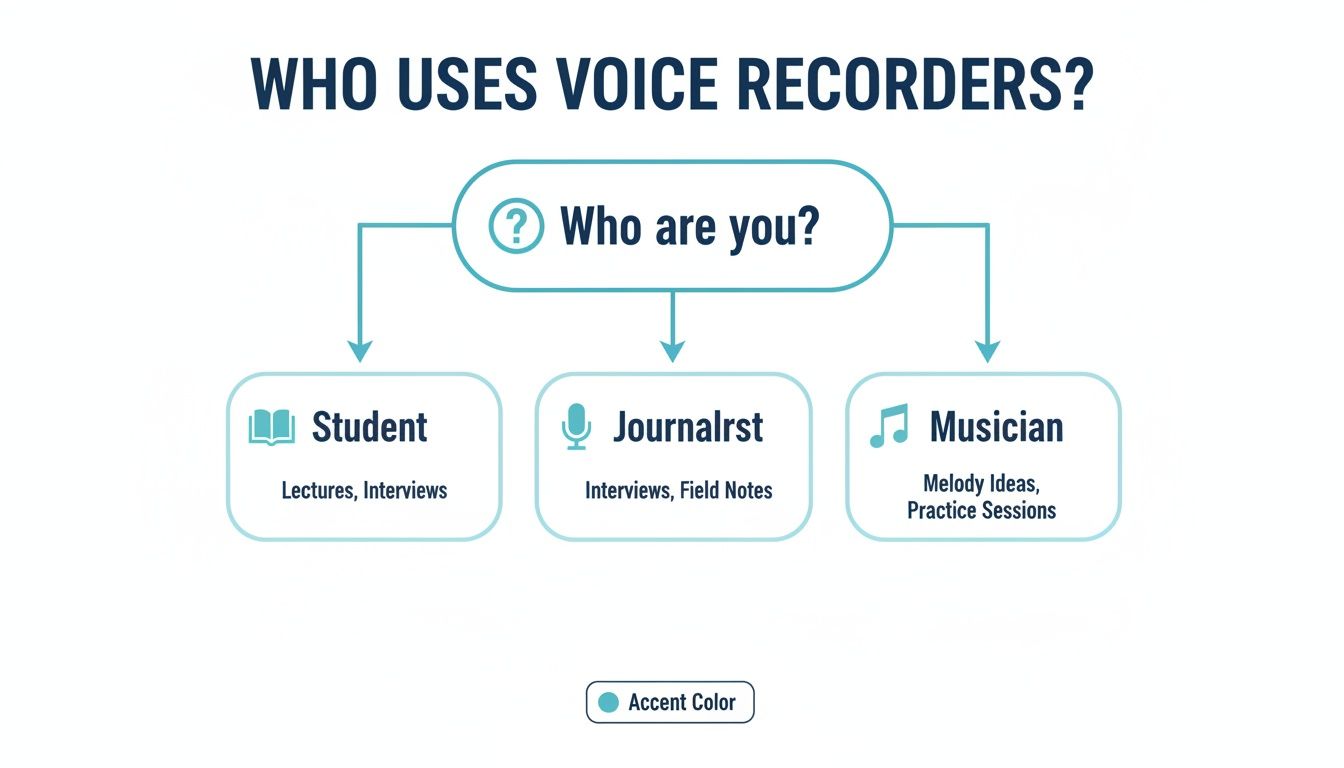
As you can see, people in many different jobs find great ways to use this tool.
Who Uses These Apps and Why
Here is a quick look at how different people use a voice-activated app.
| Job | How They Use the App | What They Get |
|---|---|---|
| Students | Record classes and study groups. | Short study notes without the quiet parts. |
| Reporters | Record interviews in loud places. | Clean sound files that are easy to turn into text. |
| Researchers | Record talks with groups of people. | Saves all the important words and saves time. |
| Writers | Speak their ideas and notes out loud. | Saves ideas right away without having to type. |
| Musicians | Record new song ideas quickly. | Saves new ideas the moment they think of them. |
Anyone who needs to record sound can find a good use for these smart tools.
A Big Change in How We Work
More people are working from home now. This has made these apps more important than ever. They help people keep up with all the online meetings.
The number of people using this technology shows this change. The business for these tools is growing fast. Working from home has turned these apps from a nice-to-have into a must-have. They help record, write down, and search for what was said in meetings. You can find more data on the growth of the digital voice recorder market.
A voice activated recorder helps you get your work done, no matter where you are.
How to Choose the Right App for You
Picking the best voice activated recorder app can be tricky. They can all look the same. But some are made for certain jobs. The secret is to find the one that is perfect for you.
Let's ask a few simple questions. Answering them will help you find an app that helps you, not one that makes things harder.
What Will You Record?
First, think about what you need to record. Are you a student who needs to record a long class? Or are you someone who wants to save quick ideas before you forget them?
Your answer is very important.
- For Long Recordings: If you record long meetings or classes, battery life is key. You need an app that saves power. It should "sleep" during quiet parts so your phone's battery lasts.
- For Quick Ideas: If you just want to save quick thoughts, speed is what matters. The best app for you will open and start recording in a second. You don't want to lose a good idea while you mess with a slow app.
An app like WriteVoice is made for both. It saves battery during long recordings. It is also ready right away for your quick notes.
What Will You Do With the Recordings?
Next, think about what you will do after you record. Will you need to find one sentence in a long recording? Or will you just listen to the whole thing again? What you do later will help you know what features you need.
The biggest time-saver is transcription. This means turning your spoken words into text. It's like having a helper who types everything out for you.
If you need your recordings written down, you need a good transcription tool. This feature turns your sound file into text you can search. You can find what you need in seconds. You don't have to listen to the whole recording.
What About Space and Safety?
Last, let's talk about your phone's memory and the safety of your recordings. Does your phone always say it's out of space? And are your recordings private?
Many of the best apps now offer cloud sync. This saves a copy of your recordings online. This is a big help if you don't have much space on your phone. It also means your files are safe and you can get to them from any computer or phone.
For safety, always look at the app's privacy rules. Your recordings could have private information. It's a good idea to learn about whether voice AI is safe and how good apps protect your files.
By thinking about what you need, you can pick the right tool for the job. You'll get an app that works for you.
Common Questions About Voice Recorder Apps
When you try a new kind of app, you will have questions. You might wonder how a voice-activated recorder app will affect your phone. Or you might worry about your privacy. Let's answer some of the most common questions.
How Much Battery Does It Use?
Everyone worries about battery life. People think that an app that is "always listening" must use a lot of power. But that's not how these new apps work.
Think of it like a light that turns on when it sees motion. It doesn't use much power when it's just waiting.
When it's quiet, the app is mostly asleep. It uses very little battery. It only uses more power when it is actually recording sound. This smart way of listening saves a lot of battery.
This smart "sleep" mode is a big deal. It saves a lot of battery compared to old recorders that recorded everything, even the silent parts.
Will It Record if My Phone is Locked?
Yes, and that is one of its best features. A good voice-activated recorder is a tool you can "set and forget." You can trust it to work even when you are not looking at it.
The best apps, like WriteVoice, work perfectly even when your screen is off. They also work when you are using another app. This is very important for most people.
Think of a student in a long class. They can press record, lock their phone, and put it in their pocket. They can be sure the app will record everything important. The app just does its job in the background.
Is My Information Kept Private?
Your recordings can have anything from your private thoughts to secret work ideas. You need to know that this information is safe.
This is why you should pick an app with clear privacy rules. A good company will tell you how it handles your files. It will say if your files are stored on your phone or online. It will also tell you how it keeps them safe.
Before you download an app, take a minute to read its privacy rules. Look for promises to keep your files safe. Make sure it says it will not sell or share your information. This will give you peace of mind.
Are you ready to record your thoughts and talks with a smart and safe app? Try WriteVoice and see how easy recording and transcribing can be. Get started with WriteVoice today.