The 12 Best Places to Find Easy Meeting Notes Templates
Have you ever been in a meeting and later thought, "What did we decide to do?" If no one writes things down, good ideas can get lost. Using a template for your notes can help. A template for minute taking is like a fill-in-the-blanks page for a meeting. It helps you remember to write down who was there, what you talked about, what you decided, and who will do what. It turns messy talks into a clear plan.
But it's hard to talk and type at the same time. What if you could just talk, and the words appeared on the page? You can! If you use a template with a tool that types what you say, you can join the chat and still get great notes.
This list shows you the 12 best places to find templates for taking notes in meetings. We will show you where to get them and what they are best for. You will learn how to find the right one for any kind of meeting and use your voice to fill it out fast. Let's make your meetings better!
1. Microsoft Word (Microsoft Create)
Many people already know how to use Microsoft Word. It's a great place to start looking for templates for minute taking. You can find lots of free templates that are made by pros. They are not just blank pages. They have spots for who came to the meeting, what you planned to talk about, and what jobs people need to do.
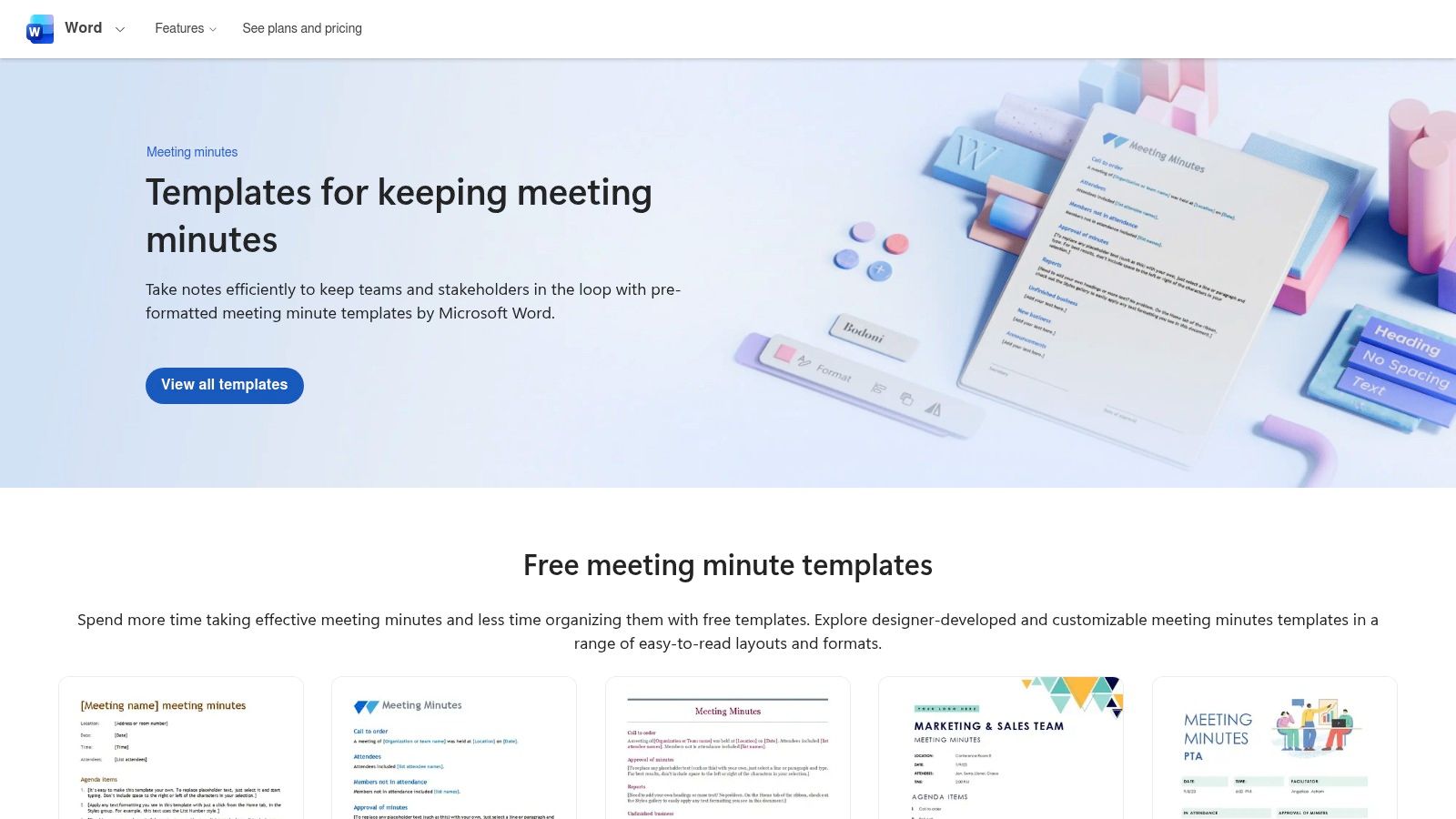
The best part is that it works well with other Microsoft tools. You can open a template right in Word on your computer or online. If your team uses OneDrive or SharePoint, you can all write on the same notes at the same time. This means no more mix-ups with different copies of the notes.
What Makes It Special?
If you have a special Microsoft 365 account, you can use an AI helper named Copilot. It can listen to a meeting recording and write the notes for you. This saves a lot of time, especially for long meetings. Learning to use these tools can make your work much easier. Find out more about how to take meeting notes effectively.
- Best for: Big companies and teams that already use Microsoft 365.
- How to get it: Templates are free. The best parts, like the AI helper, need a paid Microsoft 365 account.
- Good things: Easy to use because you already know it. Works well for teams.
- Bad things: The cool AI helper costs extra money.
Get Templates from Microsoft Create
2. Google Docs
If your team uses Google tools like Gmail and Google Calendar, then Google Docs is a super smart choice for your templates for minute taking. It has a cool trick. If you type "@" and pick a meeting from your calendar, Google Docs makes a notes page for you. It fills in the meeting name, date, and who was invited. It also makes spots for your notes and to-do lists.
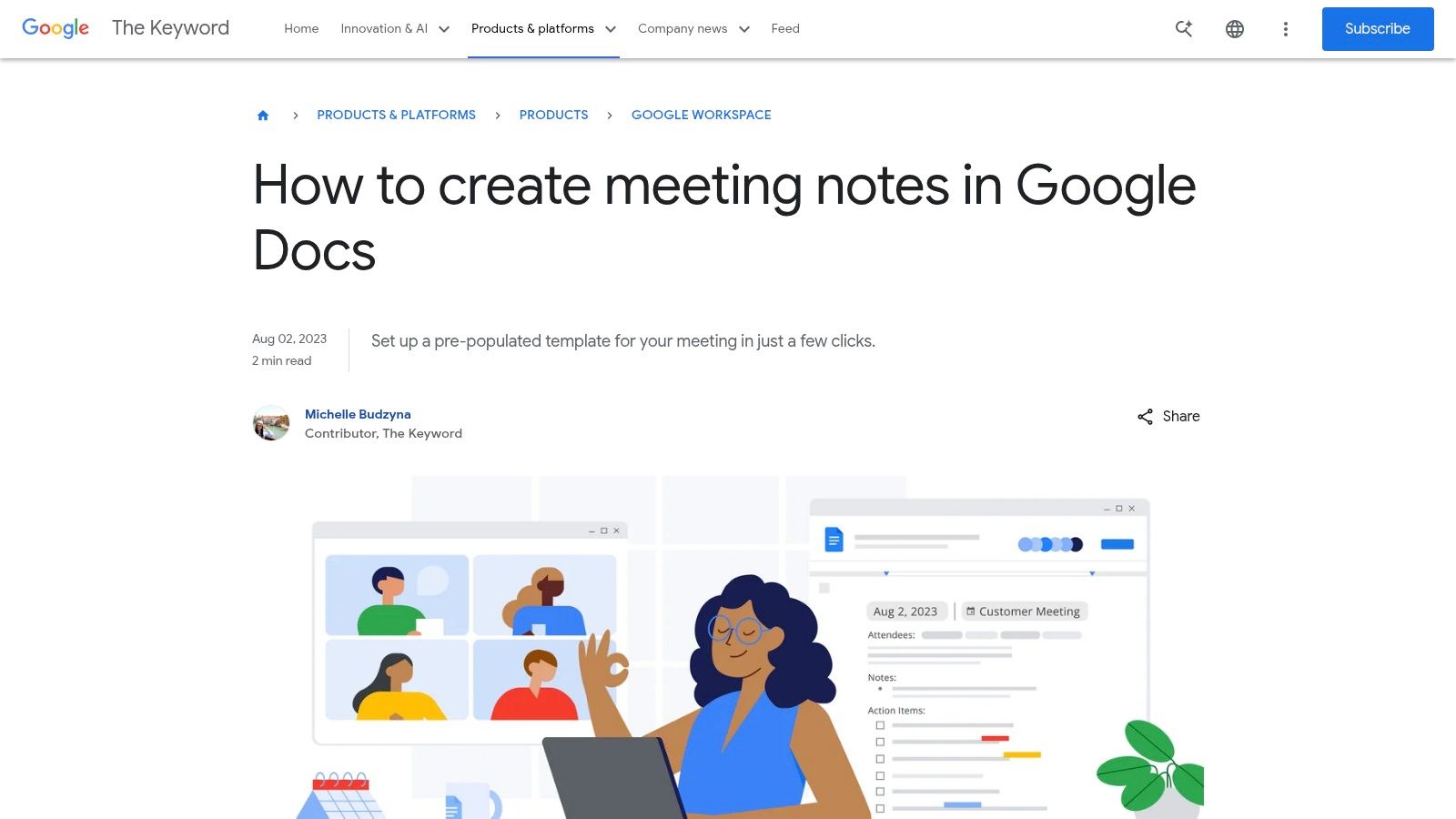
What's great about this is how fast and easy it is to share. With one click, you can make the notes and attach them to the meeting invite in your calendar. This way, everyone can see the notes before, during, and after the meeting. It's perfect for working together.
What Makes It Special?
The best part is how it connects to your Google Calendar. This trick saves you from having to make, name, and share a new file every time. The "@" trick gets you started right away, so you can focus on listening. It also works great if you want to talk your notes instead of typing. You can learn how to dictate in Google Docs to make taking notes even faster.
- Best for: Teams that use Google tools like Gmail, Calendar, and Drive.
- How to get it: Free with a Google account. More features come with a paid Google Workspace account.
- Good things: Great for working together at the same time. Super fast to make and share.
- Bad things: The notes might not look as official as some other templates. You need a Google account.
Learn About Google Docs Meeting Notes
3. Canva
Canva is for making your notes look beautiful. It offers a new way to make templates for minute taking. Instead of plain text, Canva gives you lots of cool designs. You can drag and drop pictures and change colors. This is great if you want your notes to look special for clients or for a big presentation.
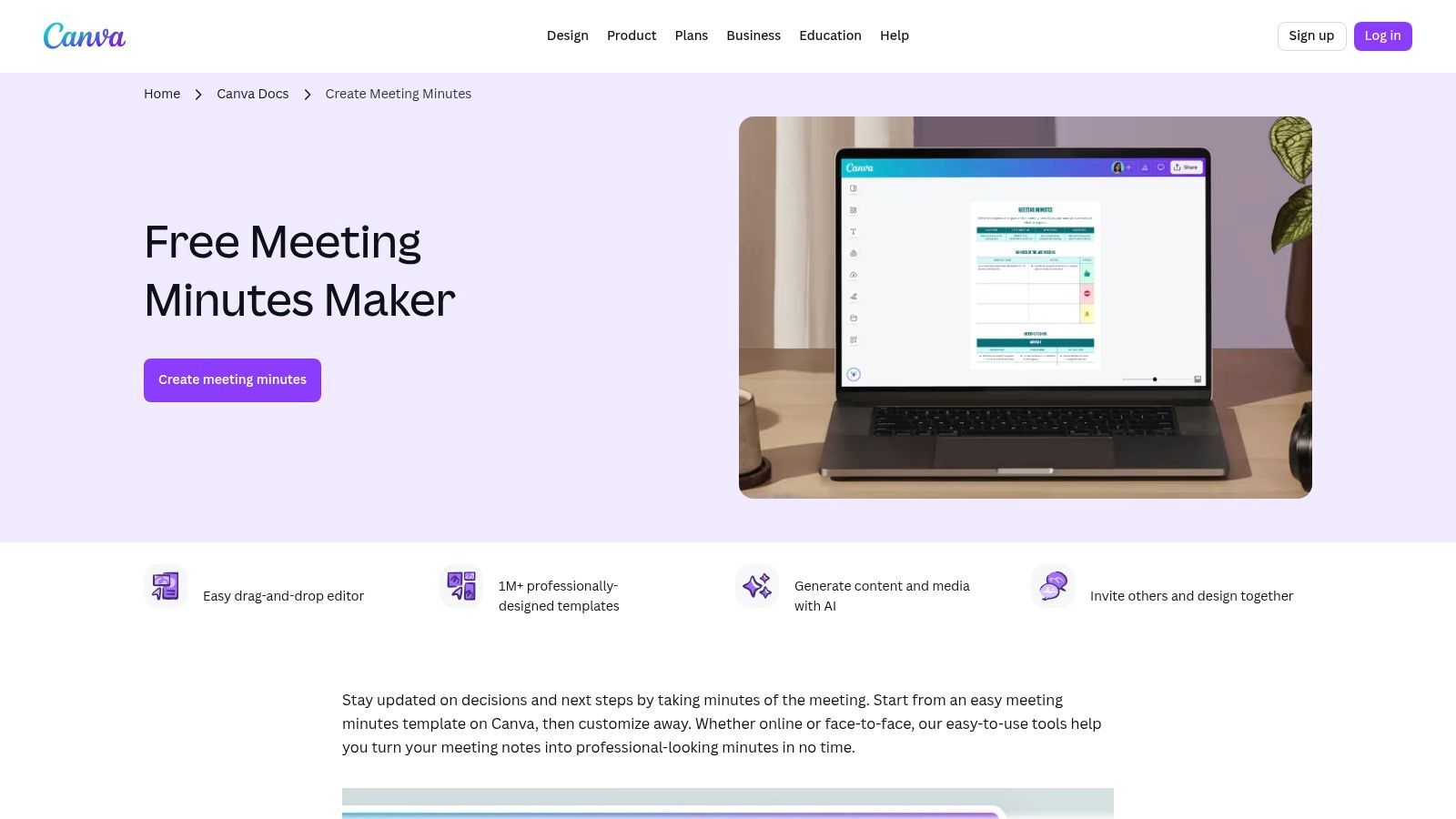
What's different about Canva is that it's all about looking good and being easy. A team can save their company colors, fonts, and logo. Then, anyone can make notes that match the company's style with just a few clicks. People can also work on the same design at the same time, which makes it easy to check the notes before sharing.
What Makes It Special?
Canva has an AI helper called Magic Write. It can help you write parts of your notes. You can ask it to make a summary of what was talked about or make your rough notes sound more professional. For example, if you say your notes out loud, the AI can help clean them up and put them in the right spots on the pretty template.
- Best for: Teams that want their notes to look great for people outside the company.
- How to get it: Many templates are free. To use special designs and team features, you need a Canva Pro account.
- Good things: Very easy to use. Makes your notes look amazing. Easy to share.
- Bad things: It doesn't track jobs that need to be done. You have to move the to-do list to another app.
4. Adobe (Acrobat/Express)
Adobe is for teams that want their notes to look very official and professional. Using Adobe Acrobat and Adobe Express, you can find great templates for minute taking. These templates are perfect for making papers that look good and match your company's style. They are good for notes that will be saved as company records.
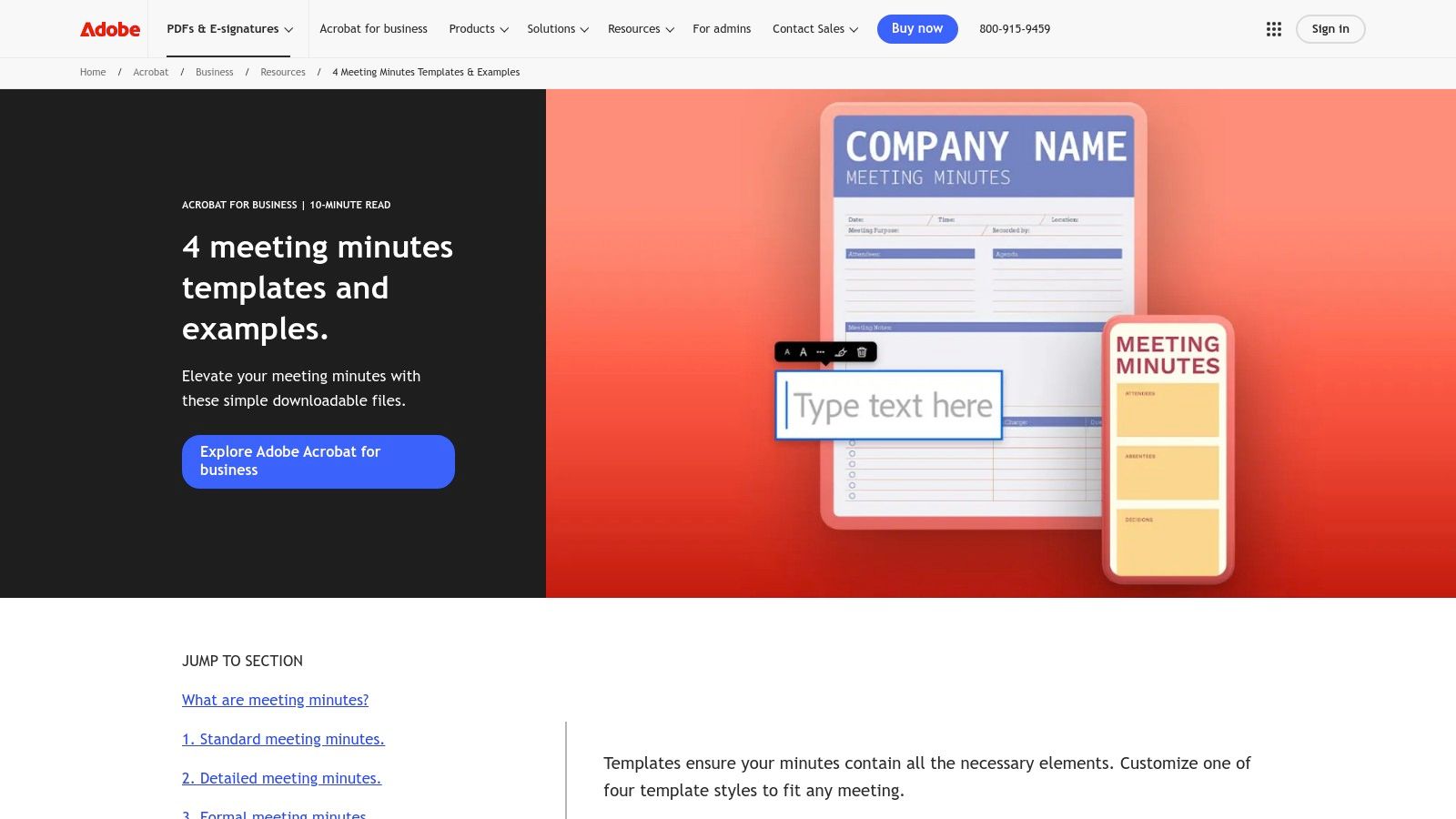
What makes Adobe different is that it's great for making the final copy. Other tools help you write notes together. Adobe helps you make a perfect, safe PDF file when you are done. You can use Adobe Express to add your company's logo and colors. Then, you can even have people sign the notes online to approve them.
What Makes It Special?
The best thing about using Adobe is how it works with PDF files. After you write the notes, you can easily turn them into a PDF that no one can change. This is very important for important meetings, like for lawyers or company leaders. Being able to sign the notes online saves a lot of time. No more printing, signing, and scanning.
- Best for: Companies that need to make official, safe PDF notes for their records.
- How to get it: Many templates are free. To change them a lot and use the PDF tools, you need a paid Adobe account.
- Good things: You can make the notes look exactly how you want. The PDF and online signature tools are very strong.
- Bad things: Not as good for writing notes together in real time.
5. Notion
For teams that use Notion for everything, it has some of the best templates for minute taking. Notion templates are not just for writing. They are like smart lists. This means your meeting notes can connect to other things in Notion, like your team's to-do lists and project plans.
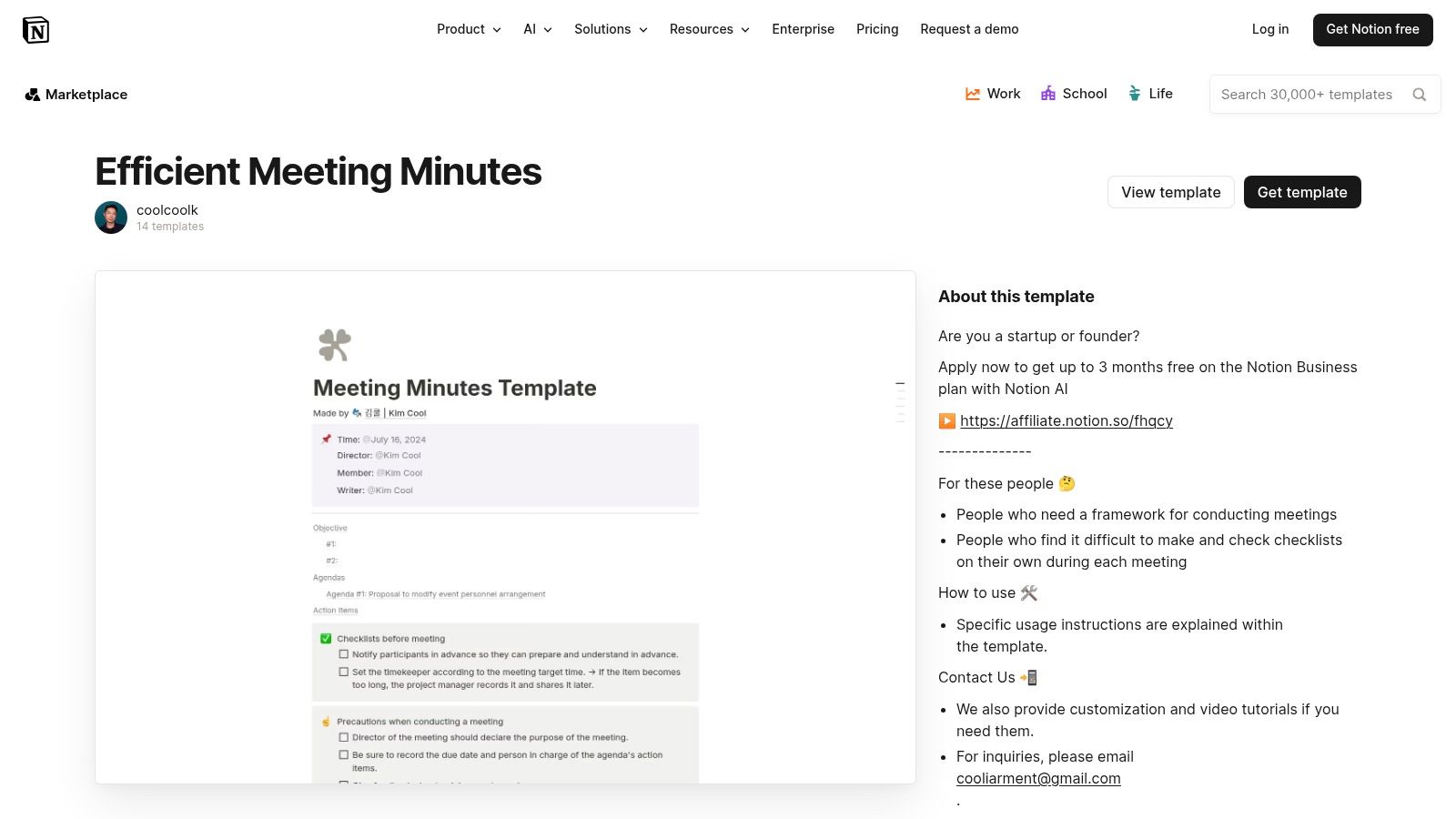
What's amazing about Notion is that everything is in one place. Your meeting notes can live right next to your projects. If you add a job to the meeting notes, it can pop up on that person's personal to-do list automatically. This keeps everyone on the same page. We talk about this idea in our guide on how to organize meeting notes.
What Makes It Special?
Notion lets you change any template to be perfect for your team. You can add new sections or create special views, like a list of "My Jobs to Do." It also has an AI helper that can write a summary of the meeting or pull out the to-do list for you. This makes Notion feel like a command center for your team, not just a notebook.
- Best for: Teams that already use Notion to keep track of their work and information.
- How to get it: You need a Notion account. There are many free templates you can use.
- Good things: Connects your notes directly to your projects and jobs. You can change it to work exactly how you want.
- Bad things: It can be a little hard to learn at first.
6. Smartsheet
Smartsheet gives you a lot of free, downloadable templates for minute taking. What's cool is that you can get them in many different styles, like for Word, Google Docs, or Excel. This lets your team use the tools they already like. Whether you need a simple plan for a team chat or a very official page for a big meeting, Smartsheet has one for you.
What makes Smartsheet special is that you have two choices. You can download a simple template to use by yourself. Or, you can put your notes right into a project plan inside the Smartsheet app. This is great for teams with lots of projects. It connects what you decide in a meeting right to the project's timeline and jobs.
What Makes It Special?
Smartsheet has templates for very specific needs. For example, it has templates that follow special rules for official meetings, called Robert's Rules of Order. When you download a template, it tells you what kind of meeting it's best for. This helps you pick the right one. For a project manager, there is a template with spots for the budget, problems, and project steps.
- Best for: Teams that want free templates in different formats (like Word or Google Docs) and teams that use Smartsheet for projects.
- How to get it: The templates are free to download. To use all the features of the Smartsheet app, you need to pay.
- Good things: Lots of templates for different kinds of meetings. You can connect notes to a live project plan.
- Bad things: The download website has a lot of ads. To work together on notes, you have to use the paid Smartsheet app.
7. Miro
Miro changes meeting notes from a simple list into a fun, colorful board. It is great for teams that work from different places. Miro gives you a visual template for minute taking on a giant online whiteboard. This is perfect for meetings where you share lots of ideas, because you can draw lines to connect them.
What makes Miro so cool is that everyone can write on the board at the same time. People can add sticky notes with their ideas or comments. This makes taking notes a team activity. After the meeting, the board can become your plan for what to do next. You don't have to move the ideas to a different place.
What Makes It Special?
Miro is best for teams that work online, especially for planning sprints, talking about designs, or big brainstorming sessions. The template gives you spots for the plan, notes, and jobs. But the real magic is that you can add drawings, pictures, and links to other things. It becomes a central spot for everything about the meeting.
- Best for: Teams that work from home, creative teams, and meetings where you want to see your ideas.
- How to get it: The template is free, but you need to sign up for a Miro account.
- Good things: Fun to use and great for teamwork. Easy to turn ideas into a real plan.
- Bad things: Not great for official notes with lots of writing. If you print it, it's not as fun.
8. Asana
Asana turns taking notes from just writing things down into doing things. Instead of just writing what was said, its templates for minute taking are made to turn decisions into jobs with due dates. These templates are part of your Asana projects, so they fit right in with your team's work.
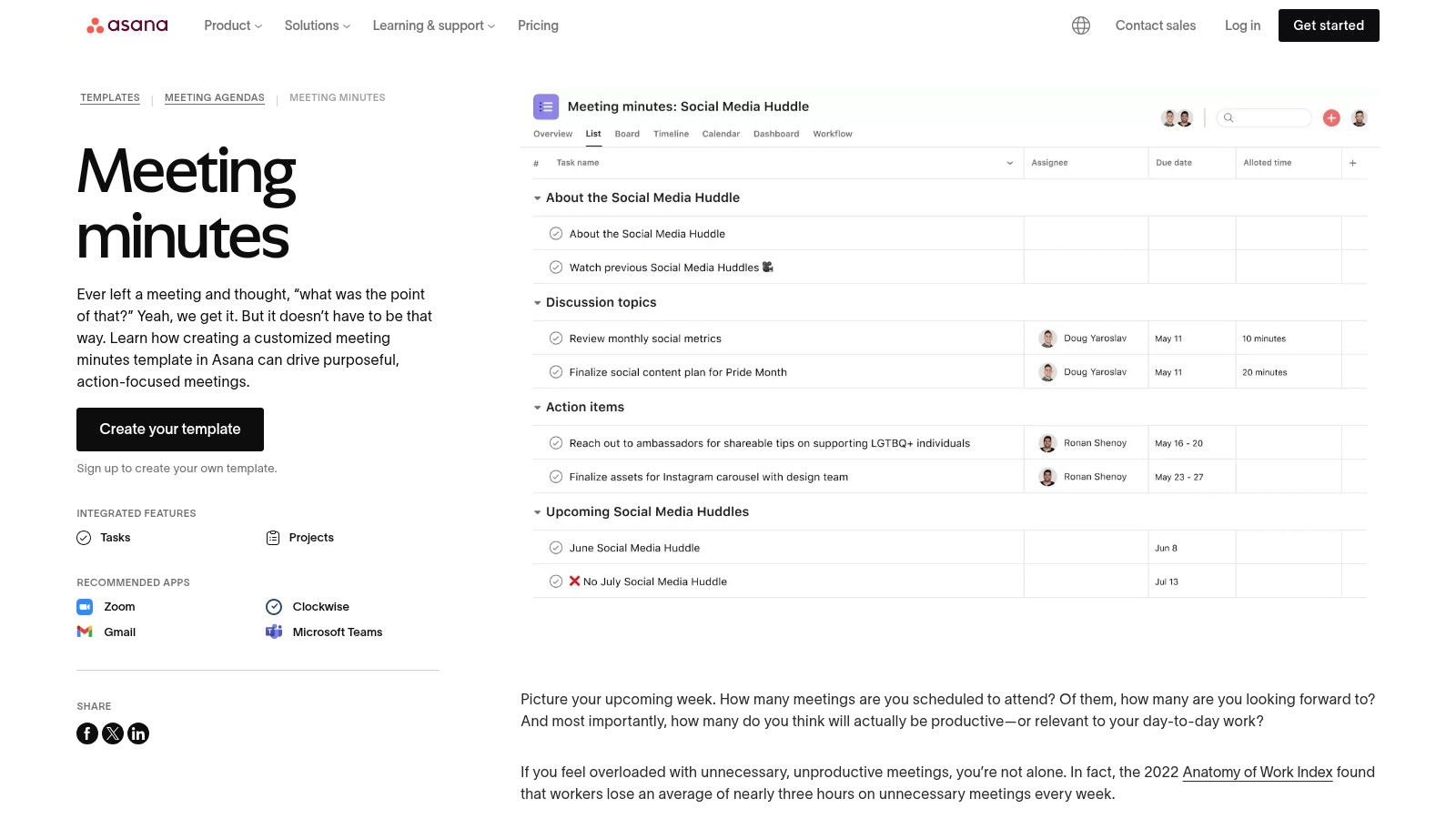
What makes Asana special is that it makes sure people do their jobs. A to-do item is not just a note. It's a task given to someone, and you can see it on their work list until it's done. Asana also works with tools like Zoom and Slack. This means you can pull ideas from a chat right into your meeting notes so nothing is forgotten.
What Makes It Special?
The best part of using Asana is that it can do things for you automatically. You can set it up to send reminders about jobs that are not done. This is great for project teams where what you decide in a meeting needs to become work right away. After a meeting, every new job is already given to someone with a deadline.
- Best for: Teams that need to make sure decisions in a meeting get turned into work that gets done.
- How to get it: The templates are free, but you need an Asana account to use them.
- Good things: Great for turning talk into jobs you can track. Works well with other meeting tools like Zoom.
- Bad things: Not the best for official notes you want to print. The whole team needs to use Asana for it to work well.
9. monday.com
For teams that use a project tool to plan their work, monday.com has great templates for minute taking. These templates are built right into the app. They do more than just help you take notes. They connect your notes to your team's jobs. This makes sure that ideas from a meeting don't get lost.
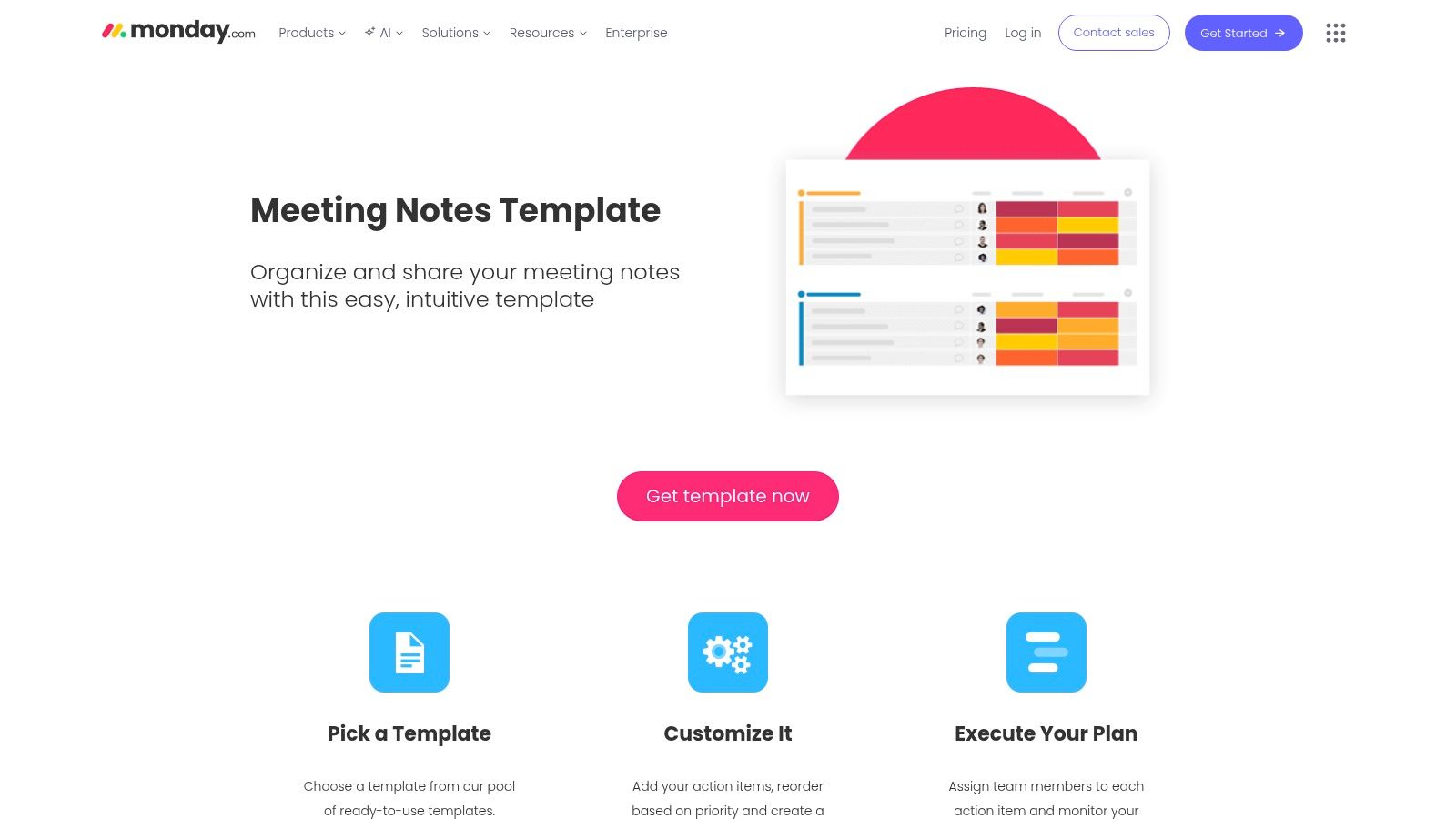
What makes monday.com special is how it can turn your notes into jobs automatically. You can write down who was at the meeting, what you talked about, what you decided, and who will do what. Then, the app can send reminders and update your project boards for you. This helps everyone know what they need to do.
What Makes It Special?
The best part about monday.com is that your notes live with all your other work. You can write the notes in a special document where everyone can help. But this document is right next to your project plans and calendars. For extra help, you can even get an AI helper to join your meeting and write a summary for you.
- Best for: Teams that already use monday.com for their projects and want to connect their notes and jobs.
- How to get it: The templates are free, but you need a monday.com account.
- Good things: Makes sure jobs from meetings get done. Easy to connect notes to your projects.
- Bad things: You have to use the monday.com app for it to work. The AI helper costs extra money.
10. Fellow.app
Fellow is an app made just for meetings. It has a huge library with over 500 templates for minute taking. Unlike other tools, Fellow connects to your calendar. This lets you link your meeting plan, notes, and jobs to a specific meeting. It has templates for all kinds of meetings, from official board meetings to quick team chats.
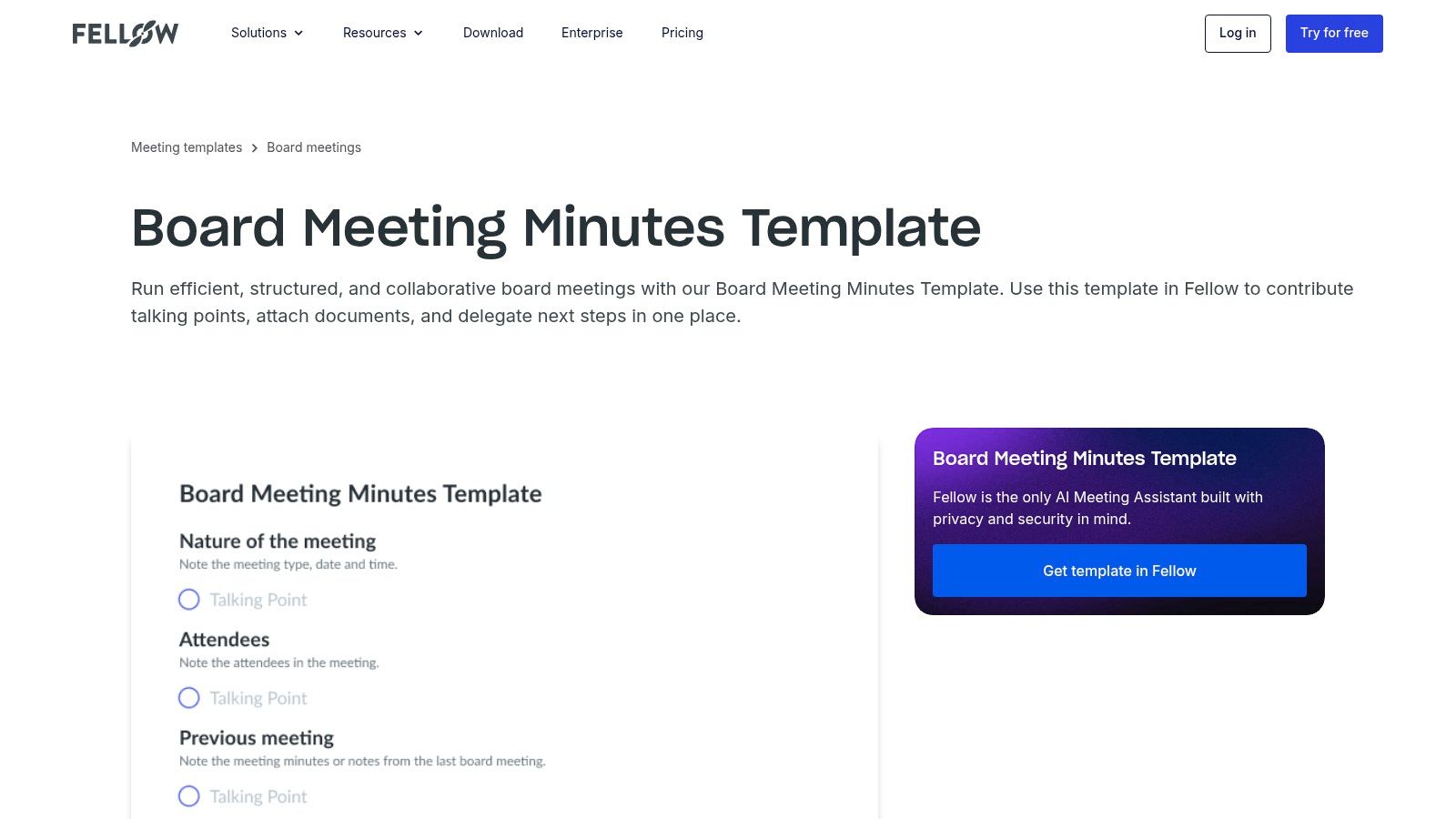
What makes Fellow different is that it helps with the whole meeting, not just the notes. Before the meeting, you can work together on a plan. During the meeting, you can write notes and give out jobs. If you have the same meeting every week, you can set a template to be used automatically. This keeps everything organized.
What Makes It Special?
Fellow has a smart AI helper. It can write down everything that is said in a meeting. Then, it can find the most important decisions and jobs from the talk. This helps make sure you don't miss anything important. It's a great tool for teams that want to make their meetings better and more organized.
- Best for: Teams that want one special tool to handle all their meeting plans, notes, and jobs.
- How to get it: There is a free version. The cool AI parts and other features are in the paid version.
- Good things: Has a huge number of templates for meetings. Connects well with your calendar.
- Bad things: It works best if your whole team uses it. The best AI helpers cost money.
11. Template.net
Template.net is like a giant online store for templates. You can find templates for minute taking for almost any kind of meeting you can think of. You can get templates that work with Google Docs, Word, Excel, and as PDFs. If you need a special kind of notes page for a church group, a club, or a school meeting, you will probably find it here.
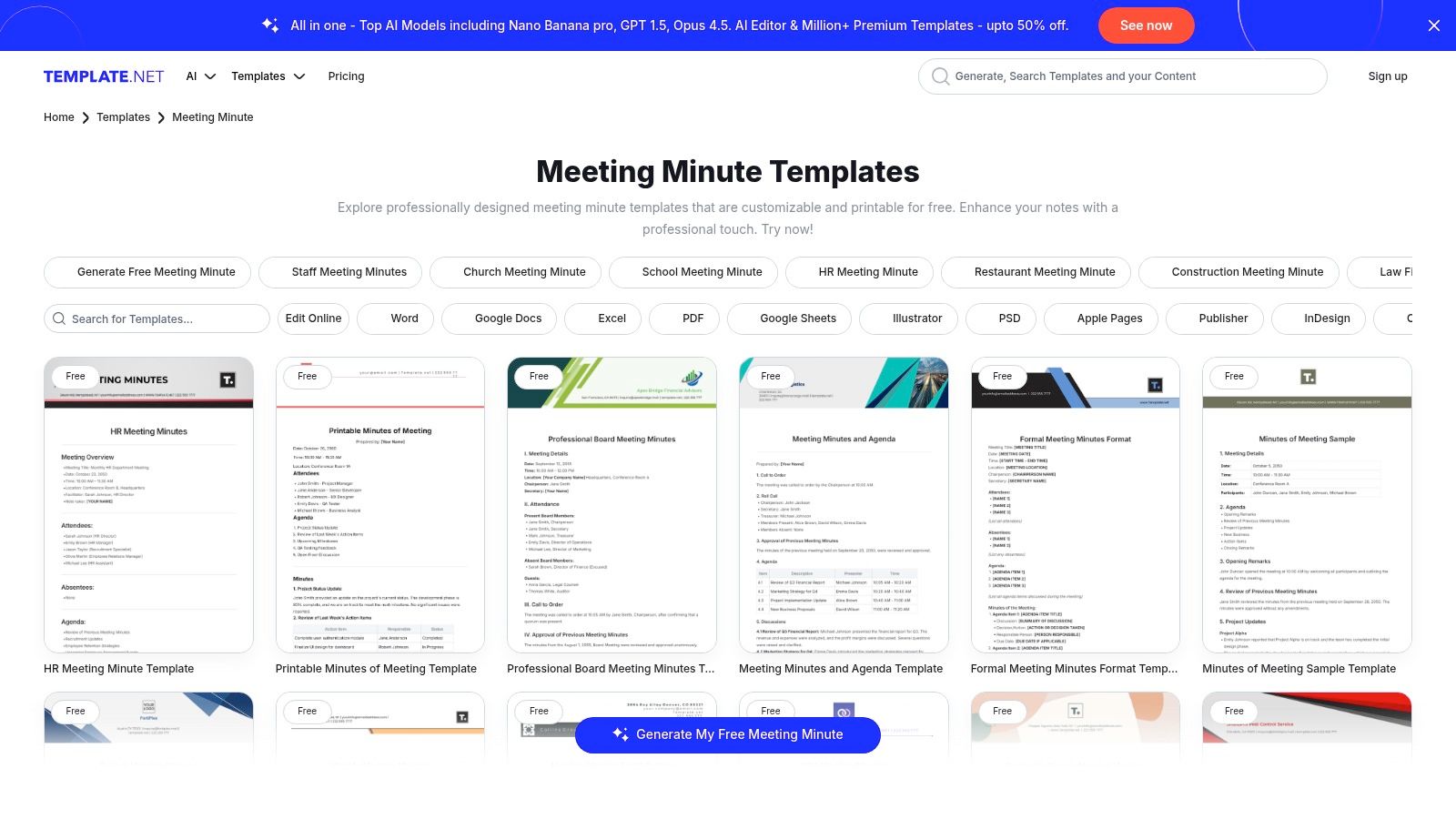
What makes Template.net different is how many choices you have. Instead of one plain template, it has lots of different ones for different jobs. This helps you find the perfect one very quickly. You don't have to spend time making one yourself. It shows you which ones are free and which ones cost money.
What Makes It Special?
The best thing about Template.net is that it can save you in a hurry. If you have to take notes for a meeting you've never been to before, you can find a template that shows you what to write down. This is very helpful so you don't miss anything important. It's also easy because you can download the template in the format you want.
- Best for: People who need a special kind of meeting notes template very quickly.
- How to get it: Many templates are free. To get the best ones, you may need to pay.
- Good things: Huge number of templates for all kinds of needs. Works with many different apps.
- Bad things: Some templates are better than others. The best ones usually cost money.
Get Templates from Template.net
12. Etsy
Etsy is a surprising place to find pretty templates. It's a good spot for small companies or single workers who want nice-looking papers without hiring a designer. On Etsy, you can find many templates for minute taking that you can buy and download right away. They are made by different designers and usually look very stylish and clean.
What's different about Etsy is that you only pay one time. You don't have to pay every month. You buy a pack of templates and you can use them forever. Many of them come as a link to Canva. This makes it easy to change the colors, add your logo, and write your own words, even if you are not a designer.
What Makes It Special?
The best part about Etsy templates is how good they look. You can find all kinds of styles, from simple and modern to very official. Because you can change them in Canva, you can make them match your company's look. This is perfect for a consultant who needs to give nice-looking notes to different clients.
- Best for: Small businesses or single workers who want great-looking notes but don't want to spend a lot of money.
- How to get it: You pay one time for each template pack you want.
- Good things: Costs very little and you can find lots of cool designs. Easy to change in a tool like Canva.
- Bad things: The quality can be different depending on who made it. It does not connect to any project tools.
Top 12 Meeting Minutes Template Comparison
| Solution | What It Does Best | How It Works | Who Should Use It | Special Trick | Price |
|---|---|---|---|---|---|
| Microsoft Word | Making official-looking notes using Word's AI helper | Works with Microsoft 365 tools for easy sharing | Big companies using Microsoft | AI can turn a recording into notes | Free templates; need Microsoft 365 account |
| Google Docs | Quickly making notes from a calendar invite | Connects to Google Calendar for fast sharing | Teams using Google tools | The "@" trick makes a notes page for you | Free with a Google account |
| Canva | Making notes that look beautiful and professional | Easy drag-and-drop design tool with an AI writer | Teams that care about how their notes look | Make notes that match your company's style | Free to use; need Pro for best features |
| Adobe | Making official, safe PDF notes that can be signed | Good for making final copies and adding online signatures | Teams needing very official, signed papers | Turn notes into a safe PDF no one can change | Need a paid Adobe plan for best tools |
| Notion | Connecting meeting notes to projects and to-do lists | Works like a smart database inside Notion | Teams already using Notion | To-do items in notes can show up on a person's list | Many free templates; need a Notion account |
| Smartsheet | Giving you free templates in many different formats | Download files or use them inside the Smartsheet app | Project teams that like spreadsheets | Has templates for special, official meetings | Free downloads; need to pay to use the app |
| Miro | Taking notes on a fun, visual whiteboard with a team | A big online board where everyone can add ideas | Teams that work from home and like to be creative | Turn a messy brainstorm into a clear plan | Free account to start; paid plans have more |
| Asana | Turning meeting decisions into jobs that get tracked | Connects notes to a project and gives jobs to people | Teams focused on getting work done | Automatically reminds people about their jobs | Need an Asana account; some tools cost money |
| monday.com | Making sure jobs from meetings get finished | Connects notes to projects and can automate reminders | Teams that want to link notes and work | Can assign owners to jobs right from the notes | Need an account; AI helper costs extra |
| Fellow.app | A special tool just for making meetings better | Connects to your calendar to organize everything | Teams that want to be better at meetings | Has a huge library of over 500 meeting templates | Free to start; AI helpers cost money |
| Template.net | A huge store with templates for any kind of meeting | Quick downloads for different apps like Word or Google | Anyone who needs a special template fast | Find templates for jobs like a church or school | Many are free; best ones cost money |
| Etsy | Pretty templates you can buy for a low price | Pay once and get a link to change it in Canva | Small businesses who want to look good | A cheap way to get professional-looking notes | Pay once for each design pack |
Turn Your Talk into Actionable Tasks
We've looked at many templates for minute taking, from simple ones in Word and Google Docs to fun ones in Miro and Asana. A template is like a map for your meeting. It helps you stay on track and remember what you decided. The right template can turn your talks into real results.
But a map is only helpful if you can fill it out. The hardest part of a meeting is not finding a template. It's writing down what people say while also trying to listen and talk. Usually, you have to choose between talking and typing. This can mean you miss important things.
Beyond the Template: The Power of Your Voice
The best way to take better notes is to change how you write them. What if you could just say your notes out loud? By using your voice, you don't have to worry about typing.
This way is much better because:
- It's Fast: You can talk much faster than you can type. You won't miss any details.
- You Can Participate: Your hands are free, so you can look at people and be part of the chat.
- It's Clear: When you say the notes as they happen, you get the exact words right. This stops confusion later.
Using a good template and your voice together makes a great system. Your meeting notes stop being just a record of what happened. They become a plan for what to do next.
Choosing Your Path to Better Meetings
The best tools for you depend on what your team needs. A creative team might like a visual template in Canva. A project team will like the job-tracking in Asana.
Before you pick one, think about these things:
- Does it connect to your other tools? Look for something that works with apps your team already uses, like Slack or Gmail.
- Can you work together? If many people need to write notes at once, pick a tool like Google Docs.
- How official does it need to be? Do you need a formal paper, or are simple action notes okay?
The goal is to make taking notes easy. The best templates for minute taking are the ones your team will actually use. The easiest way to take notes is the one you don't even have to think about. When you use your voice, taking notes becomes a simple part of the conversation. This way, every meeting ends with a clear plan to move forward.
Ready to stop typing and start talking? See how WriteVoice can transform your note-taking by turning your speech into perfectly formatted text directly within your favorite apps. Visit WriteVoice to learn how you can capture meeting details four times faster and make every word count.