8 Easy Ways to Write Down What Happened in a Meeting
Good meeting notes help everyone remember what was said and what to do next. They turn talk into a clear plan. If you don't write things down the right way, important stuff gets forgotten. This guide will show you some really good meeting minutes format examples. You'll see different ways to write notes for different kinds of meetings, from big boss meetings to team huddles.
First, a practical guide on how to write meeting minutes can teach you the basics. This article will show you eight special ways to take notes. We will look at each one and see when to use it. You will learn not just what they look like, but why they work so well. Let’s look at some ways to make your meeting notes great.
1. The Cornell Way for Meeting Notes
The Cornell way is a smart way to sort your notes. It was made up by a smart person at a big school. Instead of one big page of writing, you split your paper into three parts. This helps you find the important parts fast. This is one of the best meeting minutes format examples for busy people.
This way is great if you use a tool that turns talking into writing, like WriteVoice. You can listen to the meeting while the tool types for you. All you have to do is write down small key words in a special spot.
How It Works
The page is split into three parts:
- Big Notes Part (on the right): This is the biggest part. Here, you write down what people are talking about and what they decide to do.
- Small Cues Part (on the left): This skinny part is for key words or questions. You write these words during the meeting. They help you remember what the big notes are about.
- Summary Part (at the bottom): After the meeting, you write one or two sentences here that tell the main idea of the whole meeting. This makes you think about the most important part.
Why This Way Is Good
This way turns your notes into a great tool for remembering. The small cues part is like a list of topics. You can look at it to find what you need without reading the whole page. The summary part helps you remember the big idea.
A team that builds things can use words like "Bug" or "New Plan" in the cues part. This helps them find all the notes about that one thing super fast.
Secret Tip: The Cornell way splits up what was said from what it means. This makes you listen better and think about the ideas right away. It's much better than just writing everything down.
Easy Tips to Use It
- Say Your Cues: If you use a tool like WriteVoice, you can say "Cue: Project Zoo" out loud. The tool will put that keyword in the small cues part for you.
- Write the Summary Right Away: Take two minutes right after the meeting to write the summary. The ideas are still fresh in your head then.
- Link to a To-Do List: Connect your notes app to a to-do list app. You can set it up so a new task is made anytime you write a to-do item in your summary.
2. The "What to Do First" Way
The "What to Do First" way turns your notes upside down. Instead of putting the to-do list at the end, it goes right at the top. This is great for teams that need to see what to do right now. It's one of the best meeting minutes format examples for busy workplaces.
This way is super helpful for teams that move fast. Using a tool like WriteVoice helps you grab the to-do jobs as soon as they are mentioned. This means no one misses a task, and everyone knows what to do.
How It Works
This way sorts your notes by what's most important:
- To-Do List & Decisions (Top): This is the most important part. Every job is listed with who will do it and when it's due. Big decisions are also written here.
- What We Talked About (Middle): This part gives a short story of why those jobs and decisions were made. It's not every word, just the important bits.
- Who Was There (Bottom): This includes the names of people at the meeting and the date.
Why This Way Is Good
This way cares more about doing than talking. Anyone who reads the notes knows their job right away, even if they missed the meeting.
For example, a team making a computer game can quickly see that "Jane needs to fix the jumping bug by Friday." They don't have to read all the talk about why the bug is there. You can learn how to organize your meeting notes to make them super clear.
Secret Tip: This way changes notes from a story of what happened into a plan for what happens next. It makes everyone think about what needs to get done from the very start.
Easy Tips to Use It
- Say the To-Do Jobs: As soon as someone gets a job, use a tool like WriteVoice and say "To-Do: Alex will draw the new map." It will put it right at the top.
- Connect to a Task App: Link your notes to a task app like Jira or Asana. You can make it so a new task is made every time you say a "To-Do" job.
- Send a Quick Update: Right after the meeting, tell your note tool to send just the "To-Do List & Decisions" part to the team's group chat. Everyone will know their job right away.
3. The Fancy Way for Big Meetings
When meetings are about big, important rules, you need a fancy way to write notes. This way follows strict rules to make an official paper. It is a very careful and clear way to write. This makes it one of the most important meeting minutes format examples for companies that have to follow lots of rules.
This way is perfect for tools like WriteVoice. It can type out every word almost perfectly and keeps the notes private. This is super important for doctors or lawyers.
How It Works
This way is very organized so everyone knows exactly what happened:
- Official Top Part: This has the company name, what kind of meeting it is, the date, and time.
- Who Was There: This lists everyone who came and who was missing. It also says if there were enough people to make big decisions.
- What We Agreed On: This part says that everyone liked the notes from the last meeting and agreed to talk about the things on this meeting's list.
- Votes: It writes down every idea that was voted on, who suggested it, and if it passed. For example, "The idea passed, and everyone said yes."
- To-Do List: It clearly gives jobs to people with a date to finish them.
Why This Way Is Good
This fancy way makes a paper that can be used in court. It is so clear that no one can argue about what was decided. This keeps the company and its leaders safe.
For example, a hospital group talking about patient secrets must write down every choice to follow the law. This way makes sure their notes are an official record that shows they followed the rules. To learn more tricks, you can read about how to take meeting notes effectively.
Secret Tip: The fancy way turns meeting notes from a simple memory helper into an official paper that proves what happened. Its main job is not just to remember, but to prove it legally.
Easy Tips to Use It
- Say It All Right Away: Use a tool like WriteVoice to speak the full notes right after the meeting. The details will be easy to remember.
- Teach It New Words: Add special words for your job, company names, or secret codes to your writing tool's brain. This will make sure it spells them right.
- Keep Your Notes Safe: Save the notes in a secret, locked place online that follows your company's rules for keeping information safe.
4. The Agile Team Way (Scrum Format)
The Agile Team way is for fast-moving teams, like ones that make apps. Instead of long notes, this way focuses on the main parts of team meetings like planning, daily updates, and look-backs. This keeps everyone on the same page about goals, work, and problems. It's one of the most useful meeting minutes format examples for Agile teams.
This way needs to be fast and clear. Using a tool like WriteVoice lets teams speak their updates. The tool can then sort the notes, mark the to-do jobs, and even update the team's project board. This keeps the meeting moving fast.
How It Works
This way is built around a few big ideas:
- The Big Goal: One clear sentence that says what the team wants to finish.
- What We Talked About: This part notes the big decisions made or smart ideas from a look-back meeting.
- Things in Our Way: A special list of problems that are stopping the team from moving forward.
- To-Do List: Real jobs given to people with due dates. These are often linked to a task in an app like Jira.
Why This Way Is Good
This way connects the notes directly to the team's work. It's not just about writing what happened; it's about tracking what's getting done. The focus on problems and to-do jobs makes sure nothing gets forgotten.
For example, a team working from home can say a problem out loud in their daily meeting. The note tool can then send a message to the boss and make a high-alert task in their project app.
Secret Tip: The Agile way treats notes like a living helper for the team's work. It changes notes from a memory of the past into a real tool for getting future work done.
Easy Tips to Use It
- Say the Big Goal: Start your planning meeting by saying the goal out loud. A tool like WriteVoice can put it at the top of the notes so everyone sees it.
- Use a Special Word for Problems: Say "Problem: Can't get the key" to have your tool mark it so it gets fixed fast.
- Fill In Jira For You: Connect your writing tool to Jira. When a to-do job is said out loud, it can make a new task for the right person.
- Share to a Chat Room: Set up your tool to post a summary of the daily meeting notes to your team's chat room as soon as the meeting is over.
5. The Notes with a Recording
This new way links your written notes to a recording of the meeting. Instead of just your typed words, you have the real voices to listen to. This creates a record you can check and search. It's one of the strongest meeting minutes format examples for very important talks.
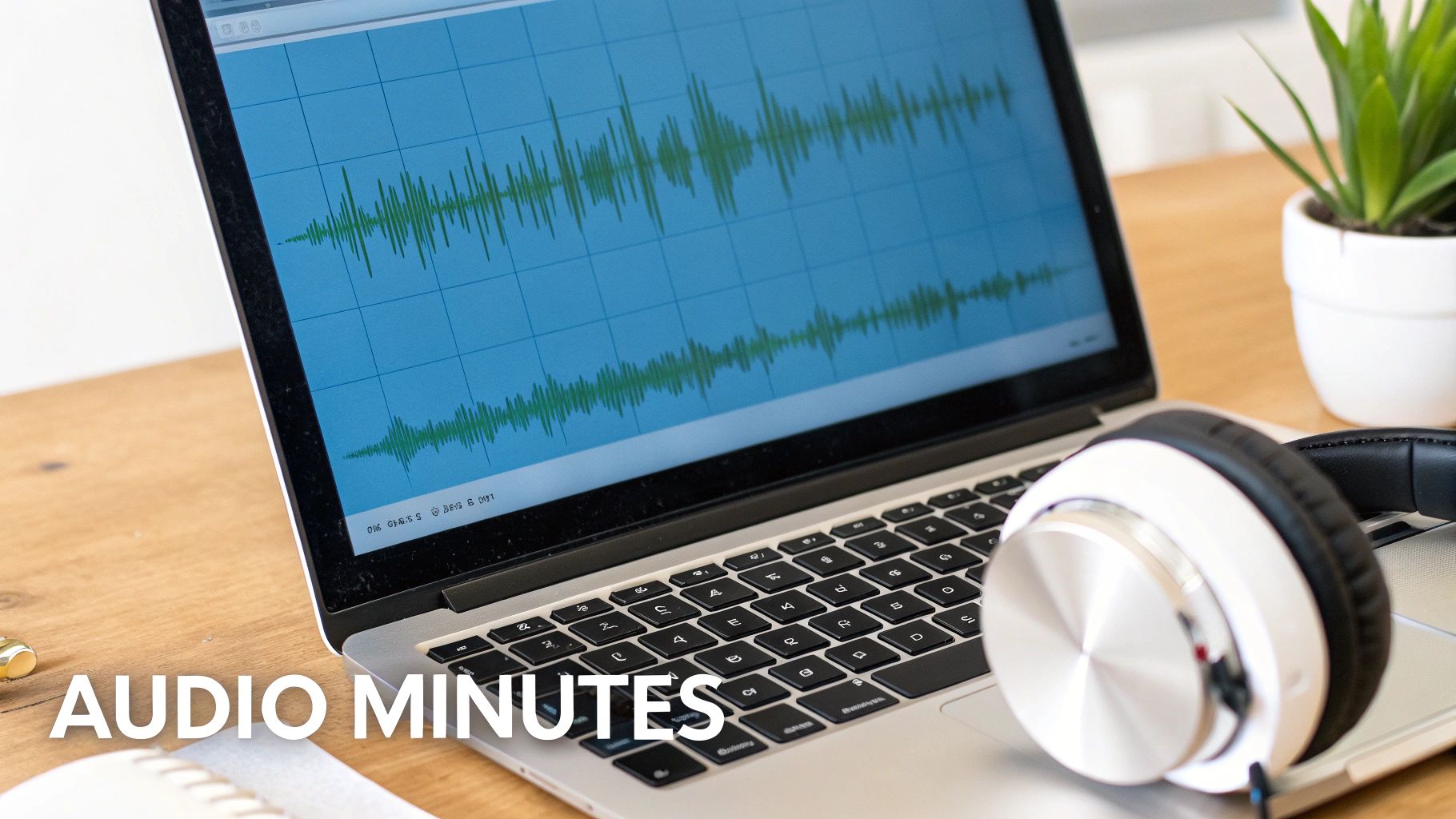
This way is made for tools like WriteVoice, which automatically types out what is said and links the words to the sound. This is perfect for lawyers or bosses who need to be very sure about what was said.
How It Works
This way adds a sound layer to your notes:
- Computer Typing: A tool records and types out the meeting for you, making a text file you can search.
- Sound Links: Every word in the typed notes is linked to the exact second it was said in the recording.
- Marking Important Parts: While the tool types, you can mark the big decisions or to-do jobs so you can find them easily later.
Why This Way Is Good
This way gets rid of arguments. If people don't agree on what was decided, you can just click the link and hear the exact words.
For example, a lawyer can use this to listen to what someone said in an interview. They can jump right to the important parts without listening to the whole thing. If your meeting was a video, learning to extract audio from video is the first step.
Secret Tip: Adding sound turns your notes from someone's memory into real proof. It makes a strong record that stops confusion and makes sure everyone does what they promised.
Easy Tips to Use It
- Speak Your Summary: After the meeting, use a voice recorder with transcription app to speak your summary while you listen to the recording. This will make it super correct.
- Make Sound-Linked To-Do's: During the meeting, say "To-Do: [The Job]" and your tool will mark that spot in the sound and text.
- Set Rules for Saving: For important meetings, make rules about how long to keep the recordings, especially for jobs like banking or healthcare.
6. The Story Way
The Story Way tells the story of your meeting. Instead of using lists, it uses sentences to explain how the talk went, why decisions were made, and what everyone was thinking. This is one of the best meeting minutes format examples for understanding the feelings and ideas behind the words.
This way works great with tools that turn talking into writing, like WriteVoice. You can just tell the story of the meeting in your own words. The tool will type it up nicely, saving the feeling of the chat that lists often miss.
How It Works
This way organizes notes into a story you can read:
- Start: Say why you had the meeting and who was there.
- The Talk: Write paragraphs that tell the story of each big topic. Explain the different ideas people had and how you got to the final decision.
- Why We Decided: Write down not just what was decided, but why. This is very helpful for people who were not at the meeting.
- To-Do List: End with a clear list of jobs, even if you already wrote them in the story.
Why This Way Is Good
The story way saves the "why" behind the "what." It's perfect for tricky talks, like planning a new product or big boss meetings. It helps everyone understand the big plan, not just the small jobs.
For example, a team planning a party can use this way to write down all the fun ideas, what the party is for, and worries they had before picking the final theme.
Secret Tip: The story way saves the smart talk, not just the final choices. It helps the company learn by writing down the thinking that leads to big decisions.
Easy Tips to Use It
- Tell the Story: Use a tool like WriteVoice to speak the summary. Start with "The reason for this meeting was…" and just talk.
- Make Key Words Bold: In your story, make decisions and to-do jobs bold. This helps people see them when they are reading fast.
- Use Titles for Topics: Split the story into parts with clear titles for each thing you talked about. This makes the story easy to follow.
7. The Decision List Way
The Decision List Way is a super focused way to write down one thing: the decisions. Instead of writing down all the talk, this way just lists the final choices, why they were made, and who has to do them. This makes a clear history book of choices. It's one of the most important meeting minutes format examples for big projects.
This way works great with a tool like WriteVoice. You can grab the exact words of a decision and why it was made right when it happens, so you don't miss anything.
How It Works
This way is like a list, with a spot for each decision:
- The Decision: One clear sentence saying what was decided.
- The Reason: The "why" behind the choice, including other ideas that were not picked.
- The Owner: The person or team who has to make the decision happen.
- Next Jobs: The small tasks needed to get the decision started.
Why This Way Is Good
This way makes a history book of choices that you can search. It stops teams from talking about the same things over and over. It also helps people learn for future projects. It makes it very clear what was agreed on and why.
For example, a product team can use this way to write down why they chose to build Thing A instead of Thing B. They can write down that they looked at what customers wanted. When a new person joins the team later, they can read this and understand why things are the way they are.
Secret Tip: The Decision List separates the final choices from the long talks. It turns meeting notes from a simple memory of a chat into a powerful guide that makes sure everyone is on the same page.
Easy Tips to Use It
- Say the Reason: Use a tool like WriteVoice to speak the "why" behind a decision as soon as it's made. The reason is easiest to remember right then.
- Use Word Labels: Start by saying clear labels like, "Decision:" or "Reason:" to help the tool sort the list for you.
- Link to the Job: Connect each decision in the list to your team's project app. A decision to change something should link to the task to build it.
8. The Picture Notes Way (Drawings + Words)
The Picture Notes Way mixes words and drawings to remember ideas from a meeting. Instead of just writing, this way uses little drawings, charts, and maps next to the typed notes. This makes the notes more fun and easy to understand. It's one of the best meeting minutes format examples for creative teams.
This way is awesome when you use a tool like WriteVoice. While one person draws a big idea, like how a machine works, the tool can type out all the words being said. This way, you get the picture and the story.
How It Works
This way puts two kinds of notes together:
- Picture Notes: This part uses drawings, mind maps, or charts to show how ideas are connected. It's great for showing "how" and "why" with pictures.
- Word Notes: This is the typed out record of the talk. It has all the details, decisions, and what people said.
Why This Way Is Good
This way helps all kinds of people understand better. Pictures give a fast look at the big idea, while the words give the details you need to build it. It connects big ideas to the small steps to get there.
For example, a design team can draw how a person will use a new app. At the same time, WriteVoice can type out all the techy details the builders talked about. This gives everyone the full picture.
Secret Tip: This way saves both the shape of an idea and the words of the talk. It makes notes that are easy for everyone to understand, which helps teams agree and move faster.
Easy Tips to Use It
- Talk While You Draw: Use a voice tool like WriteVoice to record what you are saying as you draw on a computer whiteboard. This links your drawing to your words.
- Use Computer Whiteboards: Use tools like Miro or FigJam that work with your writing tool. This lets you make one cool page with both pictures and words.
- Make Drawing Pages: For meetings you have a lot, like design meetings, make a special page with spots for drawings and notes already set up.
Meeting Notes Ways: A Quick Look
| Format | How Hard to Do | What You Need | What You Get | Good For | Why It's Great |
|---|---|---|---|---|---|
| The Cornell Way | A little hard — learn 3 parts | Paper + writing tool | Notes with key words and a summary | Busy people, bosses | Easy to review, works with voice |
| The "What to Do First" Way | Pretty easy — put jobs at top | A list + project app | Know your jobs and due dates right away | Teams that work from home or move fast | Clear who does what, less follow-up |
| The Fancy Way for Big Meetings | Hard — must be very careful | Good writing tool, safe storage | Official papers for rules and laws | Lawyers, doctors, big bosses | Follows the law, keeps things private |
| The Agile Team Way | A little hard — need to know Agile | Project app like Jira | Track goals, problems, and work | Computer teams, app makers | Works with Jira, finds problems fast |
| The Notes with a Recording | A little hard — need to link sound | Safe place to keep sound | Notes with sound you can check and search | Lawyers, doctors, important talks | Real proof, ends arguments, searchable |
| The Story Way | Easy — just talk and tell the story | A writing tool | A story that explains the "why" | Big plan meetings, client talks | Saves the feeling, easy to read |
| The Decision List Way | A little hard — be consistent | A list for all decisions | A history book of choices and reasons | Big projects, planning teams | Stops repeat talks, helps with rules |
| The Picture Notes Way | Hard — need to draw and write | Drawing tools, a good drawer | Fun notes that explain big ideas | Design meetings, planning meetings | Good for visual people, makes things clear |
Final Thoughts
We looked at many different meeting minutes format examples. We learned that there is no one best way for everyone. From the organized Cornell way to the fun Picture Notes way, the best notes are not about following strict rules. They are about picking the right way for your meeting. The way you choose helps make things clear and gets work done.
The big idea is that the best way to take notes is the one that helps the meeting's goal. For a big boss meeting, the fancy way keeps everything legal and safe. For a fast team meeting, the "What to Do First" way makes sure everyone knows their job.
From Good Notes to Great Work
Learning these ways is more than just a writing skill; it's a secret power. When you can write down decisions, give clear jobs, and make a record of talks, you turn meetings from just talking into real action. This stops confusion and helps everyone know what was decided and what they need to do next.
Remember these main ideas:
- Goal Before Format: Always ask, "What is the most important thing to get from this meeting?" Let that answer help you pick a way. Is it decisions, jobs, or new ideas?
- Change It Up: Don't be scared to mix and match. You can use the "What to Do First" way but add a spot for big decisions from the Decision List way.
- Use Technology: New tools can do the hard work of typing and sorting for you. This lets you focus on the talk. Using a tool that turns voice into text is a smart move.
The real power of great meeting notes shows up after the meeting is over. They become the one true story that helps the team, tells people who were not there what happened, and gives a clear history for the future. By picking the right way to take notes, you are not just writing; you are helping your team win, one meeting at a time.
Stop typing by hand and start saving your ideas the smart way. WriteVoice uses cool voice-to-text to type out your meetings and sort them into the clean, ready-to-use notes you need. Try WriteVoice today and turn your talks into perfect meeting notes in a flash.