How to Organize Meeting Notes for Your Team
The best way to sort your meeting notes is a simple three-part plan: plan before, take notes during, and share after. This plan turns messy scribbles into a clear map your team can follow.
Why Your Meeting Notes Are a Mess
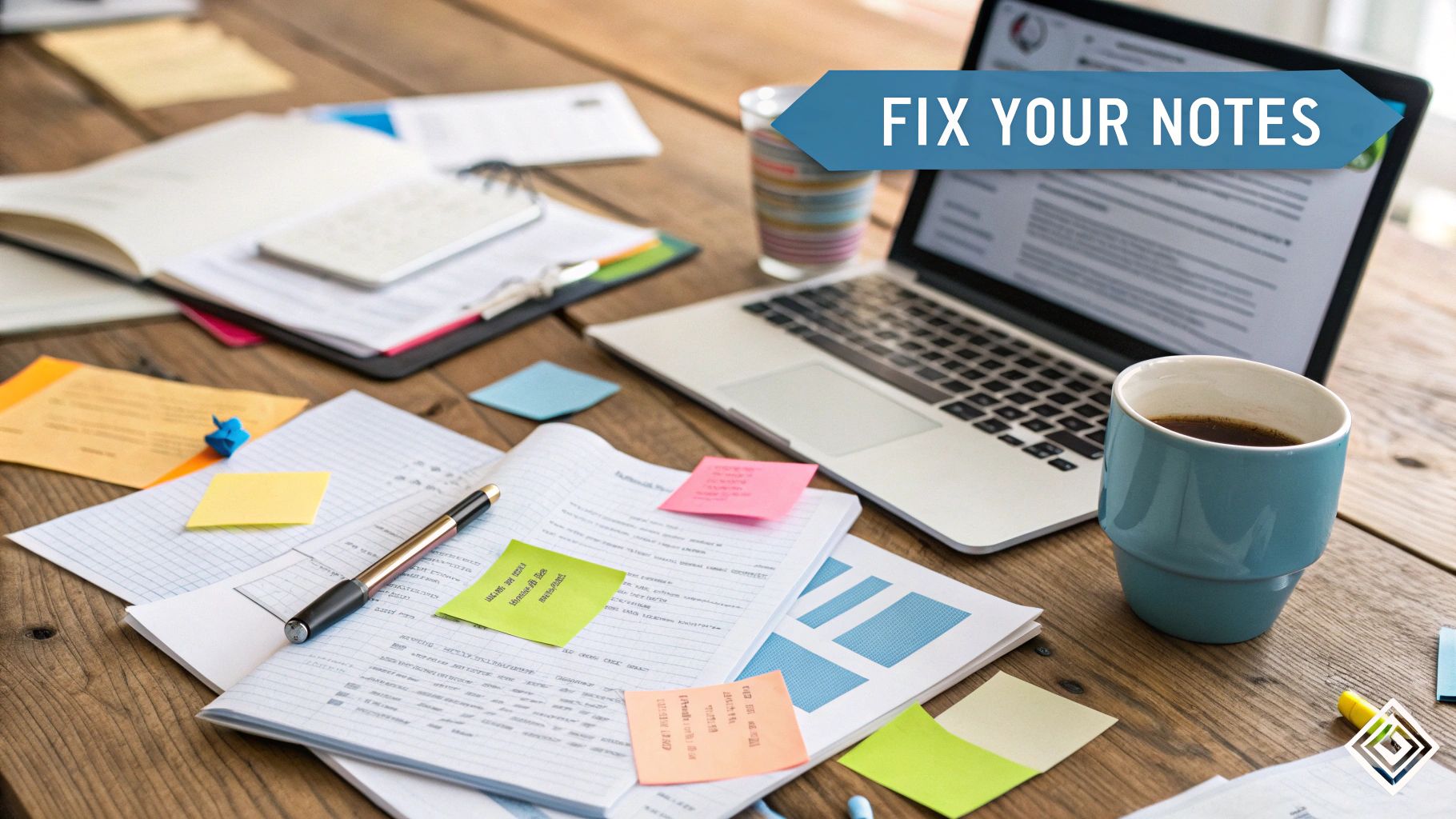
Does this sound like you? A meeting ends, you look at your notes, and they are just a big mess. It happens to a lot of us. This is why many meetings feel like a waste of time—the notes don't tell anyone what to do.
Good ideas are talked about, but after the meeting, nobody knows what happens next.
This happens when you don't have a plan. When your notes are messy, big choices and jobs get lost. Your notes end up being about what people said, not what people need to do.
The Real Cost of Messy Notes
Messy notes don't just feel bad for you; they hurt the whole team. Studies show that most meetings are not very helpful. A lot of meetings don't even have a plan to keep the talk on track.
When your notes are a jumble, bad things happen:
- Everyone is Confused: People don't know what job they are supposed to do.
- Work is Late: Jobs are not given to anyone, so important things don't get done.
- Same Meeting Again: You talk about the same things next week because nothing was written down clearly.
This makes work slow down and makes people unhappy. The fix isn't to write more notes. It's to write smarter notes.
The table below shows common problems and easy ways to fix them.
From Messy Scribbles to Clear Jobs
| Common Problem | Simple Fix | Why It Works |
|---|---|---|
| Writing down everything. | Only write down choices, jobs, and big questions. | This removes the extra talk and shows what needs to get done. |
| Notes are one big block of words. | Use headings and lists to break up the words. | This makes it easy to look at the notes and find what you need fast. |
| Nobody knows who does what. | Give every job a person's name and a due date. | This makes it clear who is doing the work and when it should be finished. |
| Notes are saved in many places. | Keep all notes in one shared place online. | Everyone knows where to look for notes, so nobody gets confused. |
Making these small changes can make your notes much more helpful to your team.
A Simple Plan for Clear Notes
To get good at organizing meeting notes, just think of it in three parts: plan, note, and share. This gives your note-taking a clear job from start to finish.
Before the meeting, you make a simple map—the plan. During the meeting, you only write down the important things, like choices and jobs. After, you clean up the map and give it to everyone. It's that easy.
Good meeting notes don't have everything that was said. They have everything that needs to happen next.
Tools like WriteVoice can help a lot. It writes down everything said in the meeting for you. This lets you focus on the talk and listen for the big ideas. You can relax, knowing every word is saved if you need it later.
Using a smart plan with the right tools can stop messy notes for good. This is also a big part of good document management best practices for any team.
Prepare for Success Before the Meeting
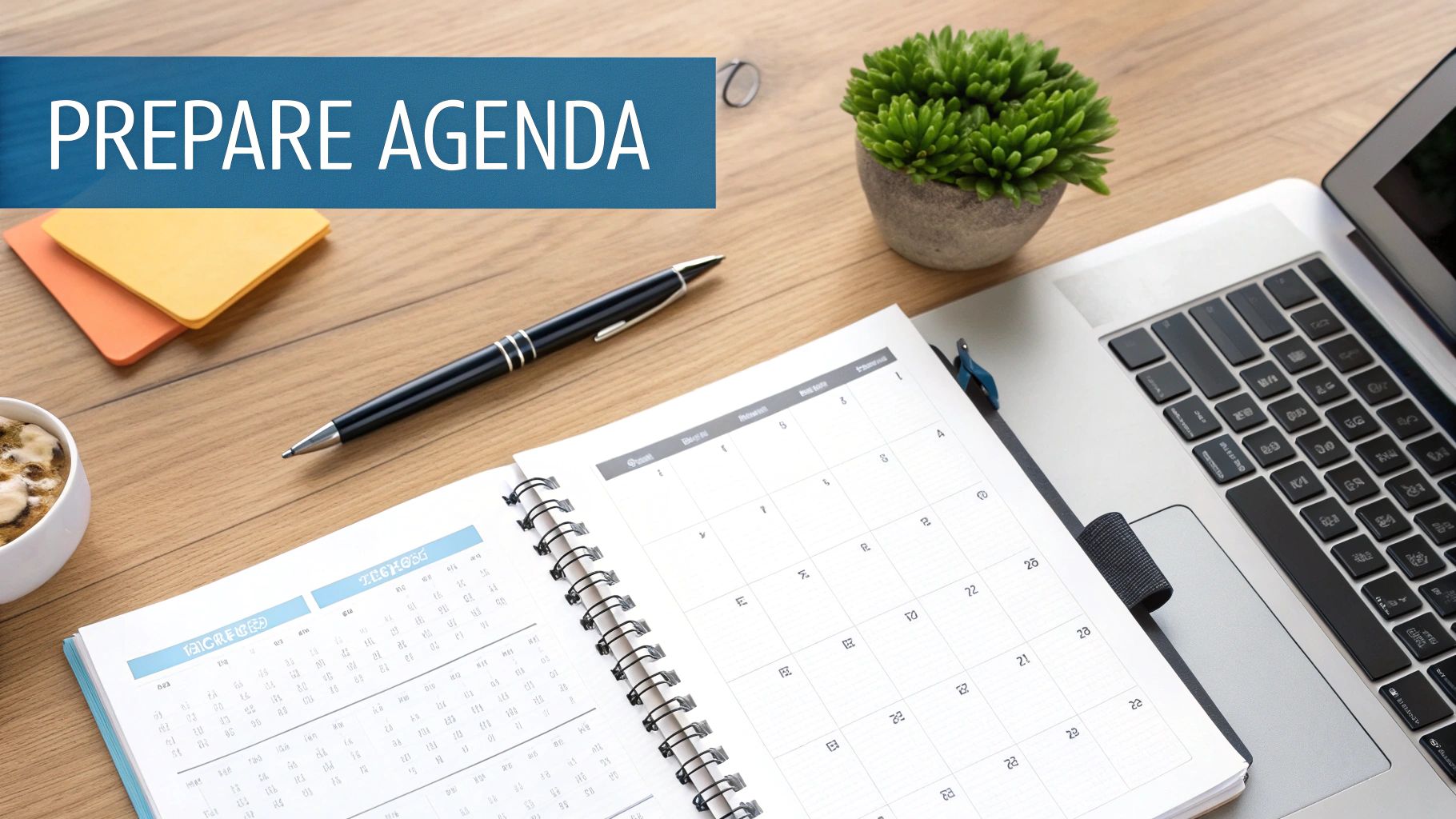
Here is a secret: great meeting notes don't just happen during the meeting. They start before anyone even joins the call.
Think of it like this—you wouldn't go on a trip without a map. A little work before the meeting makes everything easier. It helps you write down what really matters without feeling rushed.
Create a Simple Map for Your Talk
The best thing you can do is make a plan, called an agenda. An agenda is just a simple map for the talk. It keeps everyone on the right path. Without one, talks can go all over the place, making it hard to take good notes.
Don't make it too hard. Your plan can be very simple. Just write down the main things you want to talk about.
For a team that makes ads, a quick plan might look like this:
- Look at New Ad Picture: Look at the picture and say yes or no.
- Plan Online Posts: Think of ideas for next week's posts.
- Give Out Jobs: Give each person a job to do before the meeting ends.
This easy list gives your meeting a start, a middle, and an end. It also gives you a ready-made outline for your notes. You can use these plan points as titles in your notes, which makes them very easy to read later.
Get Your Tools Ready to Go
Once you have your map, it's time to get your tool ready. Your tool is whatever you use to take notes. Trying to open a new file as the meeting starts is a bad idea. You will miss the first few minutes.
A tool like WriteVoice helps a lot here. Before the meeting, just open the app. With one click, it starts writing down every word for you.
Getting your note tool ready is like getting a head start in a race. It stops you from rushing and makes sure you are ready from the very start.
This isn't just about saving time. It changes how you think. You stop trying to type everything and start listening for the big ideas. When you know every word is being saved, you can relax and join the talk.
You are free to ask questions and help the team, knowing nothing important will be missed. This small step is a key part of how to organize meeting notes so they are clear and helpful.
Capture Key Moments During the Meeting

Let's be real: trying to listen, talk, and type notes all at once does not work. You will miss the important stuff.
When you are busy typing, you are not really part of the meeting. You might miss the chance to ask a big question or add a good idea. This is a big problem for businesses. Bad meetings waste a lot of money and time.
Let a Computer Be Your Note Taker
Instead of trying to type every word, let a computer helper like WriteVoice do it. These tools record and write down the whole talk as it happens. You don't have to do anything.
This changes your job in the meeting. You are not a writer anymore; you are a helper. Think of a team leader who can now focus only on solving a hard problem with her team. She knows every idea is being written down.
This brings up a big rule for taking good notes: get all the words down first, then sort them out later. New tools now make this easy to do.
Mark Important Parts as They Happen
Even with all the words written down, you still need to find the best parts. You can help your computer helper by using your voice. It's like putting a bookmark on the most important parts of the talk.
As people talk, you can say special words out loud to mark these spots.
Here are a few words I use all the time:
- “Job for Mark…” This marks a new job and gives it to someone.
- “Big choice here…” This marks an important thing the team just agreed on.
- “Question for later…” This marks something we need to talk about after the meeting.
Using these simple spoken words makes it very easy to find the important stuff later. When you look at the notes, all the jobs are already marked for you. This one trick can turn a long, messy page of words into a clear, simple plan.
Your goal in a meeting is not just to listen. It's to find the parts that lead to real work. Using your voice to mark these parts is the smartest way to do it.
It's a very simple idea that helps a lot. For more ideas, read our guide on how to take meeting notes effectively—it has many tips for turning talks into work.
Transform Your Notes into an Action Plan
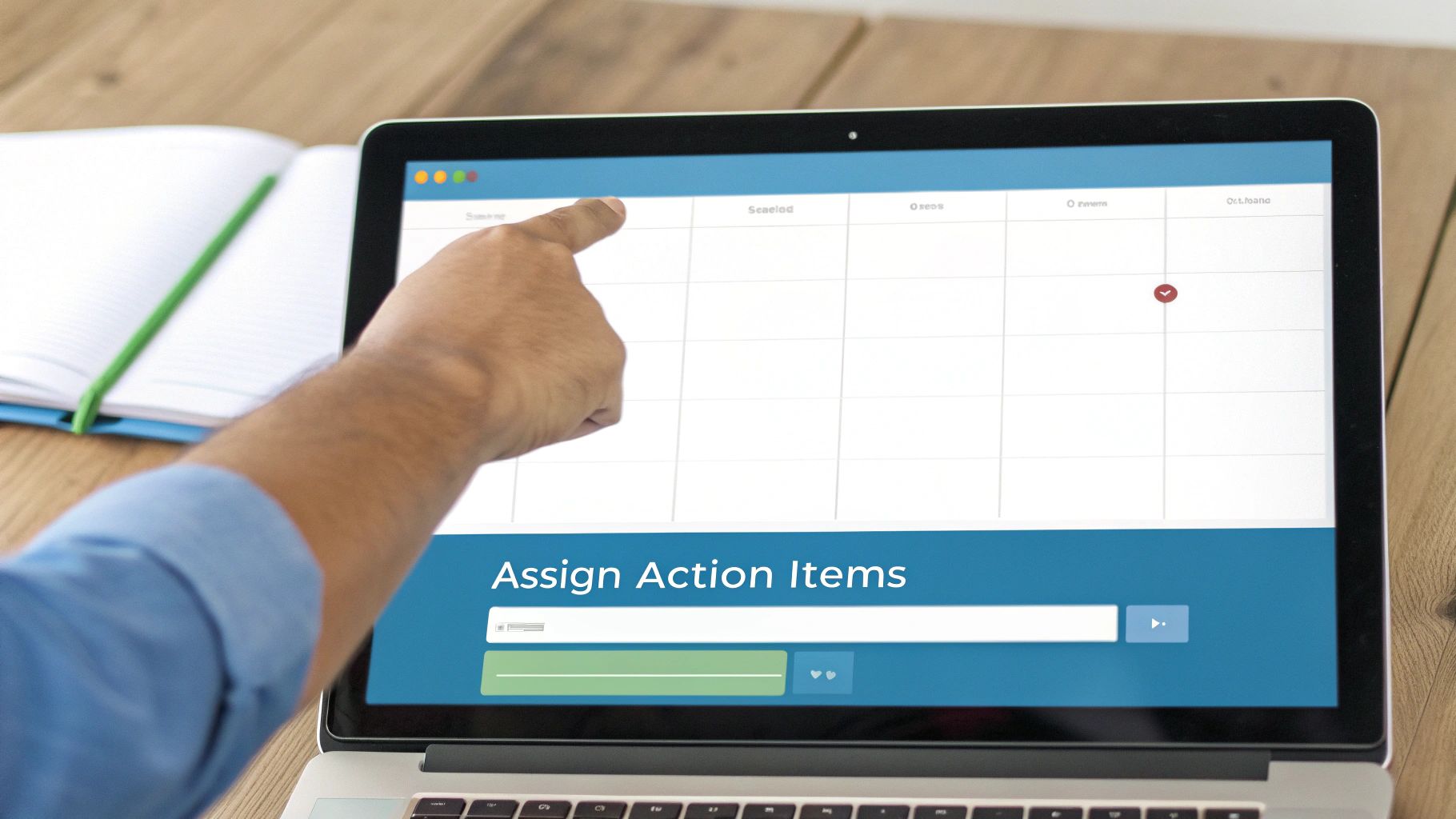
The meeting is done. Now you have a lot of words written down. This is where the real work starts—turning talk into a real plan. If you don't do this, the meeting was just a chat, not a step forward.
First, you need to find the big ideas. A tool like WriteVoice can make a quick summary for you. It reads all the words and pulls out the main points. In a few seconds, you get a short version of a long talk.
From Words to To-Dos
Now you can make a list of jobs. This is more than a simple to-do list. It's a clear list of orders that says what to do, who will do it, and when it is due.
This small change is very strong because it removes all guessing.
For example, a messy note might say, "someone should check the money." That's not clear, and people might ignore it. A clear job note is much better:
- Job: Share the final money numbers for summer.
- Person: Jenna Smith
- Due: This Thursday, at the end of the day.
See the difference? It's very clear. Jenna knows her job, and the team knows when they will get the numbers. You just made sure the work gets done. Think of it like making a simple, clear map for your team to follow.
Your goal is not just to write down what was said. It is to make a simple guide for what needs to happen next. This is how you organize meeting notes that get work done.
To see how much this helps, let's look at a before and after. Here is how messy notes can be changed into a strong, clear plan.
Before and After Organizing Your Notes
| Messy Notes from Meeting | Clear Plan |
|---|---|
| "Okay, so for the new toy… we need to get the ads ready. I think Mark was doing the blog story? And we need pictures for online. Someone needs to do that. And, uh, what about the email? We should probably have that done by the end of the month. The money for ads… we talked about that, right? We need to decide that. It’s important." | Project: New Toy Launch Jobs: 2. Job: Make and approve all online pictures. 3. Job: Finish and set up launch email. 4. Job: Approve final money for ads. |
The "Clear Plan" side is not just neater—it's a tool. It gives everyone on the team a clear path. That's the whole reason for having the meeting.
Pick What Matters Most
Not all jobs are the same. Some are very important and need to be done right away. Others can wait. Deciding what to do first is a big part of organizing your notes.
A great way to sort your jobs is to use a tool like the Eisenhower Matrix tool. It helps you put jobs into four boxes: do it now, plan to do it, give it to someone else, or forget it. This helps the team always work on the most important things.
This is a key part of making your team smarter and faster. When you make jobs clear and sort them, you connect the meeting to your team's real goals. It's also a big step in learning what is workflow automation and how it can help your whole team do more.
Share Your Notes to Keep Everyone Aligned
You took good notes and made a plan. Now it's time for the last, most important step: giving those notes to your team. Think of it this way—a great plan is no good if it's stuck in your notebook. Sharing is what turns your notes into team work.
You need to be fast. You want to give the summary and jobs to everyone while the meeting is still fresh in their minds. If you wait until the next day, the excitement can be lost. Luckily, this doesn't mean you have to write a long email that no one will read.
Make Sharing Easy
A tool like WriteVoice is great for this. It connects to the apps your team already uses, like Slack or Microsoft Teams. With just one click, you can send the meeting summary and a clear list of jobs right where everyone can see them.
Imagine a big meeting ends. Before anyone even stands up, the big choices and who is doing what are already posted in the team's chat group.
That is very powerful. It keeps the work moving and stops people from asking, "So, what do we do now?" That question can stop a project before it even gets started.
When everyone gets the same clear plan at the same time, there is no confusion. It is the fastest way to get your whole team working together.
Doing this well makes a real difference. One study showed that when a company got better at sharing notes and jobs, their team felt 42% better about working together. It's simple: clear, shared words help people feel more connected and do better work.
A Simple List for Sharing Notes
You don't need a hard set of rules for sharing notes. Being fast and clear is what matters. Here is a simple list to follow after every meeting.
- Share Right Away: Don't wait. Send the notes out in less than an hour. The longer you wait, the less helpful they are.
- Share Only What's Needed: Send just the short summary and the list of jobs. Most people don't need to read every single word.
- Share Where the Team Is: Put the notes in a shared team chat or project page. Don't send them in emails where they can get lost.
- Tag People by Name: If someone has a job, use the @ sign to tag their name. This sends them a message so they can't miss their job.
This simple plan makes sure everyone knows what to do next. For more formal meetings, you can even use AI for drafting board minutes to keep things just as organized. No matter what, the goal is the same: turn talk into clear, shared work.
Answering Your Top Questions About Meeting Notes
When teams first try to organize their meeting notes, a few questions always come up. Answering them first makes everything easier for everyone.
What's the Best Way to Format Meeting Notes?
The best way is to keep it simple. Your notes are not a story; they are a guide for what to do next. Don't write long sentences. Think of it like a recipe with easy steps.
I have found the best way starts with a very short summary—just two or three sentences about what the meeting was for and what was decided. After that, use a list to show the big choices that were made.
But the most important part is the list of jobs. This is how you make things clear. A simple table with three parts is all you need:
- The Job: What is the thing that needs to be done?
- The Person: Who is going to do it?
- The Due Date: When does it need to be done?
This is very easy to read. Anyone can look at it and know what they have to do in less than a minute.
Your meeting notes are not a story of what happened. They are a map showing everyone where to go next. A simple map is easy for everyone to read.
How Quickly Should Notes Be Sent Out After a Meeting?
Send them out fast. Very fast. You should try to share the summary and jobs within one hour after the meeting ends.
When you send notes while the talk is still fresh in everyone's minds, you keep the meeting's energy going. People are still thinking about it and are ready to work. If you wait a day, that energy goes away, and people forget the small details. A tool that makes a summary for you right away makes it easy to share notes that fast.
Who's on the Hook for Taking and Sharing Notes?
Usually, the person who planned the meeting does it. But that is not always the best way. A much better idea is to take turns among the team.
When you take turns, good things happen. First, everyone becomes a better listener. They learn to find the most important parts of the talk. It also shares the work, so one person doesn't have to do it all the time.
The important thing is to pick the note-taker before the meeting starts. That way, everyone knows who is in charge of writing down the plan.
Stop wasting time on writing notes by hand and start turning your talks into clear, simple plans. WriteVoice writes down your meetings as they happen, so you can focus on the talk, not the typing. Try it today and see how much faster your team can work. Learn more about WriteVoice.