The 12 Best Tools to Help You Make Great Products in 2026
If you are a product manager, you have a big job. You have to learn what people want, help your team agree on what to build, and lead them to make cool things. The right computer tools can help a lot. They do more than just keep your lists in order. They make your good ideas even better and save you from boring work. Without good tools, you can get stuck doing things by hand, have confusing talks, and make a mixed-up plan. This guide will show you the best tools for product managers. It will help you pick the right tools that help you, not make your job harder.
This is not just another list. We will show you the top 12 tools and tell you more than just what they do. For each tool, you will get a short paragraph explaining it, see its key features, and learn the good and bad parts. We will give you real-world examples of how these tools fix common problems. We will also show you how much they cost, how they connect to other tools, and share pictures so you can see what they look like.
We'll also explain how a tool like WriteVoice, which turns your voice into text, can make you faster when using tools like Jira and Slack. By the end, you will know what each tool does and how to put them together to make a great system for your work. We did the homework for you, so you can spend less time looking at software and more time making things people love. Let's find the best tools for your toolbox.
1. WriteVoice
WriteVoice is a top choice for product managers who want to save time and make talking to their team easier. It's like a smart helper that listens to your voice and turns it into text. It's great for saving your thoughts, meeting notes, and ideas super fast and without mistakes. It doesn't just write down your words. It cleans them up, turning your spoken ideas into clean text you can use right away in tools like Jira, Slack, and Notion. This is a huge help for a job that is all about talking and writing things down.
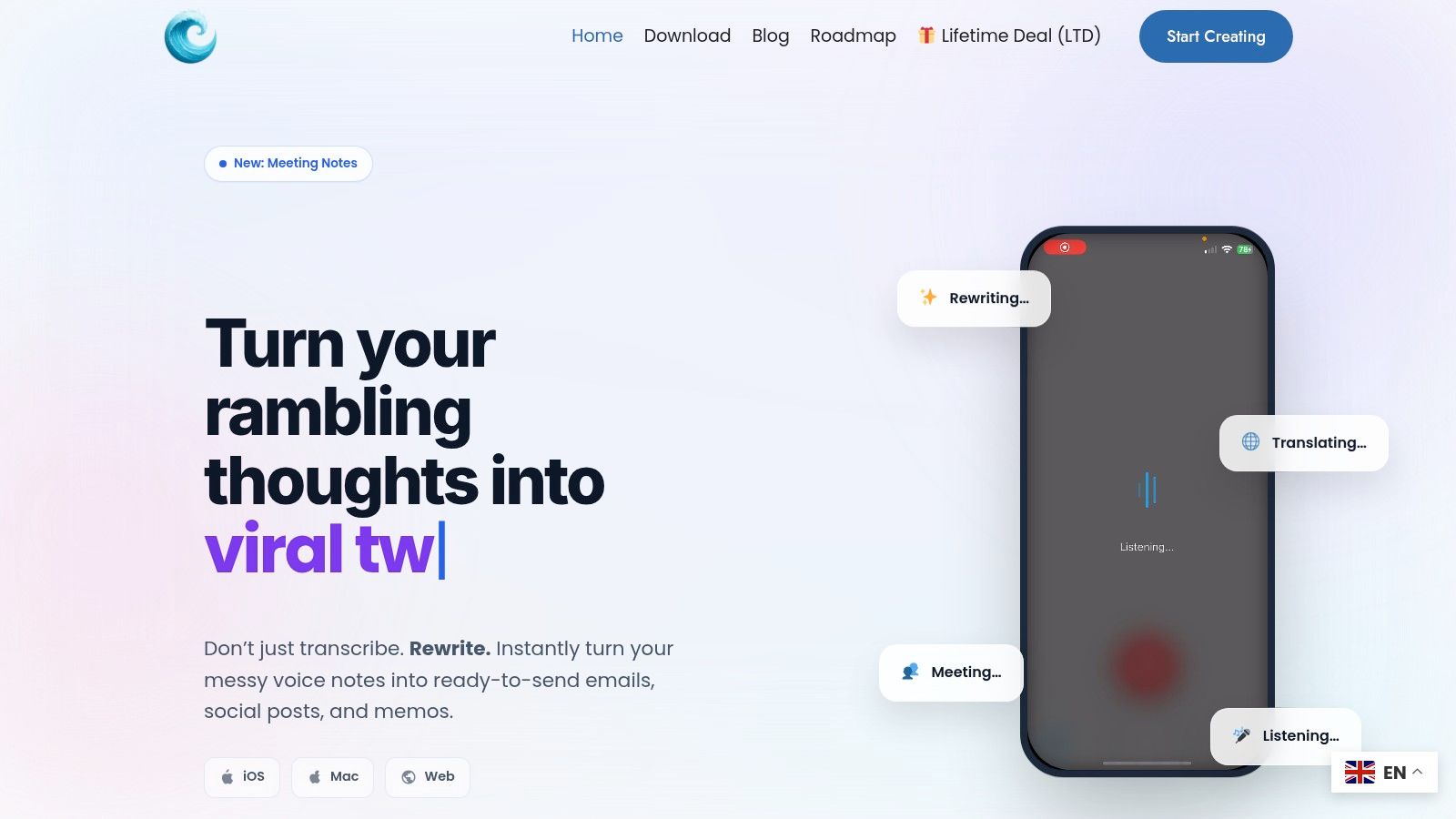
What makes WriteVoice special is how it fixes your text. It takes out filler words like "um" and "uh," fixes mistakes, and can even change the tone. A note you speak for a Jira ticket will sound short and clear. A message for WhatsApp can be fun and have emojis. It works in less than a second, which is four times faster than typing. This means you can quickly write down what you learned from a user interview or think up new ideas without stopping. You can learn more about its cool features by looking at WriteVoice and similar tools here.
Key Strengths and Use Cases
- Jira and Asana Updates: Speak detailed user stories or bug reports right into a ticket. WriteVoice will make the text look neat, saving you lots of typing time. For example, just say "Bug report: the login button is blue but it should be green" and it appears perfectly written in Jira.
- Meeting Notes: After a meeting with your team, you can speak a quick summary of what you decided. WriteVoice turns it into clean notes with a to-do list that you can share in Slack right away.
- Ideas on the Go: If you have a good idea while walking, you can use the phone keyboard to speak it. The idea will be waiting for you on your computer later.
- Private Talks: The tool does not save your voice or words. This means you can talk about secret plans for your product or team and know it's safe.
| Feature | Pro | Con |
|---|---|---|
| Speed & Efficiency | Up to 4x faster than typing and works in a flash. | It takes time to get used to talking instead of typing. |
| AI Formatting | It automatically takes out filler words and fixes your writing. | For very tricky talks, you might need to fix a word or two yourself. |
| Integrations | Works right inside popular tools like Jira, Slack, Notion, and Gmail. | Some special features might work a little differently in each tool. |
| Privacy | It works in real-time and doesn't save your voice, so your words are kept secret. | It does not show big safety awards like SOC 2 on its website. |
Website: https://www.writevoice.io
Pricing: You can try it for free. They have paid plans for one person or for a whole team. You have to visit the site to see the prices. Sometimes they offer a deal where you pay once and have it forever.
2. Productboard
Productboard is a special tool made just for product managers. It's great at collecting what customers say from many places, like chat messages, support tickets, and emails, and putting it all in one spot. This means product managers can stop switching between different tools and start finding good ideas from the feedback.
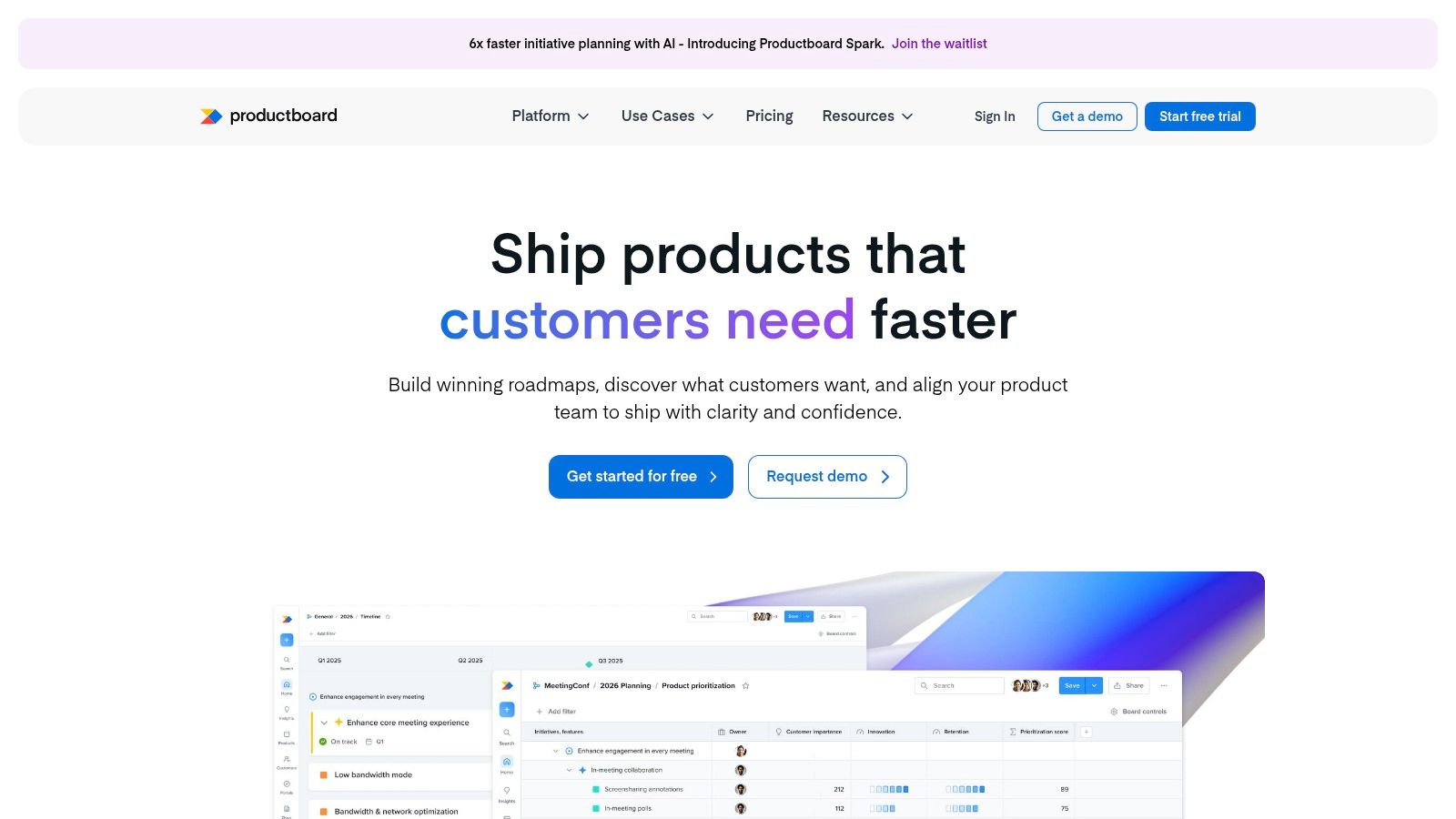
Productboard is not like a plain project tool. It has special ways to connect what customers say directly to new feature ideas. Product managers can then use scoring systems, like seeing what is most valuable versus what is hardest to build, to decide what to do first. This smart way of working makes sure that the team is always building things that help the company grow. It's one of the best tools for product managers who need to show why their plan is the right one.
Key Features & Assessment
| Feature | Analysis |
|---|---|
| One Place for Feedback | Puts all customer ideas in one box. This makes it easy to see what many people are asking for without copying and pasting. For example, if 50 people ask for a dark mode, you see it right away. |
| Smart Sorting Rules | Gives you ways to score your ideas, so you're not just guessing. It helps the team agree on what to build next based on the company's goals. |
| Roadmaps for Everyone | You can make different roadmaps for different people. The boss can see a simple plan, while the builders see all the details. Everyone knows what's happening. |
Pros:
- It's made for product managers, so you don't need lots of other tools.
- You only pay for the people who need to build the roadmap, which can save money.
- It works well with building tools like Jira and talking tools like Slack.
Cons:
- It can get expensive if you have many people building roadmaps.
- The best reports and smart features cost more money.
Best For: Product teams who want one main place to connect customer ideas, company goals, and their building plan.
Website: https://www.productboard.com
3. Aha! (Roadmaps)
Aha! is a big set of tools that helps connect your big ideas to the work your team does every day. It's really good for big companies that want one place to see everything. It links the company's big goals to every small task and new feature. This makes sure every little thing the team works on has a good reason.
Aha! is more than just a place for feedback. It's a full workshop for making products. It has places for new ideas, whiteboards for drawing, and a spot to keep notes. This makes it one of the best tools for product managers who look after many products at once. The best thing about Aha! is how it turns a big dream into a clear, step-by-step plan that everyone on the team can understand and follow.
Key Features & Assessment
| Feature | Analysis |
|---|---|
| Connecting Goals to Work | It shows how every task, like fixing a bug, helps the company reach its big goals. This helps everyone see why their work is important. |
| Idea Areas | It gives customers and your team a place to share ideas. You can score the ideas to see which ones are the best and will help the most. |
| Cool Reports | You can make special reports and roadmap pictures for different people. Your boss gets a quick picture, while your team gets a detailed plan. |
Pros:
- It has many tools for big companies with lots of products.
- You can add as many people as you want to just look at the plans for free.
- You can try it for a whole month for free to see if you like it.
Cons:
- It can cost a lot for small teams because you pay for each person.
- It has so many features that it can take a while to learn how to use them all.
Best For: Big product teams that need one powerful tool to manage their big plans, roadmaps, and ideas all in one place.
Website: https://www.aha.io
4. Atlassian Marketplace
The Atlassian Marketplace is not just one tool. It is like a big app store for people who already use Jira or Confluence. It's the official place to find and buy thousands of apps that make those tools even better. Instead of trying to make things work, product managers can find special tools for making roadmaps, cleaning up their to-do lists, and making better reports that connect right into their work.
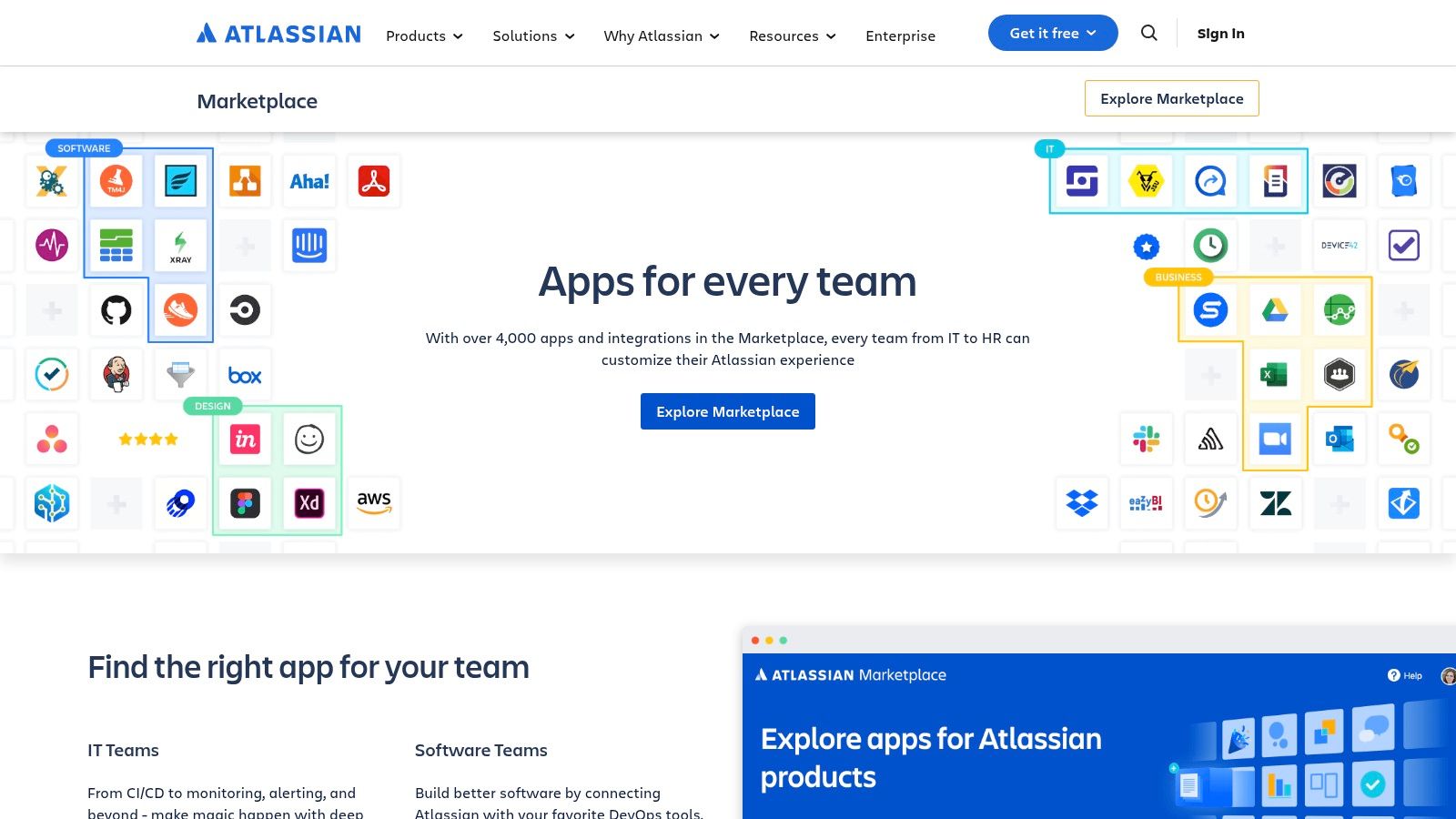
This marketplace makes it easy to add new things to your main tools. You can add a great roadmap app or a drawing tool right into Jira. Because they all connect, it is one of the best tools for product managers who want to build their own perfect system. Everything is paid for on one bill, and all your team members are already there.
Key Features & Assessment
| Feature | Analysis |
|---|---|
| One Place to Find Apps | It's a safe place to find thousands of tested apps for Jira and Confluence. You can search for what you need, like an app for making charts. |
| Try Before You Buy | Your team can try out new apps to see if they like them before you have to pay. The person in charge can manage all the trials and buying. |
| One Bill for Everything | The cost of the apps is added to your main Atlassian bill. This makes paying for everything much simpler. |
Pros:
- One safe place to find extra tools for Jira and Confluence.
- You can try things out easily, and paying is simple.
- It tells you if an app is safe and will work with your setup.
Cons:
- Some apps are better than others. You have to check them carefully.
- The costs can add up because each app has its own price.
Best For: Product teams that use Jira and Confluence a lot and want to add special features to make them even better.
Website: https://marketplace.atlassian.com/
5. Product Hunt
Product Hunt is a website where people show off new tech products every day. For product managers, it's a great place to see what's new, find cool tools, and learn what other tech people are excited about. Think of it like a library of brand-new things. You can find new software, smart helpers, and helpful guides before anyone else knows about them.
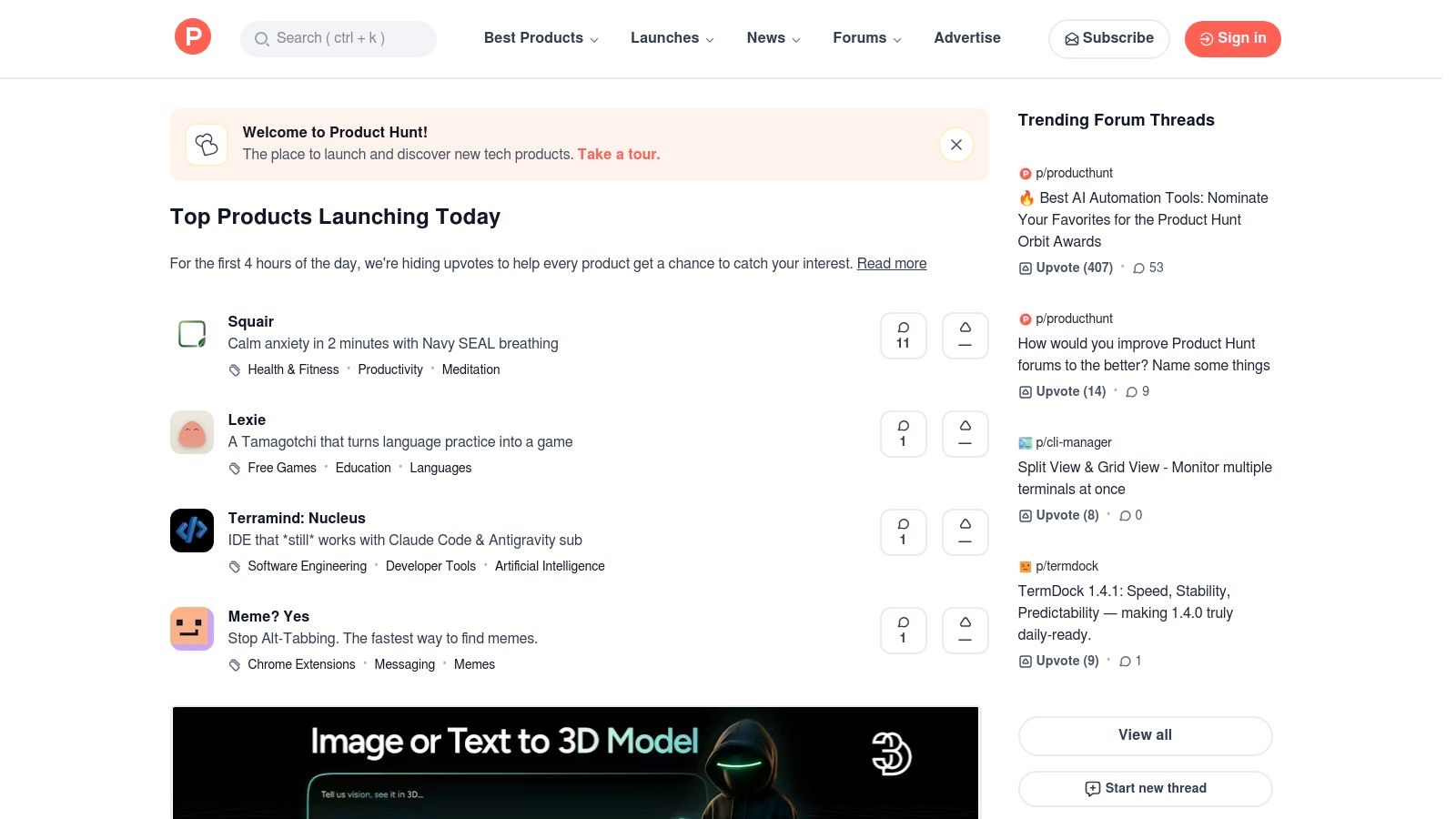
Product Hunt is special because of its community. Product managers can read honest thoughts from the people who made the products and from the first people who tried them. This gives you a real look at how good a new product is. It makes it a great place not just for finding the best tools for product managers, but also for learning what kindsis of new ideas people like right now.
Key Features & Assessment
| Feature | Analysis |
|---|---|
| Voting and Talking | You can see which new tools get the most "upvotes" or likes. The comments show you what people really think about them. For example, you might see 20 people say a new note-taking app is the fastest they've ever used. |
| Lists of Tools | People make lists of their favorite tools for different jobs, like "Tools for Product Managers" or "Fun AI Apps." This makes it easy to find good stuff that others already love. |
| Easy to Search | You can look for tools in different groups, like tools for making products or tools for drawing. This helps you find what you need quickly. |
Pros:
- You get to see new tools before they become famous.
- You can read real comments from people who made and tried the tools.
- It is completely free to look for and learn about new products.
Cons:
- Not all the products you see are great. Some are just okay.
- It's not a real review site. You have to go to the tool's own website to get all the details.
Best For: Product managers who want to find new and exciting tools, see what's popular, and keep up with new ideas.
Website: https://www.producthunt.com
6. G2 (Product Management Software category)
G2 is not one tool but a huge store for software that helps product managers do their homework. The part of the website for Product Management Software has hundreds of tools. It has real reviews from people who have used them, lists of features, and charts that let you compare tools side-by-side. This helps you look past the ads and see what real people think.
Instead of just watching demos from the company, you can use G2's search tools to find software that fits your needs. For example, you can look for a tool that works with Jira or helps you pick priorities. The reviews are honest and can show you the good and the bad parts of each tool. This makes G2 one of the best tools for product managers who are trying to decide which new software to buy.
Key Features & Assessment
| Feature | Analysis |
|---|---|
| Real User Reviews | The reviews come from real users. This gives you honest information about how easy a tool is to use and if the help desk is good. |
| Comparison Charts | You can pick a few tools and see all their features, prices, and ratings on one page. This makes it easy to see which one is best. |
| Good Search Tools | You can narrow down the long list of tools to find ones that are right for your team's size, your job, and what you need the tool to do. |
Pros:
- It has information on almost every product management tool out there.
- The side-by-side comparison makes it easy to make a shortlist.
- Real reviews help you find problems before you buy.
Cons:
- Some tools pay to be at the top of the list, so you have to look carefully.
- The reviews are from all kinds of people, so you need to find ones that are like you.
Best For: Product managers who are looking for, comparing, and choosing new software for their team.
Website: https://www.g2.com/categories/product-management-software
7. Capterra (Product Management Software directory)
Capterra is a big list of product management software. It's a great place to start when your team is looking for new tools. It's not one single tool but a website where you can look at over 170 different tools and compare them. This is a big help for making a long list of possible tools before you start trying them out.
Capterra is a fair place to compare tools because it has real user reviews and good search options. Product managers can find tools based on if they are in the cloud, how big their team is, how much they can spend, and what features they need. This makes it one of the best tools for product managers who are in the looking-around part of buying software. It saves them a lot of time. The buyer's guide on the site also helps you understand what to look for.
Key Features & Assessment
| Feature | Analysis |
|---|---|
| Good Search Filters | Lets you quickly find a short list of tools that fit your needs from over 170 options. You can search by price, features, and team size. |
| Real User Reviews | Has honest feedback from people who use the tools every day. This tells you what it's really like to use them. |
| Buyer's Guide | Gives you helpful articles and links to learn about roadmapping tools and others. This helps you know what to look for before you start comparing. |
Pros:
- Easy to search for tools that fit your budget and needs.
- Gives you links to the tool's website and to sign up for free trials.
- A good way to find smaller or new tools you might have missed.
Cons:
- Some tools pay to be at the top of the list, which can change your first impression.
- The number and quality of reviews can be very different for each tool.
Best For: Product teams that are just starting to look for new software and want to make a good list of options to check out.
Website: https://www.capterra.com/product-management-software/
8. Pendo
Pendo is a tool that helps product managers see what people are really doing in their app. It mixes strong data about how people use the product with helpful guides and feedback boxes inside the app. This means teams can not only see what people are doing but also help them do it better. For example, you can use Pendo to show users a new button or ask them a question without them ever leaving your app.
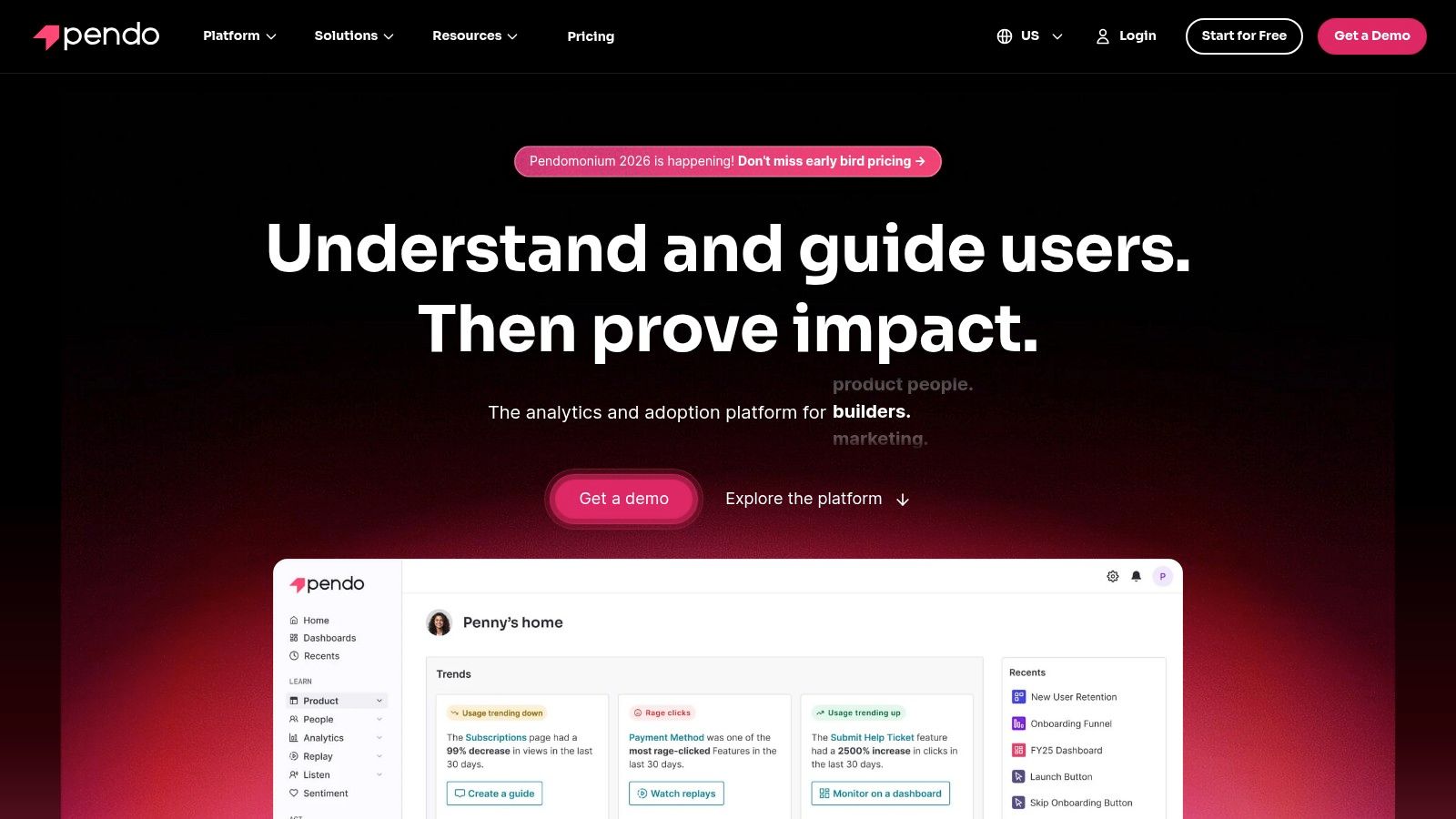
Pendo is different from other data tools because it lets you act on what you learn right away. If you see that people are getting stuck somewhere in your app, you can pop up a guide to help them. This direct way of helping users is great for getting them to use new features and stick around longer. This makes Pendo one of the best tools for product managers who care about helping new users get started. To learn more, check out these customer onboarding best practices.
Key Features & Assessment
| Feature | Analysis |
|---|---|
| Easy Data Tracking | Lets you see how people use your features without writing any code. This makes it easy to start learning about what your users do. |
| In-App Guides & Messages | You can make and show guides, polls, and news right inside your app. This helps you teach people about new things or ask for their opinion. |
| User Groups | You can group users based on what they do. This lets you show them messages made just for them. For example, you can send a special welcome to brand-new users. |
Pros:
- A great "Free" plan lets you get started with up to 500 users a month.
- The pop-up messages are great for welcoming new users and showing new features.
- It puts numbers and feedback together in one place.
Cons:
- To get a price for the paid plans, you have to talk to a salesperson.
- The best data tools and connections are only in the more expensive plans.
Best For: Product managers who want to know what users do in their app and want a way to talk to them and help them right inside the product.
Website: https://www.pendo.io
9. Amplitude
Amplitude is a data tool that helps you understand why people do things in your app, not just what they do. It gives product managers strong tools to look at how groups of users behave, where they get stuck, and what makes them come back. Instead of just knowing that someone clicked a button, you can find out which features lead people to sign up or buy something.
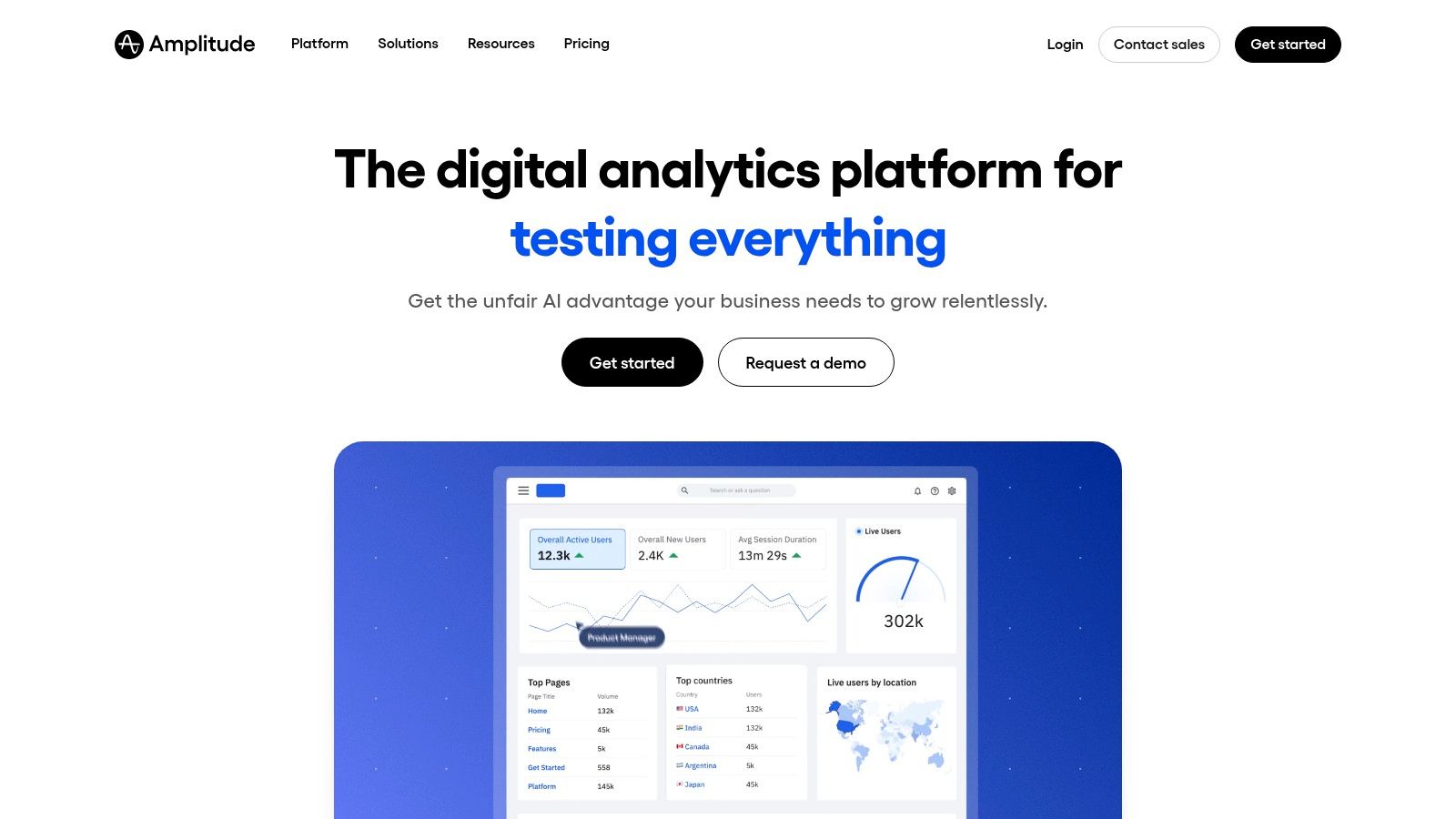
What makes Amplitude special is that it has many tools in one. You can look at data, run tests, and even watch recordings of what users did. This helps product managers make a guess about something, test it with a small group of users, and see the results all in one place. This makes it one of the best tools for product managers who use data to make their product better and better over time.
Key Features & Assessment
| Feature | Analysis |
|---|---|
| Seeing User Behavior | It gives you a deep look at how people use your product. You can see where they give up and what makes them stay. For example, you can see that people who use the search bar are more likely to come back. |
| Testing and Flags | It lets you safely test new ideas with some users before showing them to everyone. This helps you check if an idea is good and lowers the risk of making a mistake. |
| Watching User Videos | It connects the numbers (like someone not finishing a purchase) with a video of what they really did. You can watch the video to see exactly where they had trouble. |
Pros:
- A very good free plan for up to 50,000 users a month, which is great for new companies.
- It's easy to grow with the tool as your company gets bigger.
- It has data, testing, and videos all in one place, so you need fewer tools.
Cons:
- The price is based on how many users you have, which can get expensive if you grow fast.
- The smartest features are only in the more expensive plans.
Best For: Product teams that love data and want to understand their users, test new ideas, and make their product better step by step.
Website: https://www.amplitude.com
10. Miro
Miro is like a giant online whiteboard where teams can draw, plan, and work together. It has become a favorite tool for product teams to think of new ideas, map out user plans, and plan their work, even when they are not in the same room. It gives product managers a big, open space to lead brain-storming meetings and workshops in a fun, visual way.
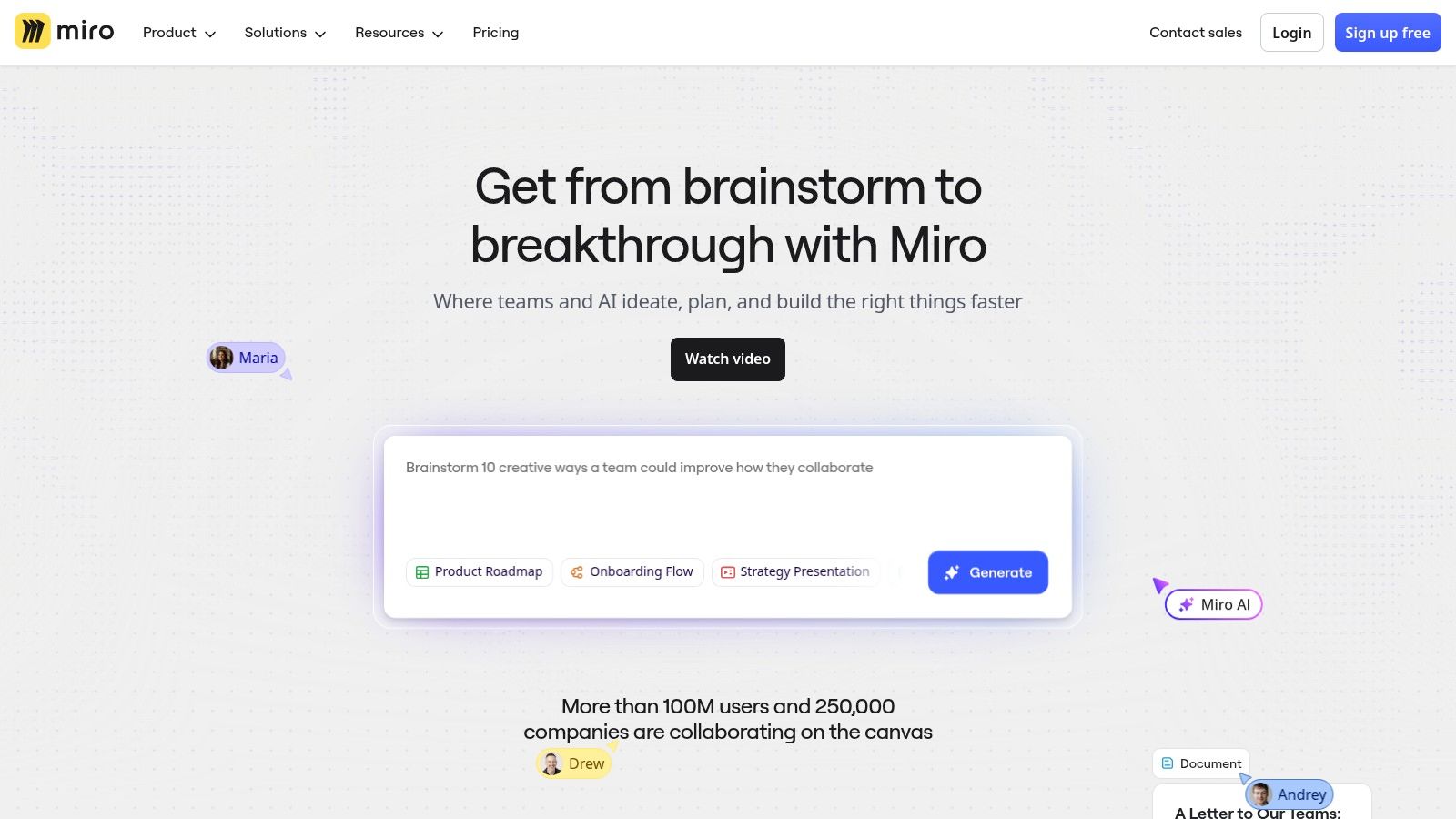
Miro is more than just a drawing tool. It has many features made for product managers, like a huge library of ready-to-use templates for planning and sorting ideas. It also connects with tools like Jira, so you can turn a sticky note from your brainstorm into a real task for your builders. Using a tool like Miro can improve workflow efficiency by putting all your new ideas and your organized plans in one place. This makes it one of the best tools for product managers who need to turn creative thoughts into clear plans.
Key Features & Assessment
| Feature | Analysis |
|---|---|
| 5,000+ Templates | It has a giant collection of templates for things like user story maps and planning boards. This saves time and gives you a good place to start. |
| Connects to Other Tools | It works with over 160 other tools, but its connection to Jira is amazing. It lets you turn your drawings into real work without extra typing. |
| Tools for Meetings | It has built-in tools like voting and a timer. These make it easy to have fun and useful meetings with your team, no matter where they are. |
Pros:
- It's easy to work with others, and you can invite guests to look for free.
- It has great templates that help with common product manager jobs.
- The connection with Jira helps turn ideas into action.
Cons:
- The free plan limits how many boards you can make and change.
- The best safety features are only in the more expensive plans.
Best For: Product managers who need a fun, visual place to lead meetings, plan with their team, and create shared pictures of their ideas.
Website: https://miro.com
11. Figma
Figma is now the main tool for designing products together. It lets product managers, designers, and builders work together at the same time on everything from simple drawings to finished designs. This gets rid of the old way of sending design files back and forth. Now, everyone is always looking at the newest version of the plan.
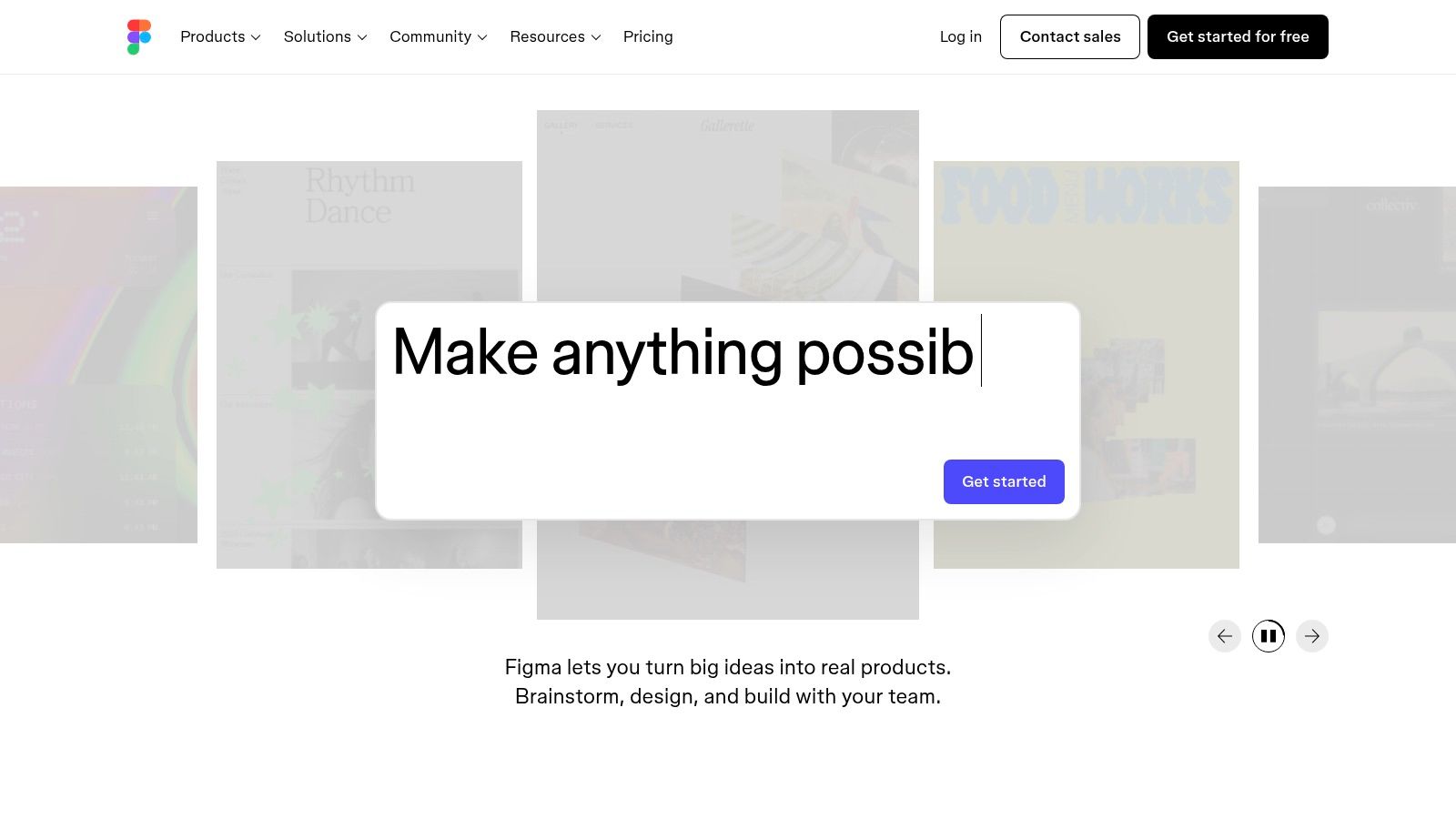
Figma's real power is in all the things it can do. Product managers can use its whiteboard tool, called FigJam, for thinking up ideas. Then they can easily turn those ideas into beautiful designs in Figma. The tool also has a special "Dev Mode" that makes it easy for builders to look at the designs and get the code they need. This makes the step from design to building much smoother. This tight connection makes it one of the best tools for product managers who want their team to talk clearly and work well together.
Key Features & Assessment
| Feature | Analysis |
|---|---|
| Designing Together | Many people can work on the same design at the same time. This makes getting feedback and changing ideas much faster. For example, you can leave a comment right on a button that needs to be changed. |
| FigJam Whiteboard | It has a built-in whiteboard that is great for meetings, brain-storming, and drawing out how users will move through the app. |
| Help for Builders | It has a special place for builders to look at designs and get the code they need. This means they don't need to ask the designer for every little detail. |
Pros:
- You can choose different types of accounts for different team members to save money.
- There are many free templates from the community that help you start faster.
- It's one tool for whiteboarding, designing, and getting designs ready for building.
Cons:
- It can be a little tricky to manage all the different account types for a big team.
- The best safety features are only in the most expensive plans.
Best For: Product teams that want one main place for all their designs, from the first messy idea to the final clean plan for the builders.
Website: https://www.figma.com
12. Airtable
Airtable is like a mix between a spreadsheet and a database. It's super flexible and lets product managers build their own tools for things like product roadmaps, lists of features, and notes from user research. It's special because you can link things together. For example, you can link a feature idea to the exact customer who asked for it.
Airtable is not like a boring spreadsheet. It's colorful and easy to use with your team. This makes it one of the best tools for product managers who need to change how they work as they go. You can look at the same information in different ways. You can see it as a list, a board with cards, a calendar, or a timeline. This is great for showing different plans to different people. You can even build little apps for your team without writing any code.
Key Features & Assessment
| Feature | Analysis |
|---|---|
| Linked Lists and Views | You can link your lists together. For example, you can link a feature to a company goal. You can also look at your list as a grid, a board, or a calendar. |
| Interfaces & Automations | You can build simple dashboards for your team to see or add information. You can also make the computer do boring tasks for you, like sending a message when something is done. |
| Two-Way Sync | A special feature that makes sure information shared between different Airtable lists is always the same. This is important for keeping teams on the same page. |
Pros:
- You can build almost any kind of tool you need for your work.
- It has lots of templates and connects to other tools to help you start fast.
- The free plan is good enough for small projects.
Cons:
- There are limits on how much you can store and do in each plan.
- The best features are only in the more expensive plans.
Best For: Product teams that want a tool they can change and shape to build their very own systems for planning, tracking, and research.
Website: https://airtable.com
Top 12 Product Management Tools Comparison
| Product | Core features | Target audience | Key strengths | UX / Accuracy | Pricing |
|---|---|---|---|---|---|
| WriteVoice (Recommended) | Voice→text; very fast; fixes text; meeting notes; works with many tools | PMs, leaders, doctors, lawyers, people on the move | Super fast; keeps words private; changes tone; one tap does it all | Works right away, clean text; almost perfect accuracy | Free trial; plans for one person or teams; sometimes lifetime deals |
| Productboard | Gets feedback; helps pick ideas; roadmaps | Product managers & PM teams | Made for PMs; connects to other tools; saves money on users | Easy for PMs to use; good for teamwork | Pay per person who builds; price grows with team |
| Aha! (Roadmaps) | Connects goals to work; idea lists; reports | Big companies & portfolio teams | Many tools for big plans; great reports | Lots of features, takes time to learn | Costs more per person; 30-day free trial |
| Atlassian Marketplace | App store for Jira/Confluence; trials; one bill | Atlassian users & teams | One place to find and pay for apps; tells you if apps are safe | Depends on the app you pick | Each app has its own price; one bill |
| Product Hunt | New products; community votes; lists | Makers, first users, people looking for new things | See new tools first; read real feedback | Can be hit or miss; moves fast | Free to use |
| G2 (PM category) | User reviews; comparison charts; search tools | People looking for software | Lots of reviews; easy to compare tools side-by-side | Helpful, but some tools pay to be at the top | Free to look; companies can advertise |
| Capterra (PM directory) | List with search tools; buyer’s guide | People making a list of tools to check | Good search tools; links to trials | Review quality can be different for each product | Free to look; some listings are paid ads |
| Pendo | Product data; in-app guides; feedback | PMs focused on new users & helping them | Great in-app messages; has feedback tools; free plan | Good data tools; best features cost more | Free plan; paid plans need a sales call |
| Amplitude | User behavior data; testing; videos | Growth teams, data-loving PMs | Good free plan; has tests and flags | Powerful data tools; user count can be tricky | Free up to 50K users; paid plans after that |
| Miro | Online whiteboard; templates; meeting tools; integrations | Remote teams, workshops, PMs | Tons of templates; meeting tools and Jira link | Easy for teams to use; free plan has limits | Free plan; paid plans for Business & Enterprise |
| Figma | Design & prototypes; FigJam; dev help | Designers, PMs, builders | Work together live; good for design systems | Smooth for teamwork; need to manage accounts | Free plans; paid plans for teams |
| Airtable | Linked lists; Interfaces; Automations; sync | PMs who want to build their own tools | Very flexible; great templates & integrations | Flexible, but each plan has limits | Free plan; paid plans for Business & Enterprise |
Putting Your Perfect PM Toolkit Together
Looking at all the software out there can feel like a lot, but building your own perfect set of tools doesn't have to be hard. In this guide, we looked at some of the best tools for product managers. We saw big tools for planning like Productboard and Aha!, and special tools for data like Pendo and Amplitude. We also talked about important tools for teamwork like Miro and Figma. The main idea is simple: there is no one "best" tool. There is only the best mix of tools for you, your team, and your goals.
Choosing the right tool is like picking the right LEGO brick. You don't need every single one, just the ones that fit what you're trying to build. The best tools help you listen to your users, share your ideas clearly, and work better with your team. A great product manager knows how to mix and match. You might use one tool for drawing ideas (like Miro), another for tracking work (like Jira), and a special tool like WriteVoice to quickly turn your spoken thoughts into clear notes and tasks for both.
Actionable Steps to Build Your Stack
You can start making your work easier right now. Instead of changing everything at once, which can confuse your team, take it one step at a time.
- Find Your Biggest Slowdown: Where does your work get stuck? Is it getting ideas from customers? Telling others about your plan? Or turning meeting talks into work tickets? Start with a tool that fixes your biggest problem.
- Start Small with a Test: Pick one or two tools from this list that look good. Don't give them to the whole company right away. Try them out with a small team on a small project. For example, use Miro for just one meeting or try Pendo on one small feature.
- Make Sure They Connect: A great tool is no good if it doesn't talk to your other tools. Before you decide, check if the new tool can connect to your systems like Jira or Slack. Your information needs to flow easily between them.
- Think About the "Glue" Tools: How do your ideas get from a meeting to a plan, and from a plan to a task? This is where tools like WriteVoice are great. It acts like a bridge, listening to your spoken ideas and putting them into the right shape for a Jira ticket or a Slack message. This saves a lot of time.
Final Considerations for Implementation
Remember, the goal is not to have the most tools, but to have the right ones. Your tools should help you do the important, creative parts of your job. They should feel like they are helping your brain by doing the boring work for you. This frees you up to do what you do best: understand what people need, create a great plan, and help your team build amazing things that people love. The best product managers are not just good at planning; they are also good at being efficient. A good set of tools is how they do it.
Ready to stop typing and start talking? Find out how WriteVoice helps you capture your thoughts, meeting notes, and user ideas in a flash, sending clean text right into Jira, Slack, and your other favorite apps. Try WriteVoice today and make your voice your best tool.