Translate Wingdings
How the Translate Wingdings works
Copy and paste Wingdings text (the symbolic font with checkmarks, stars, and arrows) into the translator. The tool decodes each symbol to its corresponding letter or character, instantly revealing the actual message. No setup needed, just paste and read.
Wingdings appears in documents to hide content or obscure meaning. Revealing it shouldn’t require hunting through character maps. This tool cuts through the noise and shows you exactly what was encoded.
Meet the most powerful AI Text Generator, focused on content creation with Voice.
WriteVoice combines a beautiful AI writer with the best transcription service and content templates. Creating unique content at scale has never been easier. Your first step was Translate Wingdings; your next step is content at scale.
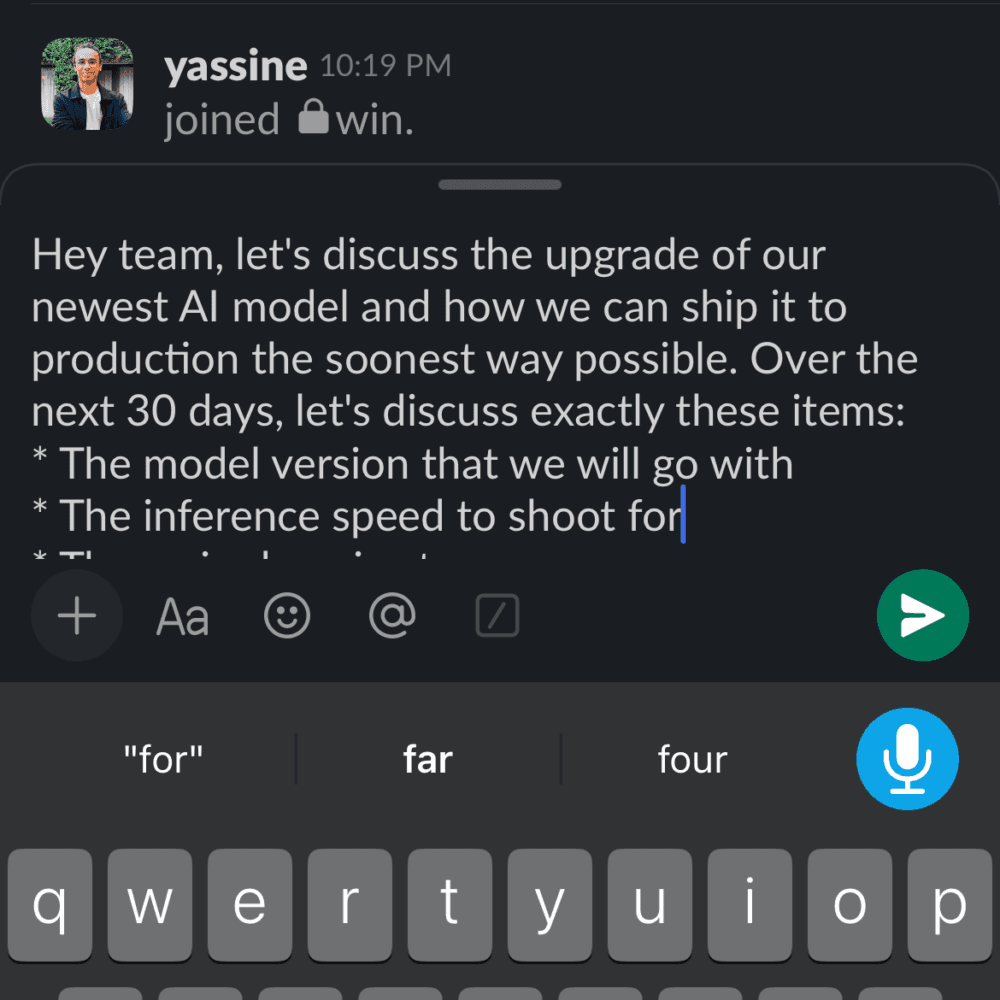
Voice Keyboard That Integrates into Every App
riteVoice replaces your iOS keyboard, so you can dictate directly inside Slack, Gmail, WhatsApp, iMessage, or any app. No switching, no copy-pasting. On Mac and Web, it’s always one hotkey away. Your voice becomes text exactly where you need it.
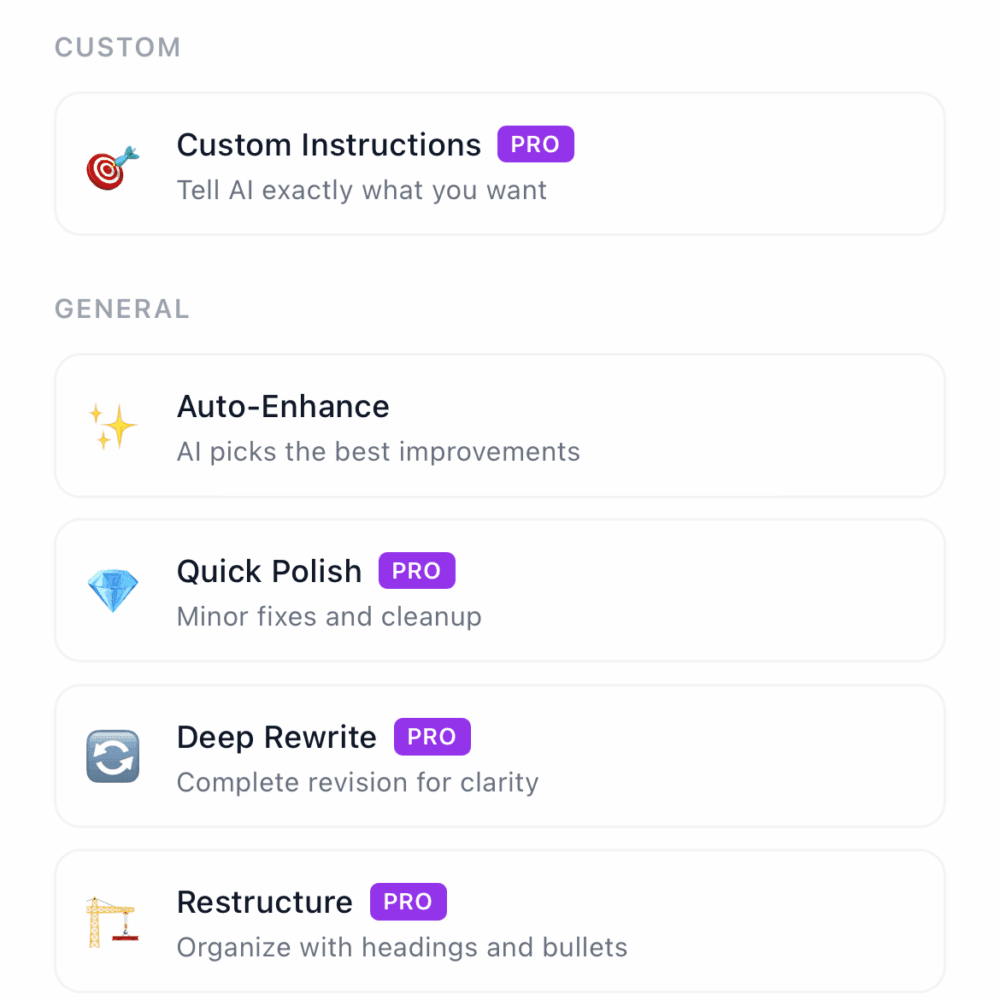
25+ Rewrite Modes + 100+ Languages
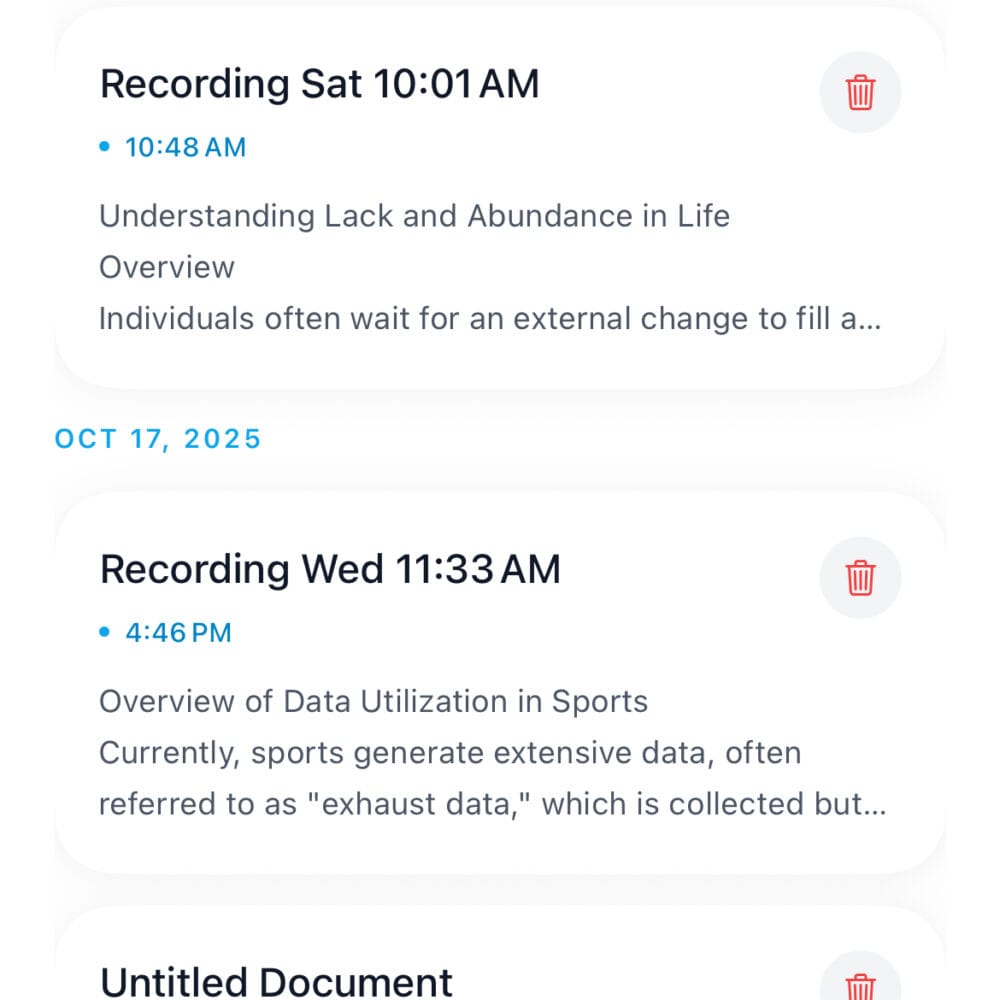
Transform any dictation with one tap: Shorten, Expand, Fix Grammar, Make Professional, Add Emojis, or translate into 100+ languages. The Content Engine handles long recordings (meetings, brainstorms) and turns them into structured docs, summaries, or blog posts in any format you need.
Transcribe AND Rewrite in One Second
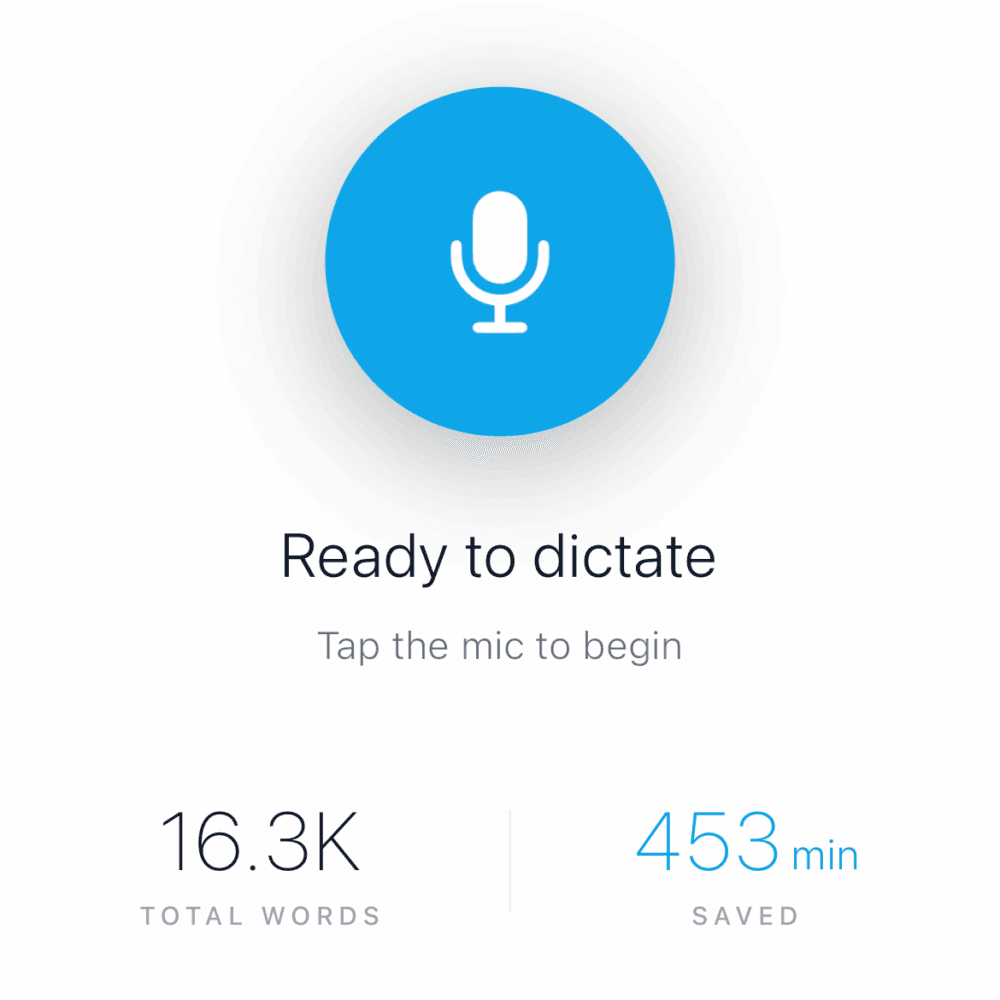
Most tools just transcribe. WriteVoice transcribes AND instantly rewrites your rambling speech into polished, send-ready text. Speak naturally with filler words and pauses – the AI cleans it up in under a second. Sub-1-second turnaround means you never break flow.
Privacy-First, Works Everywhere
Your voice is processed and immediately deleted, no recordings stored, no training on your data. One payment unlocks iOS keyboard, Mac app, and Web access. All your dictations sync across devices and save to history for later refinement. Built for trust and speed.