
Bilingual Subtitle Creator
Create dual-language subtitles that display both languages simultaneously. Perfect for language learning content, international festivals, or audiences comfortable in multiple languages. This tool creates stacked subtitles where viewers can choose their preferred language to focus on while having the other as reference.
How the Bilingual Subtitle Creator works
Upload your SRT file in the source language. Select your target language for translation. Choose stacking style: source on top, translation on top, or side-by-side for wider screens. The system translates while managing the complex timing and space constraints of showing two languages. Each subtitle gets carefully balanced – neither language dominates. Color coding options help viewers distinguish languages quickly. Export bilingual SRT ready for players that support multi-line subtitles.
Bilingual subtitles serve unique needs – language learners comparing languages, international audiences at festivals, diaspora communities comfortable in both languages. They’re educational tools, accessibility features, and cultural bridges simultaneously. This tool creates professional bilingual subtitles that are readable, not cluttered. Essential for educational content, international film festivals, and serving multilingual communities.
Meet the fastest voice-to-text for professionals
WriteVoice turns your voice into clean, punctuated text that works in any app. Create and ship faster without typing. Your first step was Bilingual Subtitle Creator; your next step is instant dictation with WriteVoice.
A blazing-fast voice dictation
Press a hotkey and talk. WriteVoice inserts accurate, formatted text into any app, no context switching
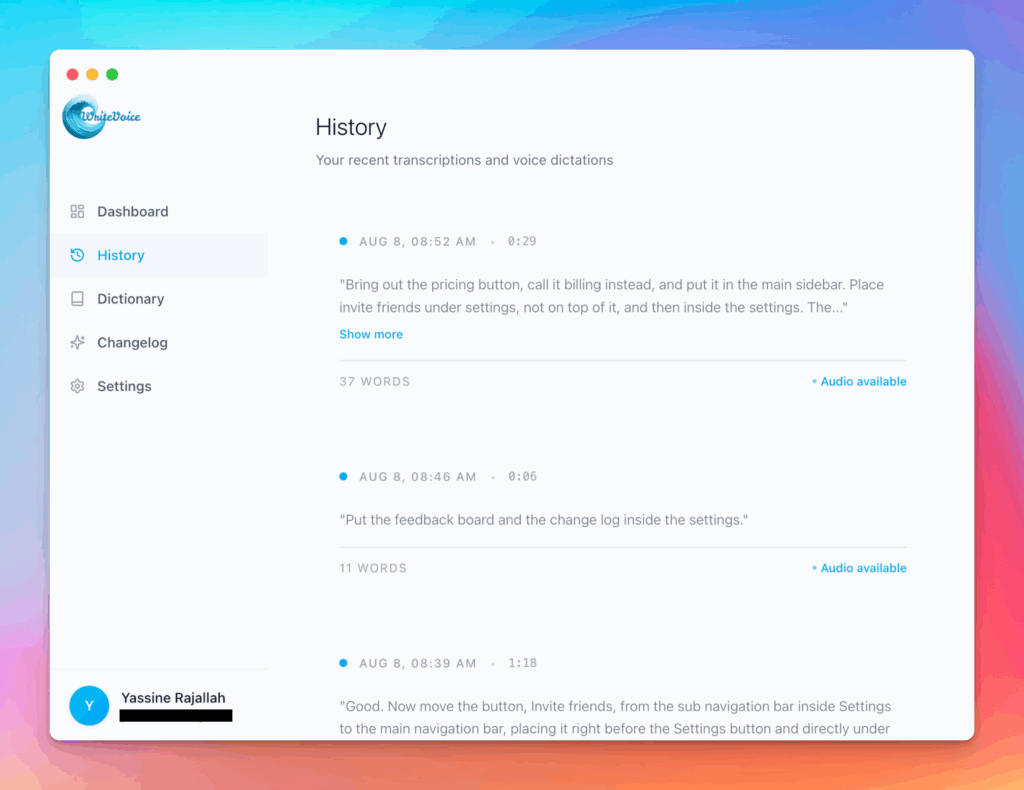
Works in any app
Press one hotkey and speak; your words appear as clean, punctuated text in Slack, Gmail, Docs, Jira, Notion, and VS Code—no context switching, just speed with writevoice
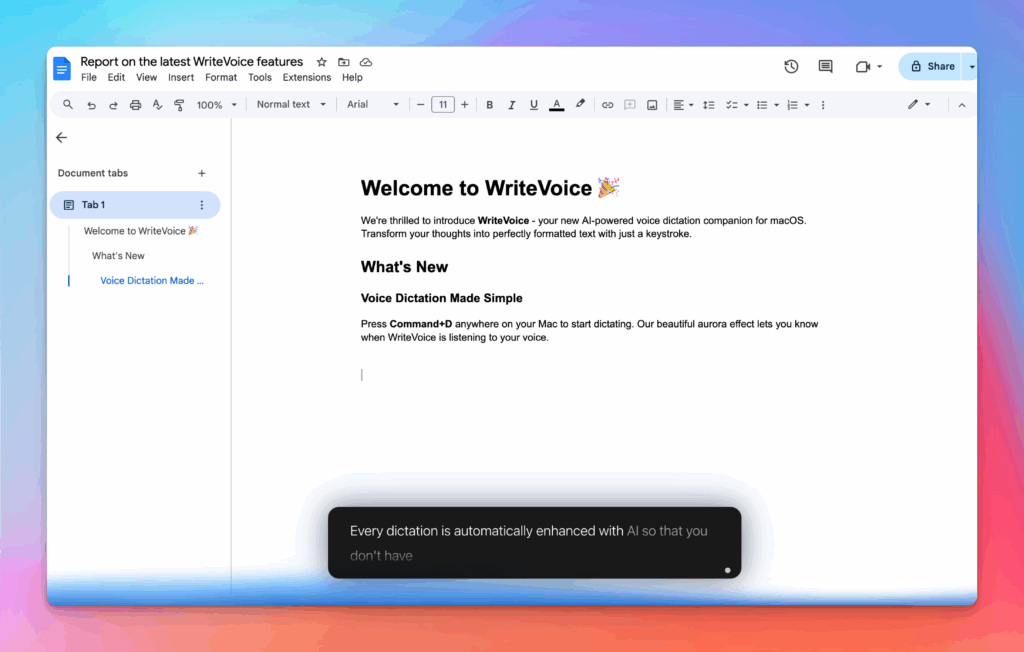
Accurate, multilingual, and smart
97%+ recognition, smart punctuation, and 99+ languages so your ideas land first try, built for teams and pros.
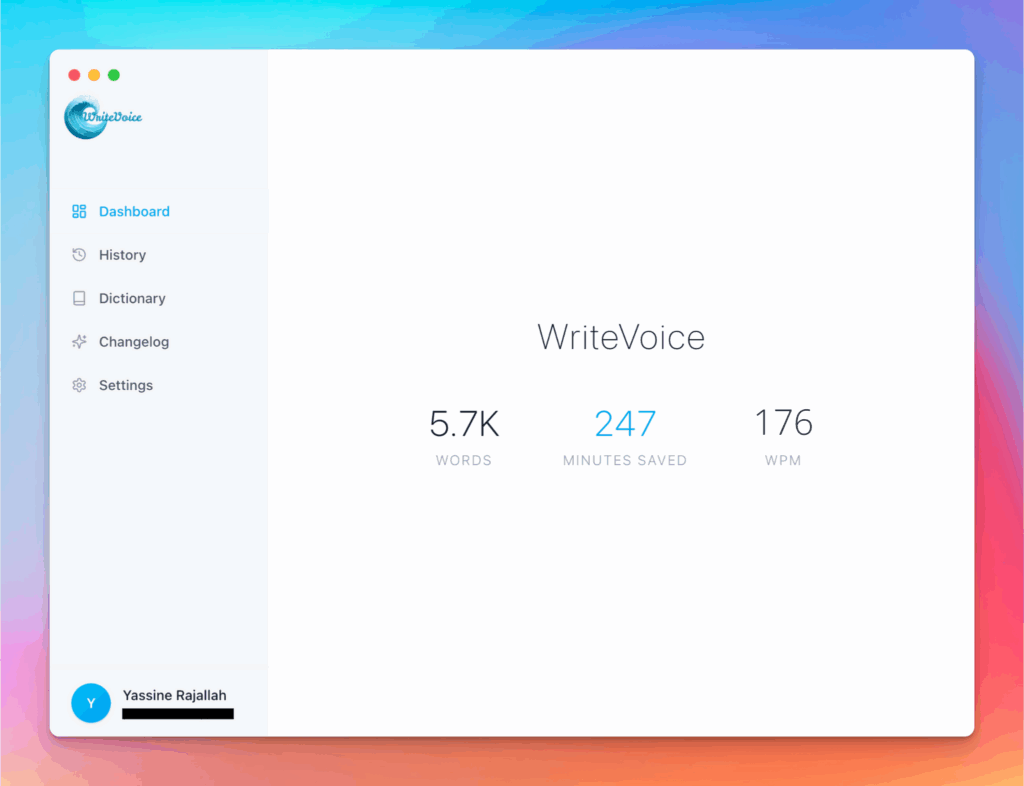
Private by default
Zero retention, audio and text are discarded instantly, with on-device controls so you can dictate sensitive work confidently.