How AI Turns Your Voice into Words
AI-powered transcription software is a helper that listens to you talk and writes down your words. It’s like magic, but it’s really just a very smart computer program.
How the Computer Learns to Listen
Have you ever wondered how your computer can understand you? It uses something called Automatic Speech Recognition, or ASR for short. Think of it like a smart pet that has learned to understand your voice.
This helper has listened to people talk for many, many hours. It learned to know what sounds make what words. It learned how we talk and what words mean when they are together.
It's Like Learning a New Language
The computer learns to hear words just like a baby learns to talk. At first, it's all just noise. But after hearing lots of talking, it starts to understand.
The computer is smart enough to know the difference between "to," "too," and "two." It looks at the other words you say to figure out which one is right. It even knows when to put in a period or a comma by listening to how you pause when you talk. It turns your talking into clean, written words.
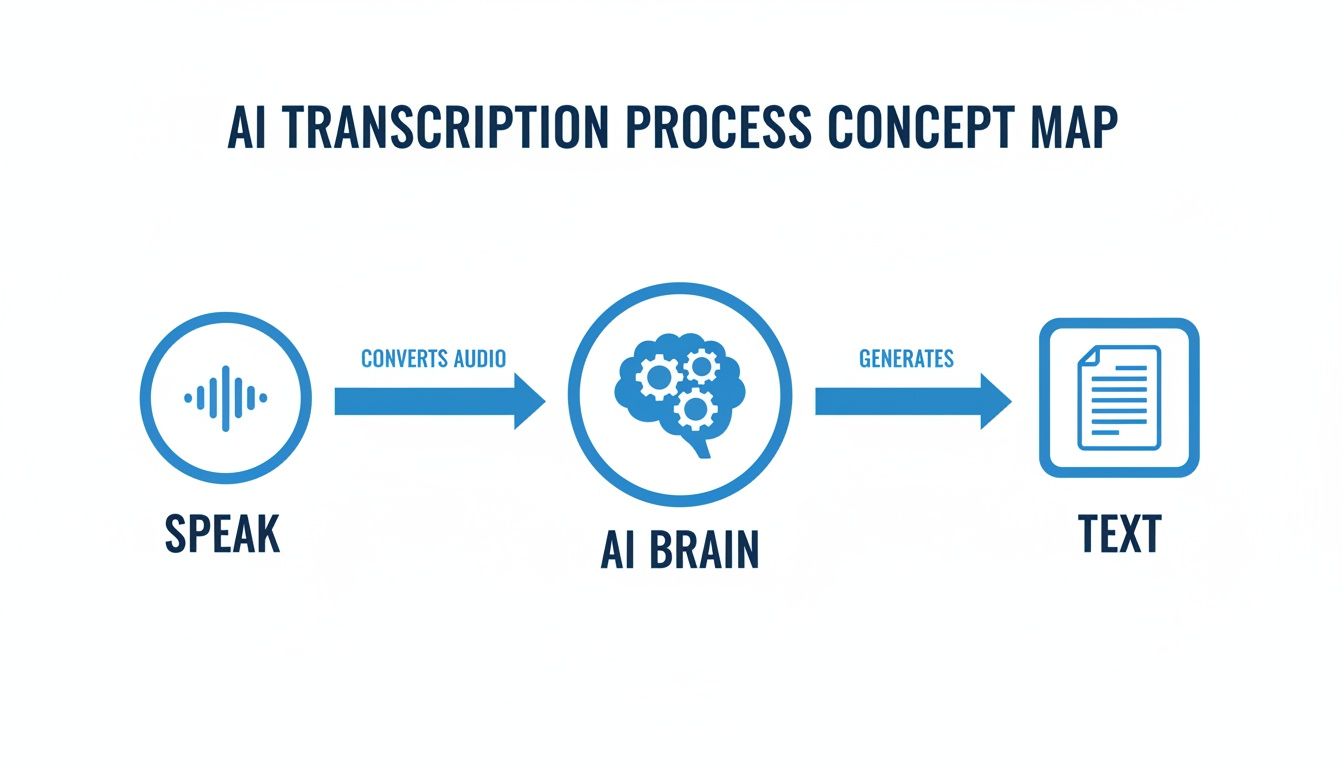
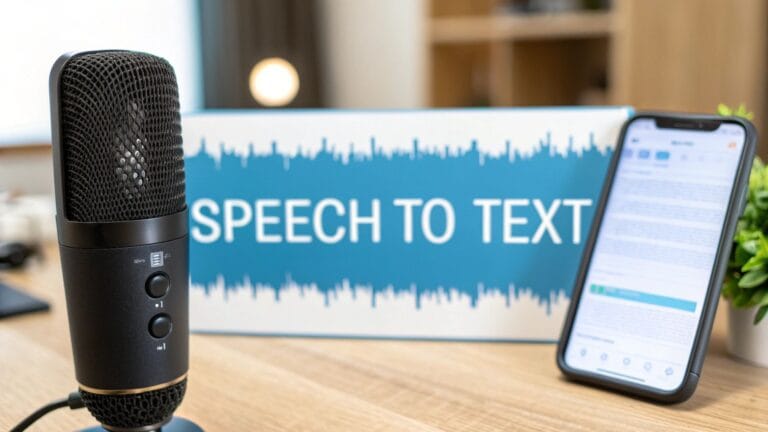
As the picture shows, it’s easy for you. You talk, the computer listens, and the words show up right away.
Your Personal Writing Helper
A helper like WriteVoice can write for you. You don’t have to use the keyboard. You can just talk, and your words show up on the computer.
You can use it for lots of things:
- Writing emails: Just say what you want to write in an email.
- Doing homework: Talk about your ideas for a school paper to get started.
- Taking notes: Say your thoughts out loud in a class or meeting so you don’t forget them.
This is a big help. Most people can talk four times faster than they can type. This means you can focus on your big ideas, not on typing.
What if you could just say an idea and see it turn into a note right away? That's what these helpers do. They make it easy to go from thinking to writing.
This is not just for emails. It can be used for big jobs, too. For example, specialized AI podcast transcription tools can write down everything said in a long show. It's the same smart helper, just used in different ways to make work easier.
Why Talking Is Often Better Than Typing
Do you ever have a great idea, but you forget it by the time you type it out? That happens a lot. Our brains are fast, but our fingers can be slow.
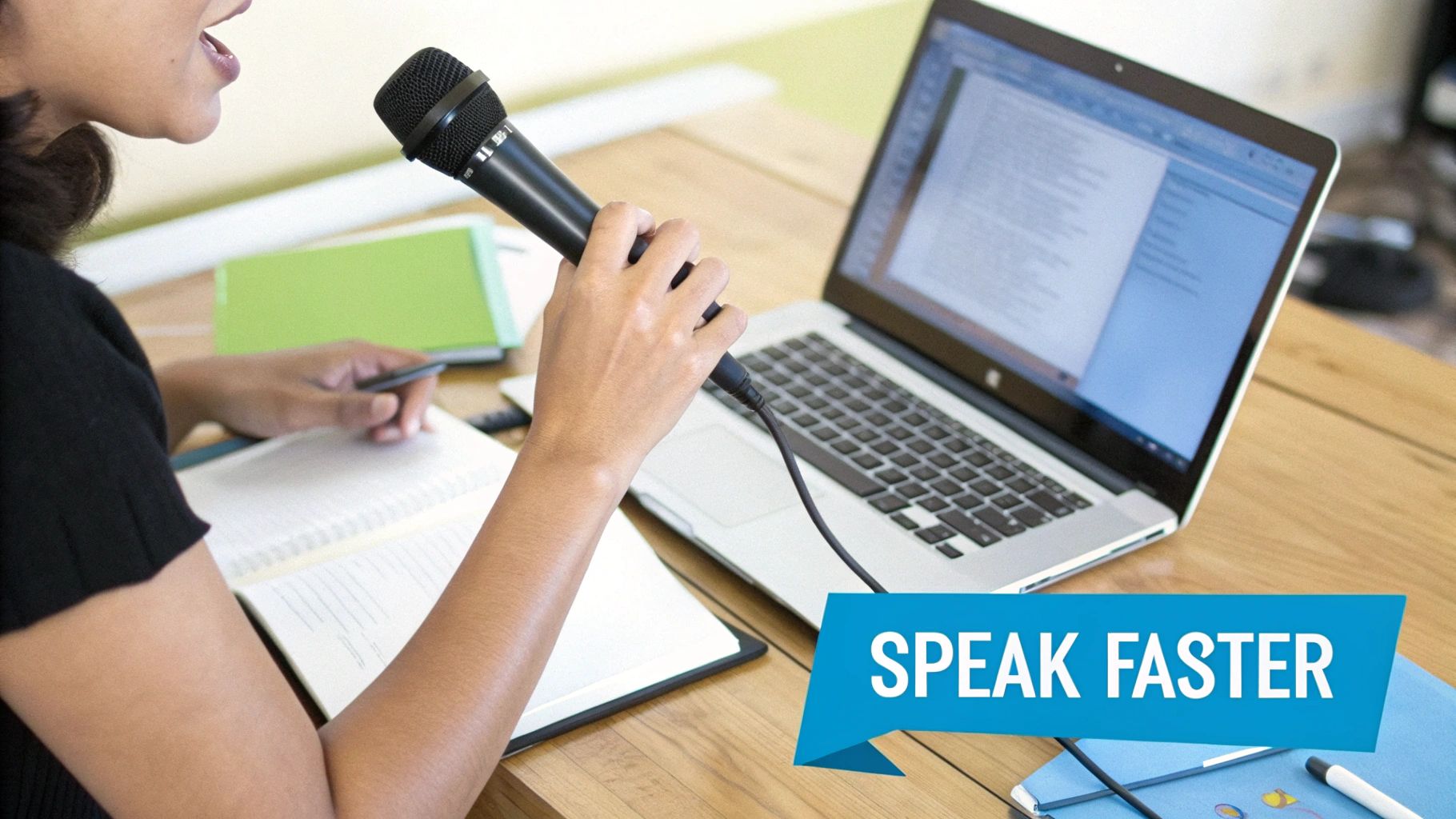
This is where your voice can help. Most people talk much faster than they type. People type around 40 words in a minute. But they can talk at 150 words in a minute. That's almost four times faster!
An ai powered transcription software like WriteVoice lets your thoughts turn into words on the screen right away. Your ideas can go from your mind to the page without waiting.
Catch Ideas Before They Go Away
Good ideas can come at any time. You might be walking or in a meeting. Instead of trying to write them down fast, you can just say them.
Think of a boss in a meeting. Instead of stopping to type notes, they can just talk. The computer writes down what to do. Or a student can talk about their ideas for a paper and see an outline appear on the screen.
This is why talking to your computer is so great. It saves your good ideas before they disappear. It’s not just about saving time. It’s about saving your best thoughts.
The best part is using your brain's speed. You stop trying to make your fingers keep up with your thoughts. You just talk to your papers.
Lots of people want this. The world is expected to spend a lot more money on these helpers in the next few years. You can explore more data on this incredible growth to see how it's changing jobs.
Say Goodbye to Spelling Mistakes
Even the best typers make mistakes. A wrong letter can make you stop and fix it. A computer helper that listens is like having a friend who always spells correctly.
The computer has learned millions of words, so it knows how to spell them. It also knows which word to use, like "their" or "there."
- No more typos: The computer spells the words right.
- Focus on your idea: You can think about what you want to say, not how to write it.
- Clean writing from the start: Your words look good right away, which means less time fixing them later.
Letting the computer do the hard parts of writing helps you think better. It's a small change that can make a big difference in your day.
What to Look for in a Great Transcription Tool
Choosing the right AI helper to turn your voice into words is like picking a good teammate. You want one that is good at its job. This guide will show you what makes an AI-powered transcription software great.
Think of it like picking a helper for a big project. You need one that is fast, smart, and can be trusted. It's the same for a computer helper.
Does It Understand You?
The most important job for a transcription tool is to get your words right. We call this accuracy. A great tool should write down what you say almost perfectly. It should know normal words and special words for your job.
What if you say, "send the sales forecast," but the computer writes "send the sails four-cast"? That's a big mistake. The best helpers don't do that. For example, WriteVoice gets it right over 99% of the time. It has learned from many different people talking. You can read more about what impacts speech-to-text accuracy.
Does It Work Fast?
Have you ever had a great idea that went away while you were trying to type it? A slow tool can make you lose your thoughts. You need your words to show up on the screen right when you say them. This is called latency.
A great tool works with no waiting.
When you talk, the words should show up right away. It's like your brain is connected to the page. This helps you keep your ideas flowing.
Helpers like WriteVoice are built to be super fast. They turn your voice into words in less than a second. This speed helps you catch every idea before it's gone.
Does It Work with Your Other Tools?
Your new voice helper should not work all by itself. It needs to work with the other computer programs you use every day. This is called integration.
It’s like having one key that opens all the doors. You want your voice helper to work in:
- Your email: So you can talk to write your emails.
- Note apps: To write down ideas from meetings.
- Chat apps: Like Slack, to send quick messages to your team.
A good AI helper fits into how you already work. It makes it easy to use your voice anywhere you would type. This list of the 12 Best AI Transcription Software Options for 2025 can show you how different tools work with other apps.
Are Your Words Kept Private?
When you talk, you might say private things. Doctors talk about patients. Lawyers talk about cases. It’s very important that these words are kept safe. This is all about security.
Some voice helpers might save what you say to help their computer learn more. This can be a problem for privacy. The best tools are built to keep your words private. They turn your voice into text and then forget the sound of your voice right away.
Always look for a tool that says it will keep your words private. WriteVoice, for example, never saves your voice or the words you say. This makes sure your private talks stay private. A safe tool gives you peace of mind.
To help you choose, here is a quick look at what to look for.
Key Features of Top AI Transcription Software
This table shows the most important things to look for in an AI helper.
| Feature | What It Means for You | Why It's Important |
|---|---|---|
| High Accuracy (>98%) | Your words are written down with very few mistakes. | You spend less time fixing words and your ideas are right. |
| Low Latency (<300ms) | Words show up on the screen right as you talk. | You don't lose your train of thought. |
| Broad Integrations | The helper works inside the apps you use every day. | You don't have to switch between different programs. |
| Robust Security | Your voice and words are not saved. | Your private information is kept safe. |
The best tool is one you don't have to think about. It should feel easy to use and keep your private talks safe.
Who Uses AI Transcription Software
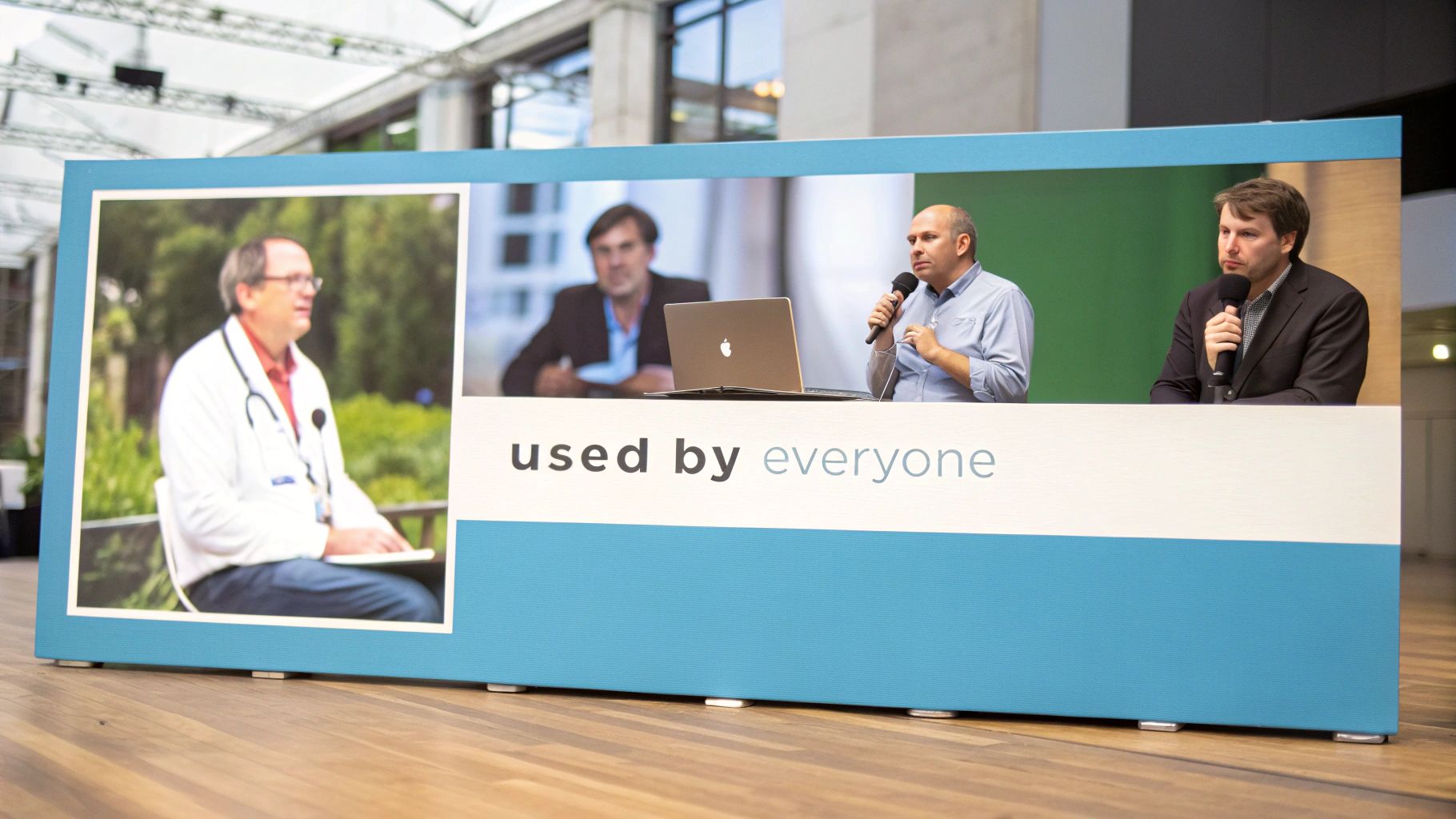
You might think only big companies use AI-powered transcription software. But lots of different people use it, like doctors, writers, and managers.
Think of it as a magic bridge that turns your talking into writing. This simple idea helps people in all kinds of jobs. It saves them time and lets them do their best work.
Helping Doctors Help Patients
Think about a doctor talking to a patient. Instead of looking at a computer and typing, she can just talk. The AI helper writes down everything she says about the patient.
This is a very big deal. It lets the doctor look at the patient and listen carefully. This helps them connect. It also makes sure the patient's notes are correct. When the visit is over, the notes are already finished.
Doctors need things to be fast, right, and private. That's why so many of them use these helpers. You can learn more by exploring the market growth insights.
Helping Teams Work Together
Project managers have to go to meetings and keep track of jobs. A lot of their time is spent stopping a talk to type notes.
Now, a manager can keep a meeting going. They can talk, and the computer will write down the to-do list in a tool like Jira or Asana. The talking never stops, and everyone knows what they need to do.
When managers don't have to type, they can lead better. They can focus on their team and the project, not on writing notes.
This small change makes meetings much better. The manager can make to-do lists or send messages just by talking. This makes them faster and more helpful to their team.
Helping Good Ideas Come to Life
Writers and students know that a good idea can go away quickly. You might think of the perfect words, but lose them before you can type them.
A writer can use an AI helper to catch that idea right away. They can just start talking their story. The helper is like their own personal writer, getting every word down.
This is great for writing a first try of a story. A writer can get all their ideas out without worrying about spelling. It’s all about letting ideas flow without stopping.
- For writers: It helps them "write" while walking around, which feels more like telling a story.
- For students: They can talk out their ideas for a paper to make a quick plan.
- For advertisers: They can say their ideas for ads or blog posts out loud.
In all these cases, AI-powered transcription software does more than save time. It changes how people work by making it easy to turn thoughts into words.
How to Get Started with Your New AI Tool
Ready to let your voice do the work? Getting an AI powered transcription software is easy. Think of it like getting a new helper that knows what you do every day.
First, think about what you need help with. Ask yourself a few simple questions. This will help you find a tool that really helps you.
Finding Your Perfect Fit
Think about when typing slows you down the most during your day. This will help you find the right tool.
Ask yourself these three questions:
- What is the main job? Is it for writing quick notes, long papers, or just fast emails?
- Where do I work? Does the helper need to work inside other programs, like Google Docs or a work app?
- How fast does it need to be? Do you need words to show up right away, or is a small wait okay?
Answering these questions will help you know what to look for. It's better to know you need a fast helper that works with your school program than to just search for a "voice app."
Try Before You Commit
Once you know what you need, it's time to test it out. You wouldn't buy a bike without riding it first. The same is true here. Most good helpers let you try them for free.
The best way to know if a tool is right for you is to use it yourself. A free trial shows you how well it works, if it understands your voice, and if it makes your work easier.
A helper like WriteVoice offers a free trial so you can see how fast and good it is. This is a way to see if you like it with no risk.
A Secret to Make Your AI Helper Smarter
Here is a great tip. You can teach your AI helper to understand you even better. The best AI powered transcription software lets you add your own words.
You can teach the AI special words it might not know.
- Company Names: Add the name of your company so it always spells it right.
- People's Names: Teach it how to spell the names of your friends and coworkers.
- Special Words: If you use special words for your job or hobby, add them to the list.
Taking a few minutes to do this makes a good tool great. It learns your words, which means you spend less time fixing mistakes. For more tips, you can learn more about how to turn on voice-to-text.
Answering Your Top Questions
It's good to ask questions about a new tool. When it comes to AI-powered transcription software, you want to know it works, it's safe, and it will make your life easier. We'll answer the top questions in simple words.
Think of it like getting a new pet. You want to know if it's friendly and safe before you bring it home. Let's look closer at this technology.
Is My Spoken Information Kept Private?
This is a very important question. You need to know your words are safe. The best transcription helpers are made to be private. Think of it like a secret diary.
The best software, like WriteVoice, is made to turn your voice into text without ever saving the sound. It's a "listen and forget" helper. The AI hears you, writes down your words, and then the sound of your voice is gone. Nothing is saved.
This is very important for people like doctors and lawyers who talk about private things. Always look for a helper that says it will not save your voice. This lets you talk freely, knowing your words are just for you.
Will It Understand My Accent?
Yes. New AI helpers are very good at understanding how different people talk. Think of a friend who has traveled the world and can understand everyone. The AI is like that.
These helpers have learned from millions of hours of people talking from all over the world.
- If you are from England, it will understand you.
- If you are from Australia, it will understand you.
- If you are from America, it will understand you.
No matter how you talk, the software can write down your words correctly. Even better, some helpers learn from you. The more you use it, the better it understands how you talk.
It's like a new friend. At first, they listen closely. After you talk a few times, they understand you just fine. Your AI helper does the same thing.
How Hard Is It to Set Up and Use?
It's much easier than you think. You do not need to be a computer expert. The whole reason for AI-powered transcription software is to make things easier, not harder.
Most of the time, you just download it and click a few buttons. A helper like WriteVoice is ready to go in about a minute. You just have to let it use your computer's microphone.
There are no hard instructions to read. The goal is to make talking to your computer feel normal. You press a button, you talk, and your words show up. It's made to be easy so you can focus on your ideas, not the tool.
Is It Really Faster Than Typing?
For most people, yes, it is much faster. Let's look at the numbers. Most people type around 40 words in a minute. But they can talk at a speed of 150 words in a minute.
That's almost four times faster! An AI helper writes down your words as you say them. This means you can write a long paper, a big email, or a chapter of a book in much less time than it takes to type.
But it’s not just about saving time. It’s about keeping your ideas going. When you type, you often have to stop and start. This can break your train of thought. When you talk, your ideas can flow without stopping. This helps you get your best thinking down on paper.
Ready to turn your voice into your most powerful tool? With WriteVoice, you can dictate notes, emails, and documents up to four times faster than typing, with over 99% accuracy. Stop typing and start talking. Try WriteVoice for free today and see how much time you can save.