
12 Best Voice Talking Tools for 2025
Are you tired of typing? Let's talk to get things done!
Typing for a long time can make you tired. What if you could write, take notes, and talk to your friends just by speaking? The right voice tool can do that. It turns your words into text right away. This saves you a lot of time. It's not just a toy. It's a real tool for grown-ups at work.
This guide will help you find the best voice recognition software for you. We will look at the top tools. Maybe you are a lawyer with secret papers. Maybe you are a boss who needs to write notes fast. The perfect tool is here. We will check how well each tool listens, how fast it is, and what it costs.
We will look at big tools like Dragon and WriteVoice. We will also look at smart helpers from Google and Microsoft. And we'll see simple tools like Otter.ai. To make these tools work even better, it helps to speak clearly. You can learn more about how to enunciate better and speak with clarity. This guide will help you choose the best tool to work smarter, not harder.
1. WriteVoice
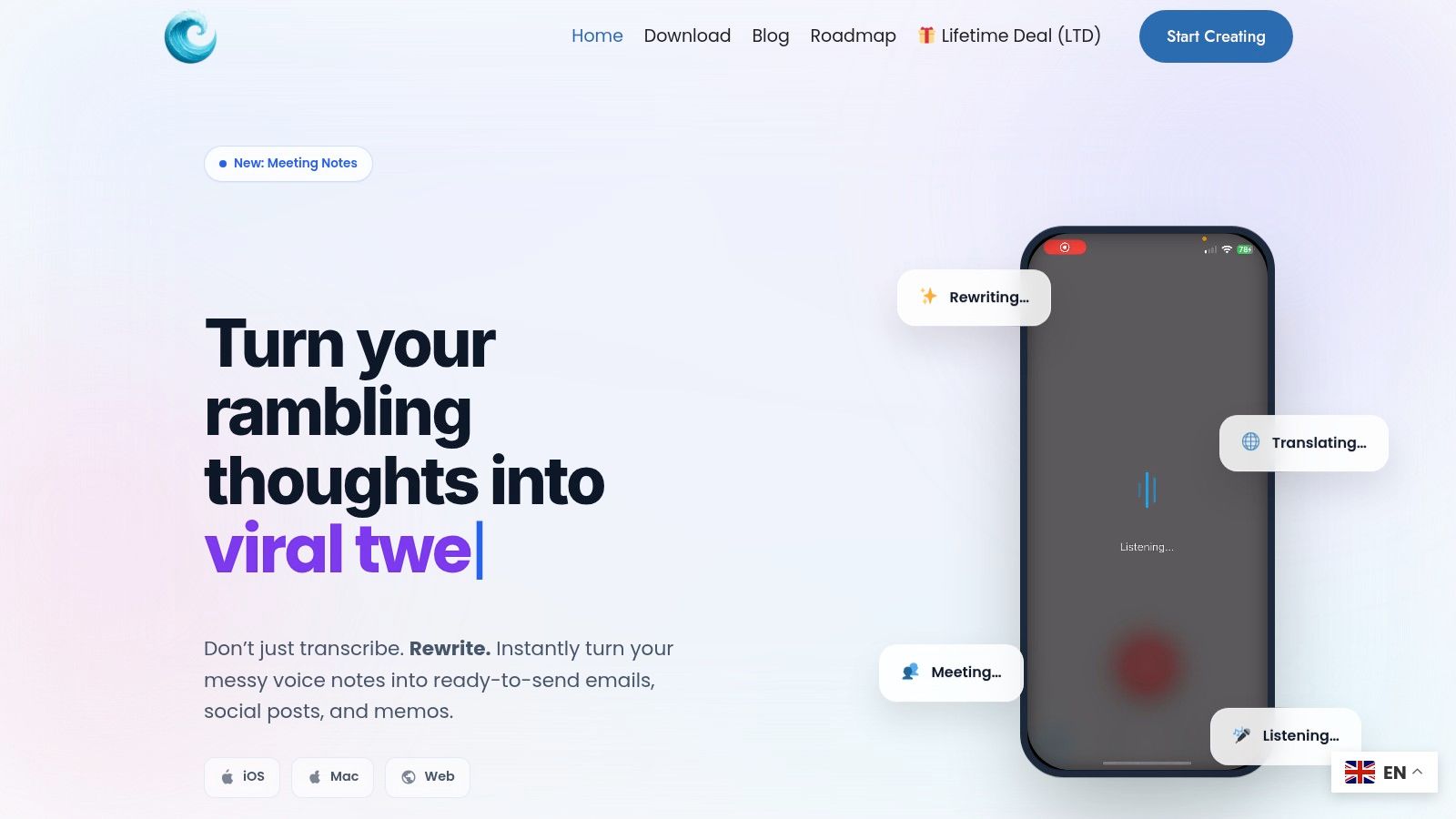
WriteVoice is a top choice if you want the best voice recognition software. It's like having a helper that listens to you and helps you write. It doesn't just turn your voice into words. It makes your words sound great and ready to use, right in the apps you already have. This makes it super fast to write things or send messages.
The tool works on your phone and computer. You can talk, and it writes for you. It's smart, too. It takes out silly words like "um" and "uh." It fixes mistakes and makes the writing look nice. It even knows how to write for different apps. It can be serious for a work message or fun for a chat with a friend. This saves you a lot of time fixing things.
What's Special About It?
WriteVoice is super fast. It turns your speech into words in less than a second. People say it's four times faster than typing. It works right inside tools you use every day, like Slack and Jira. This means you can talk to add notes or work updates without switching apps.
It's also great for meetings. It can listen to a meeting, write down what everyone says, and make a short list of important things to do. It also knows more than 30 languages and can even translate for you.
Why It's a Winner: WriteVoice is fast, smart, and works where you do. It's more than just a talking tool. It's a whole system to help you get work done. It's also very private. It listens but doesn't keep your words or your voice. This keeps your secrets safe.
Fun Ways to Use It
- Work Teams: Talk to create to-do lists in Jira or send quick updates in Slack.
- Bosses: Write secret emails and notes fast.
- Doctors & Lawyers: Take private notes that are safe and secure.
- Anyone at a Desk: Turn meeting talks into notes you can search and use later.
How to Get It
You can try WriteVoice for free to see if you like it. For big teams, you need to ask them about the price. Sometimes, they have special deals where you can buy it once and keep it forever.
Visit the website: WriteVoice
2. Nuance Dragon Professional v16 (official)
Nuance Dragon Professional is like the king of talking software for your computer. This tool is great for people who need to be very careful with their words, like lawyers or doctors. It's a top choice for people who need a tool that works offline, meaning it doesn't need the internet.
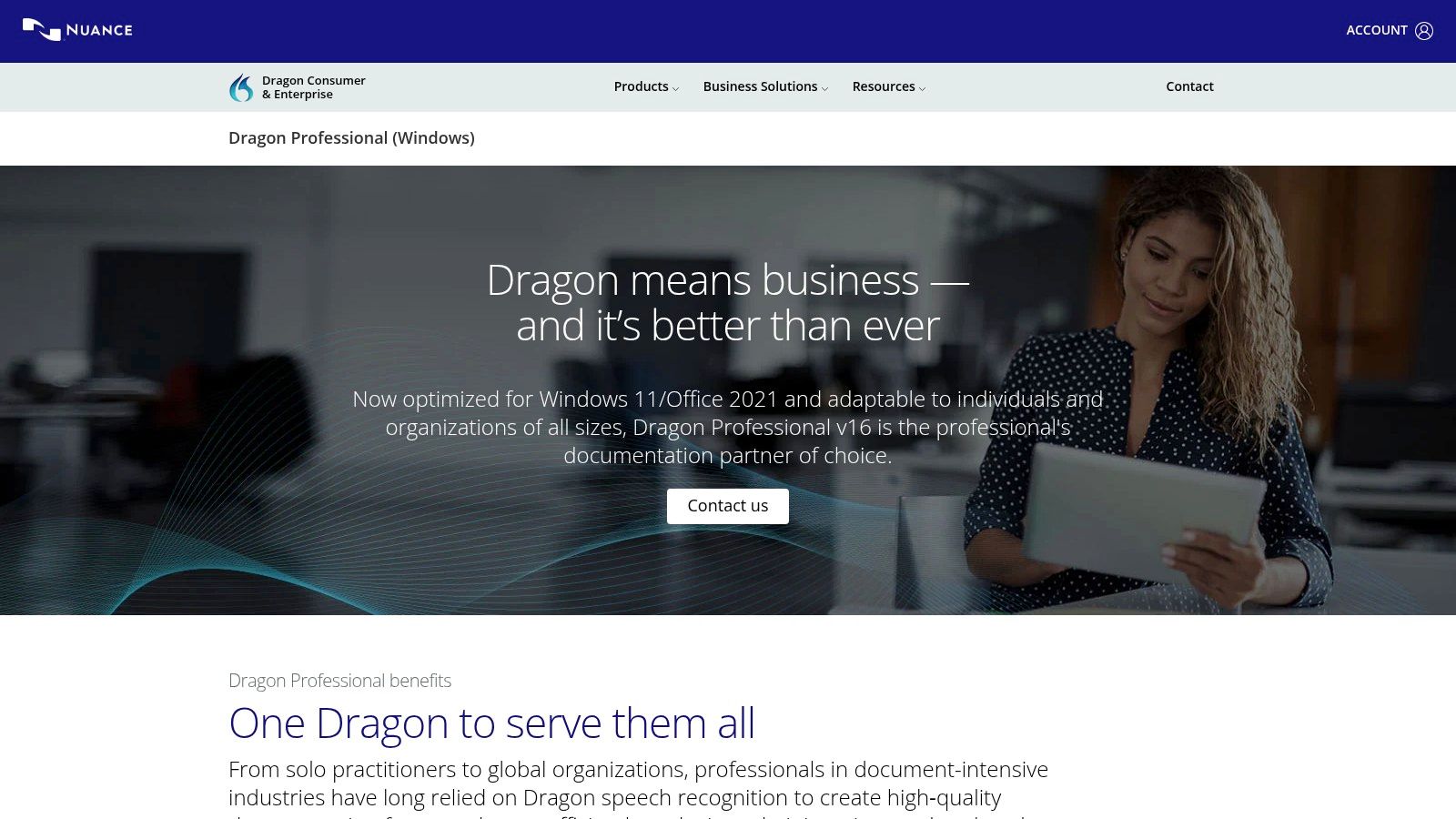
Dragon works right on your computer. Your words and secrets stay with you. You buy it one time, and it's yours forever. No monthly payments. It works great with Microsoft Office on Windows computers.
What's Special About It?
- Works Offline: Your voice never goes on the internet. It's super private.
- Gets Smarter: The more you use it, the better it understands your voice.
- Make Your Own Rules: You can teach it special words for your job. You can even create voice commands to do things on your computer, like "send email to Mom."
- Where to Buy: It can be tricky to buy from their main website. It's often easier to buy from other stores that sell it.
Dragon is best for one person talking. It's not great for listening to a meeting with many people. If you're a doctor, it's good to see how it compares to other tools. You can learn more about its role in healthcare voice recognition.
Who It's For: Lawyers, bosses, and people who need help typing. It's perfect if you have a Windows computer and need a safe, offline tool.
3. CDW – Dragon Professional v16 (US enterprise retailer)
Imagine a big store just for schools and companies. That's CDW. They sell Dragon Professional to big groups of people. If a whole office or a school needs this tool, they go to CDW. This makes it easy to buy many copies of the best voice recognition software at once.
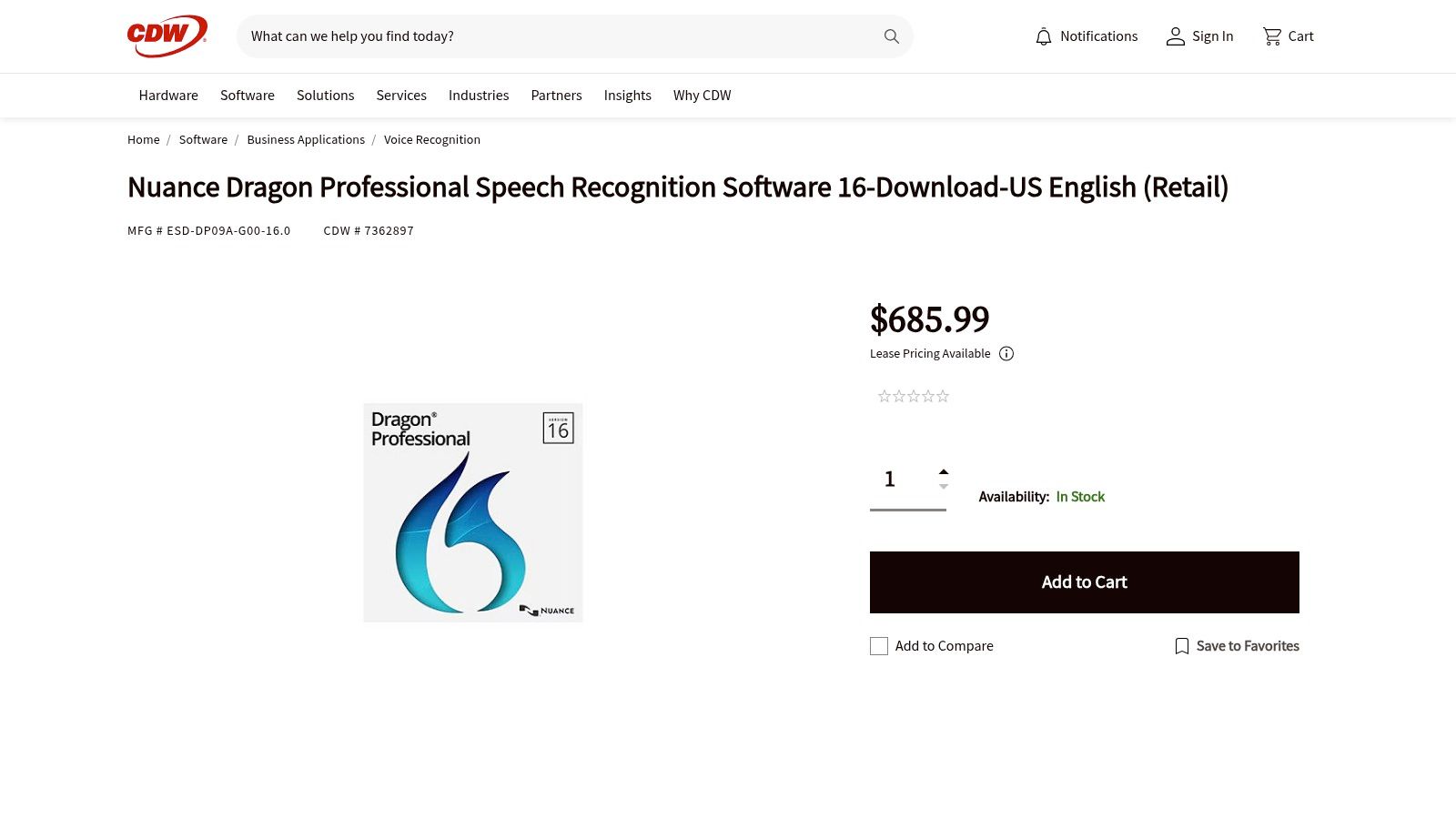
Buying from CDW is different from buying from a regular store. It's set up for people who manage computers at big companies. They can get special prices for buying a lot. They also get the right papers to keep track of what they bought. It's a trusted place for big groups to get their software.
What's Special About It?
- Good for Big Groups: CDW knows how to sell to businesses. They make it easy to buy for a whole team.
- Lots of Choices: They have different types of Dragon, like for the government or for people who speak Spanish.
- A Trusted Helper: Big companies trust CDW. They help them get what they need without fuss.
- Check the Price: The price might be a little higher than at smaller stores, but the service is good for big companies.
CDW is perfect for people in charge of buying things for a big office. It's not the best place for one person who just wants the lowest price.
Who It's For: The person in charge of computers at a big company or school. It's for people who need to buy many copies of Dragon and need official papers for it.
4. Staples – Dragon Professional v16 (US big-box retailer)
Staples is a big store you probably know. You can buy Dragon Professional v16 there, too. It's a simple place for one person or a small business to get the software. You just buy it and download it to your computer. It's easy if you want to buy from a store you already trust.
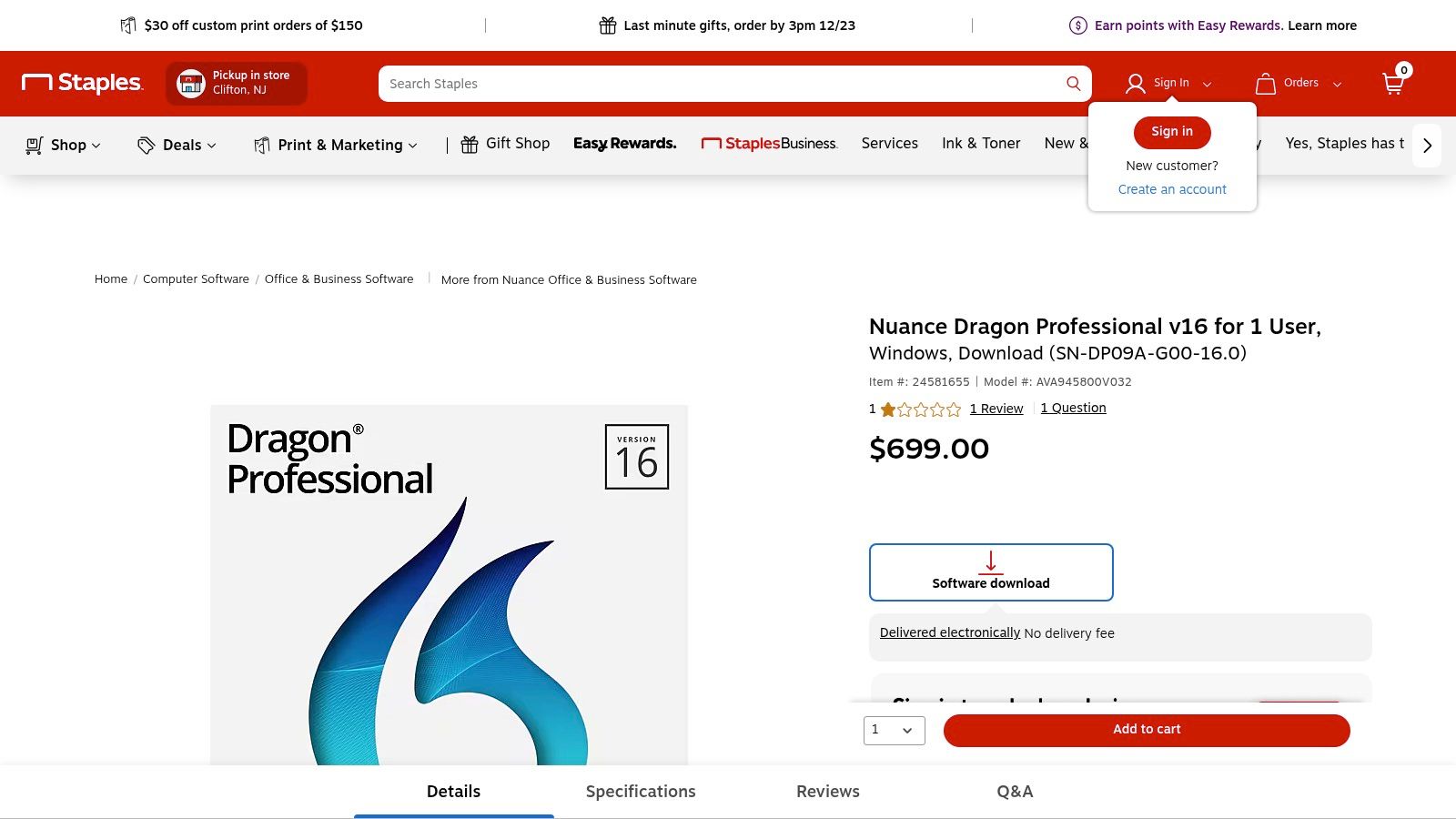
When you buy from Staples, you get their good customer service for help with your purchase. But remember, once you open the digital software, you usually can't return it. Small businesses might find good sales at Staples, making it a smart place to get some of the best voice recognition software.
What's Special About It?
- Get It Fast: After you pay, they email you the code to start using the software right away.
- Help from the Store: You can ask Staples for help if you have a problem buying it.
- Look for Sales: Staples often has sales, so you might get a good price.
- Check the Version: Make sure you are buying the newest version, which is v16. Sometimes they still list older ones.
Even if you buy it from Staples, the real help for the software comes from Nuance, the company that made Dragon. The main reason to buy here is because it's an easy and familiar shopping trip.
Who It's For: One person or a small business owner who likes buying from big, well-known stores and wants a simple receipt.
5. StartStop.com – Authorized US Dragon reseller
StartStop.com is a special store just for people who talk to their computers a lot. They don't just sell you the Dragon software. They sell it with other tools you might need, like a really good microphone. This is great for doctors, lawyers, and others who talk for work all day. They help you get everything you need to start right away.
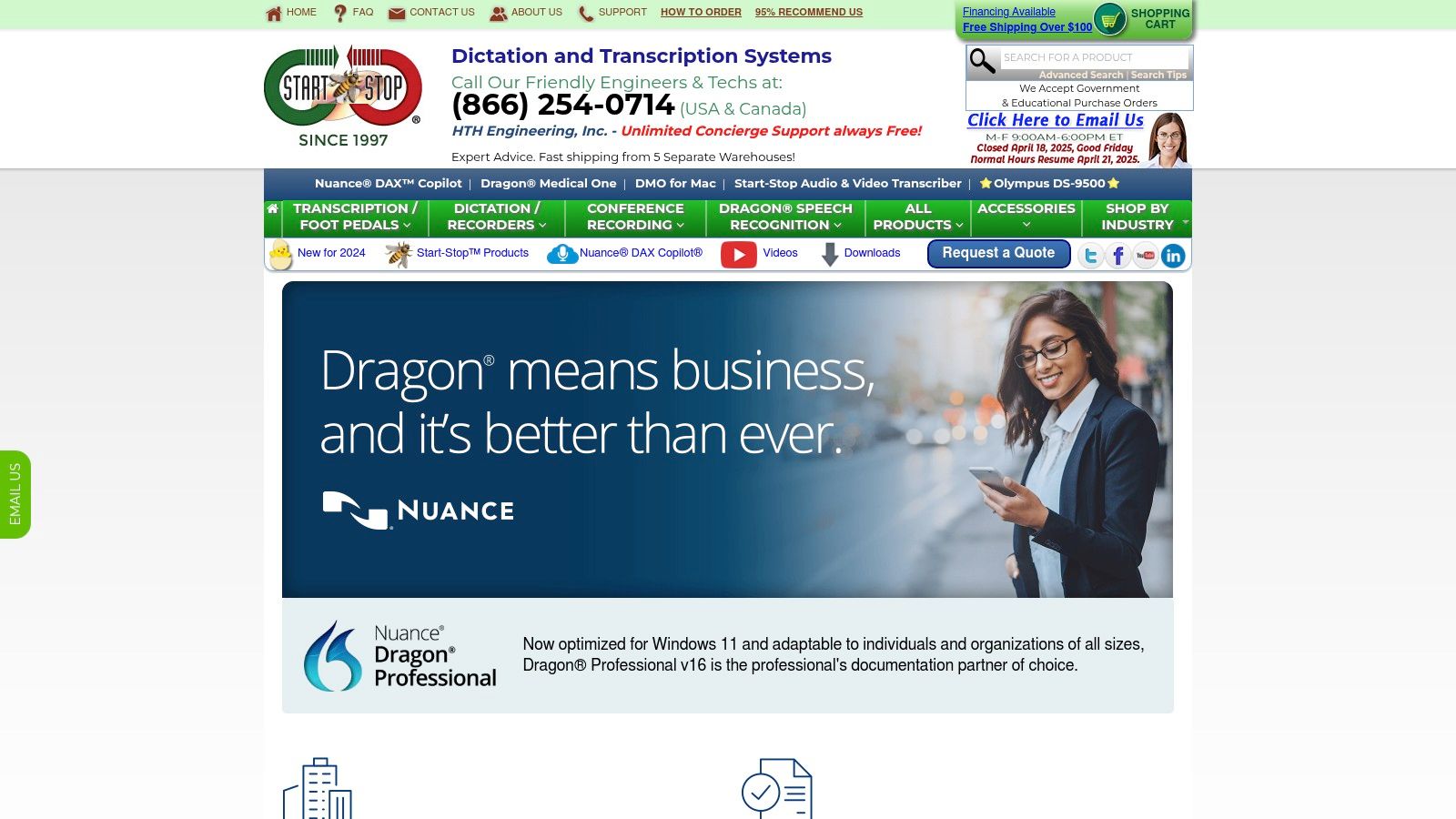
Unlike a big store, StartStop.com has experts who can help you. They can tell you which microphone is best and help you set it all up. This makes them one of the best voice recognition software sellers for people who want extra help and a full set of tools.
What's Special About It?
- Tool Kits: You can buy Dragon in a package with a microphone or a recorder.
- Expert Help: You can call them on the phone for help with setting everything up.
- Get It Fast: You can download Dragon right after you buy it.
- Simple Website: The website is not fancy, but it has what you need.
The best thing about this store is the expert help. If you're building a talking setup for work and need advice, this is a great place to go.
Who It's For: Doctors and lawyers who need a full talking toolkit with expert help to set it up.
6. Otter.ai
Otter.ai is like a special student for your meetings. Its job is to listen to everyone talking and write it all down. It's great for meetings on Zoom, Google Meet, and Microsoft Teams. This makes it one of the best voice recognition software tools for turning talks into notes you can read later.
Otter is smart because it can tell who is talking. It puts a name next to what each person says. You can get a free plan to try it out. The paid plans let you record for more time. Because it works online, your words are sent to their computers. This is something to think about if your meetings are secret.
What's Special About It?
- Listens to Meetings: An "OtterPilot" can join your meetings and take notes for you.
- Knows Who's Talking: It's smart enough to label who said what. This is a big help for meeting notes.
- Smart Summaries: It can make a short summary of the meeting and a list of things to do. You can also search for words in old meetings.
- Share with Friends: Your team can look at the notes, add comments, and share them.
Otter is best at listening to meetings. If the sound is bad or people talk over each other, it might make mistakes. If you just need to talk and have it write a document, other tools might be better.
Who It's For: Teams, students, and bosses who want to remember what was said in meetings, classes, or interviews.
7. Rev.com
Rev.com gives you a choice: do you want a robot or a person to write down your words? The robot is fast and cheap. The person is very careful and gets it almost perfect every time. This makes Rev a great tool when you need to decide between speed and getting every single word right. It's great for turning a recording into text for a court case or a movie.
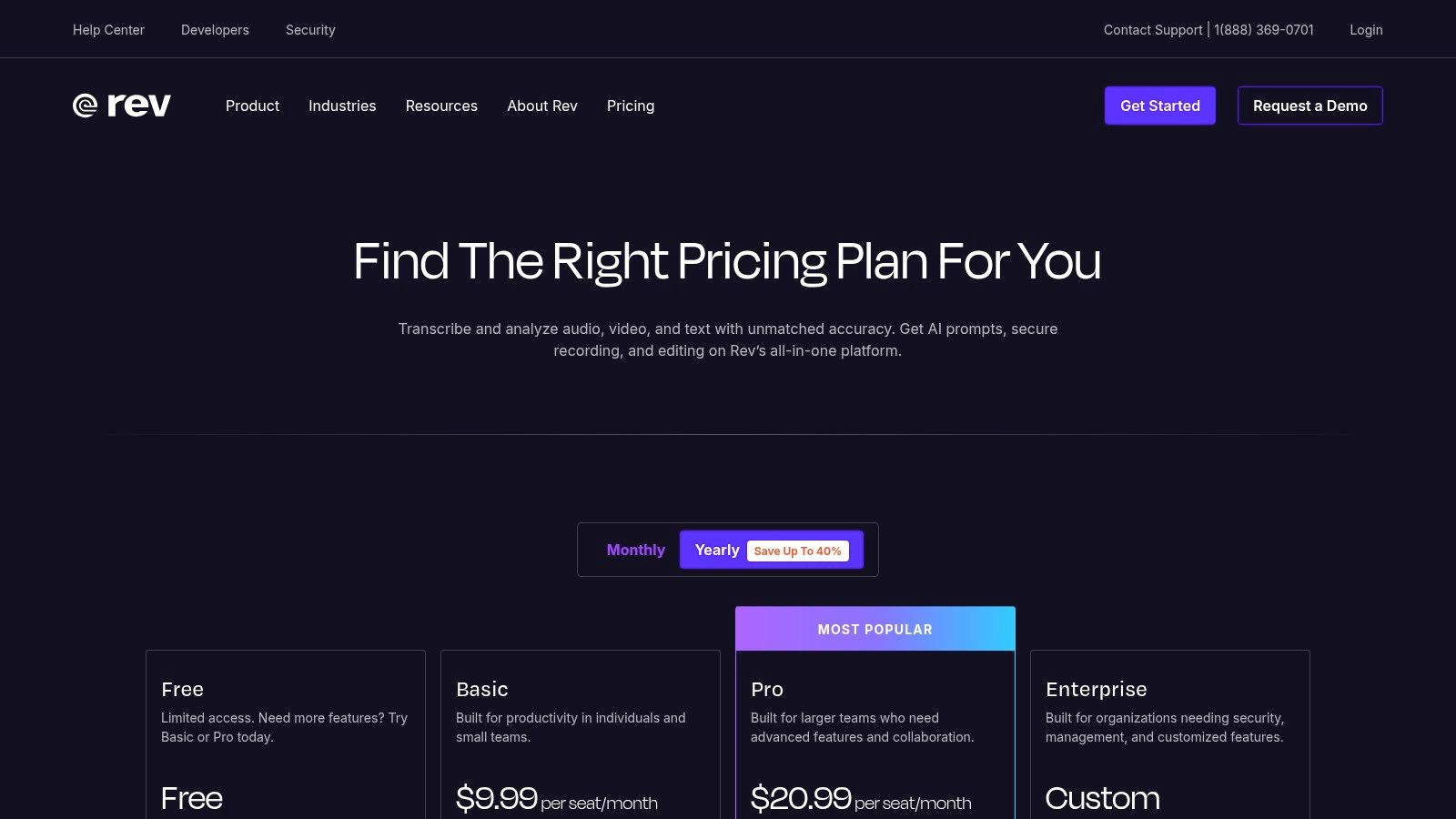
Rev is a service, not a software you own. You pay for each minute of sound they work on. This is good if you only need something written down once in a while. They also have tools that can join your Zoom meetings and take notes, bringing their powerful voice recognition software to you.
What's Special About It?
- Two Choices: You can pick a fast robot or a super-accurate person.
- Safe for Secrets: For big companies, they have special safe plans for important work, like for doctors.
- Clear Prices: You know exactly how much you will pay for each minute.
- Works Online: Everything is done on their computers. If your work is very secret, you should check their rules for big companies.
Rev is great at making perfect written copies of sound files. The robot is fast, but the person costs more and takes longer. It's for turning recordings into text, not for talking to your computer live.
Who It's For: People who need perfect written words from a recording, like for a court case, a school paper, or a movie. It's also good for teams that need a robot to take notes in meetings.
8. Google Cloud Speech-to-Text
Google Cloud Speech-to-Text is not a toy you can play with right away. It's like a big box of LEGOs for computer experts. They can use these pieces to build their own talking apps. Big companies use this to add voice powers to their own tools, like in call centers or for adding words to videos.
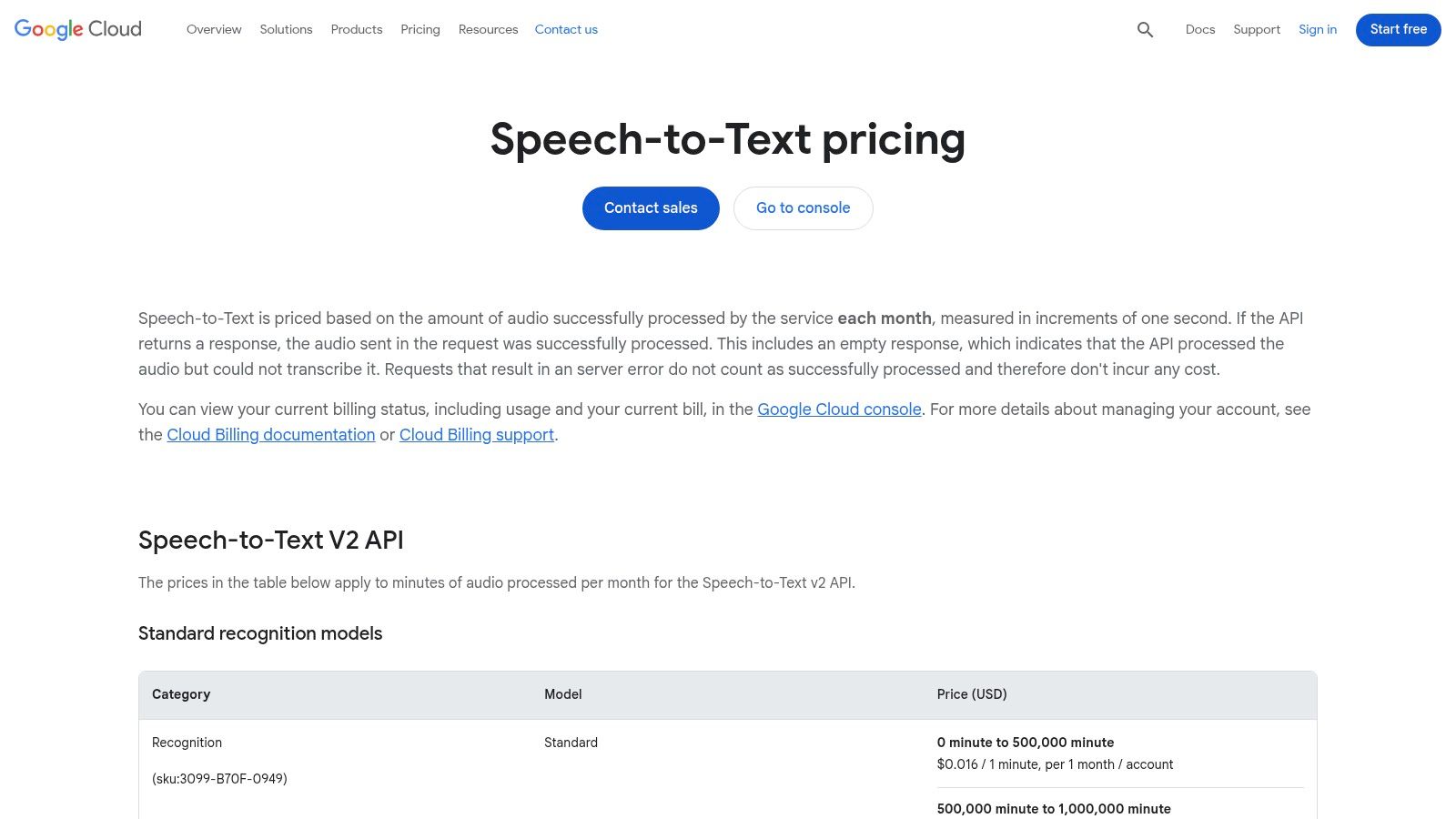
This tool is for people who know how to code. You pay for how much you use it. This is good for big companies that want to pay only for what they need. Google has special voice models that are really good at understanding phone calls, videos, or even doctor words.
What's Special About It?
- For Builders: This is a tool for computer experts to build things with.
- Special Models: It has special listening powers for phone calls or doctor talk to make it more accurate.
- Pay as You Go: You only pay for the minutes of sound you use.
- Needs an Expert: You need a computer expert to connect it and make it work.
Google's tool is the hidden engine inside many other talking apps. It needs a smart person to set it up. To see how it stacks up against other tools like it, you can explore how it compares to other speech-to-text software.
Who It's For: Computer experts at big companies who need a powerful voice engine to build into their own apps and services.
9. Microsoft Azure AI Speech (Speech-to-Text API)
Microsoft's Azure AI Speech is another big box of building blocks for computer experts. It lets big companies build their own powerful talking tools. It's for making your own special voice recognition software, not for using right away. Big companies use it to add voice powers into their own apps.
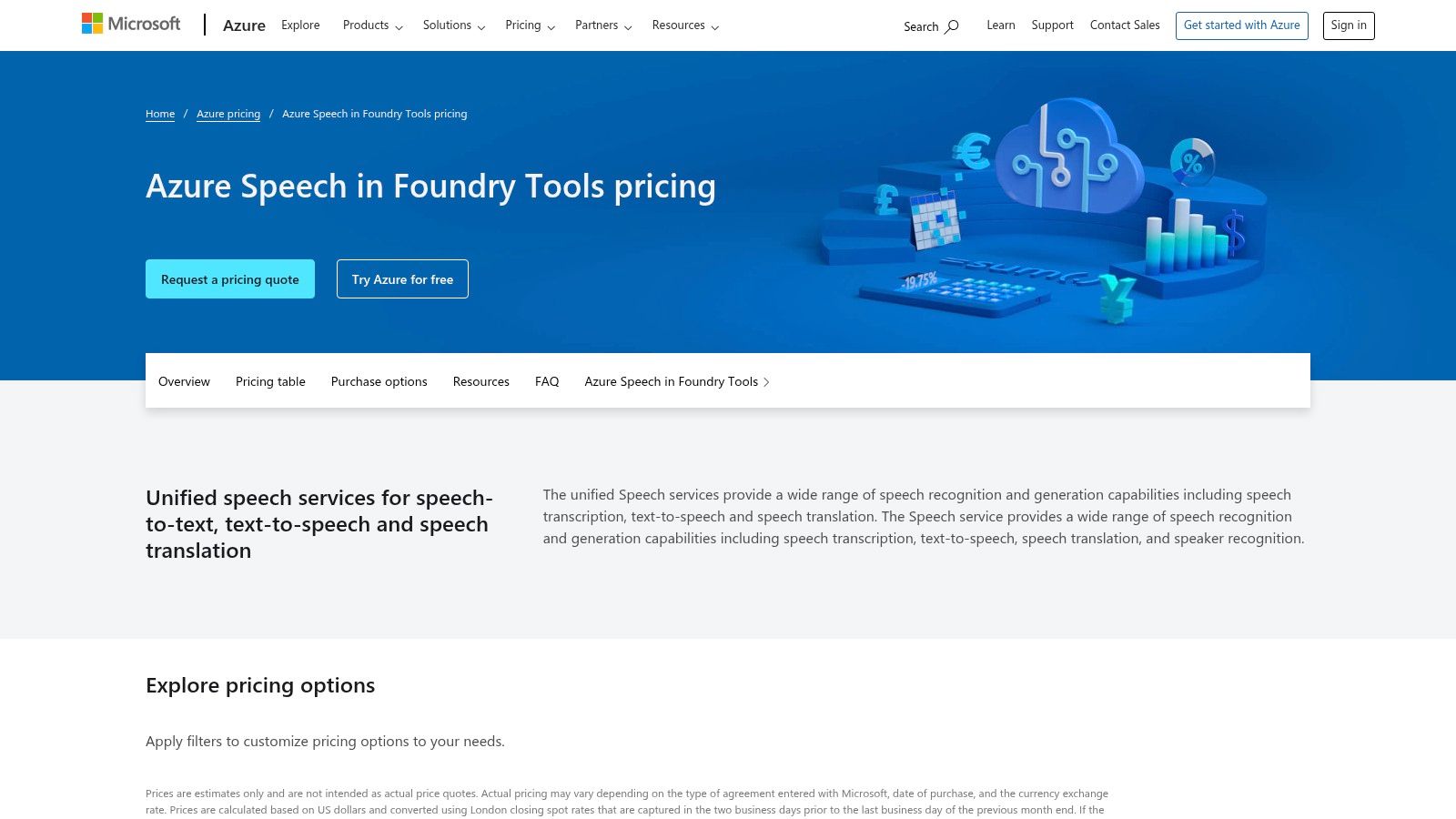
This tool is special because you can teach it to understand your company's own strange words or noisy rooms. But it takes a lot of work from computer experts to make it work. The price can be tricky. You have to use a calculator on their website to figure out the cost.
What's Special About It?
- For Builders: This is a tool for computer experts, not a ready-made app.
- Super Big: It's built by Microsoft, so it can handle a huge number of voice requests.
- Teach It New Tricks: You can teach it to understand special words for your job.
- Hard to Set Up: You need a team of computer experts to use it.
This tool is for big companies that need a voice tool built right into their other systems. It's not for a person who just wants to talk to their computer.
Who It's For: Computer teams at big companies who need to build their own special voice tools.
10. IBM Watson Speech to Text / watsonx
IBM Watson Speech to Text is for big companies that have very strict rules about safety and secrets. This is a powerful voice recognition software engine that can work on the internet, on the company's own computers, or both. This makes it a great choice for banks, hospitals, and the government, where keeping information private is super important.
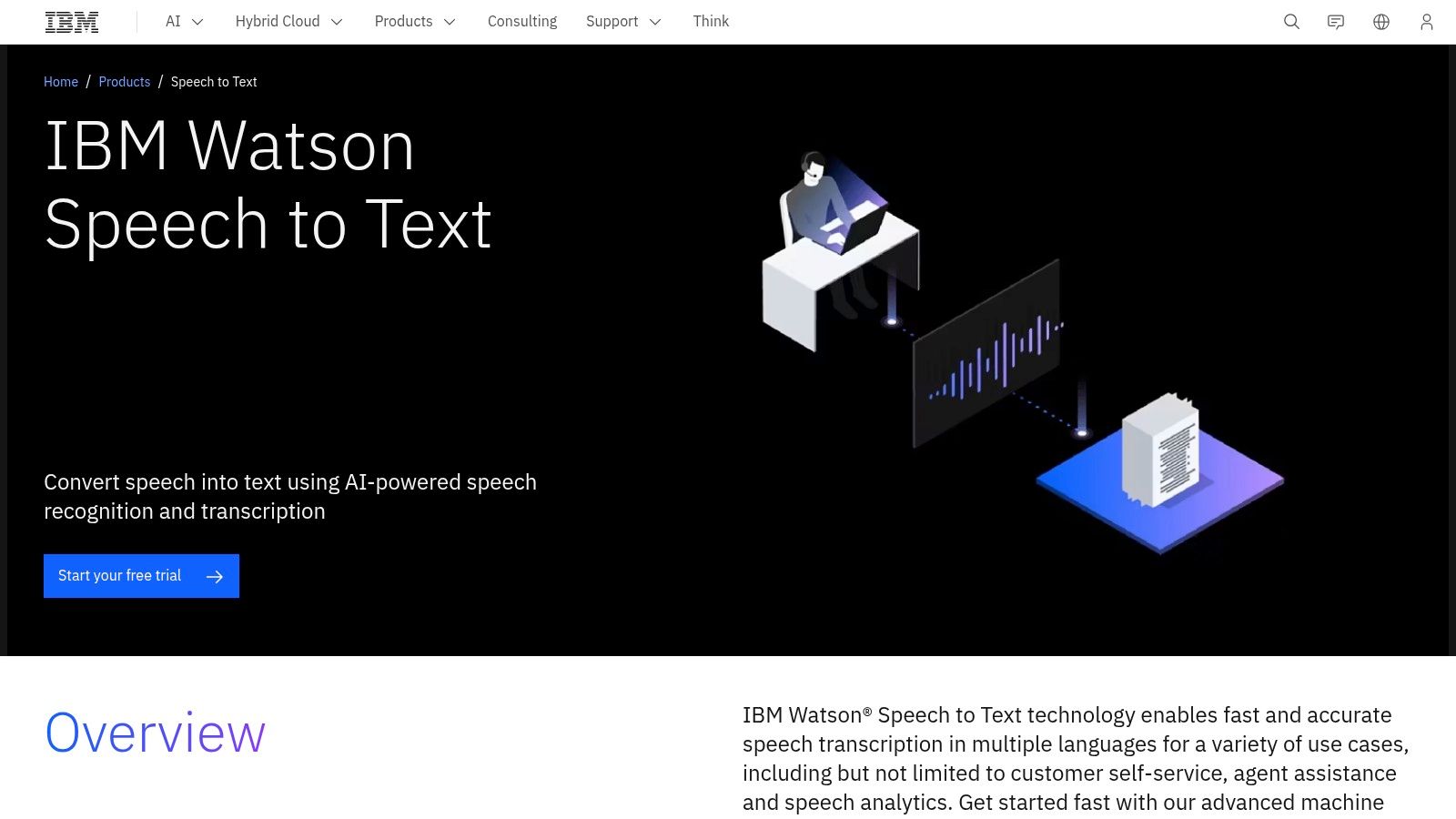
Unlike simple tools, IBM's tool is made to fit into big, complicated jobs, like helping workers in a call center. Companies can teach it special words for their industry. You can try it for free to see how it works before buying a big plan.
What's Special About It?
- Works Anywhere: It can run on the internet or on a company's private computers. This gives them full control over their data.
- Super Secure: It's built for places with strict rules, like hospitals.
- Teachable: You can teach it to understand special words and voices.
- Tricky Pricing: To find out the price, you usually need to talk to someone from IBM.
IBM Watson is for giant companies that need a voice tool built deep inside their own computer systems. It's not for a person who wants a simple talking tool.
Who It's For: Big companies, banks, and hospitals that need a very secure and special voice tool that they can control completely.
11. NVIDIA Riva
NVIDIA Riva is like a race car engine for voice. It's a special kit for computer experts to build super-fast talking apps. It's for companies like phone companies or car makers that need to understand voices instantly. It works on the company's own powerful computers, not on the internet.
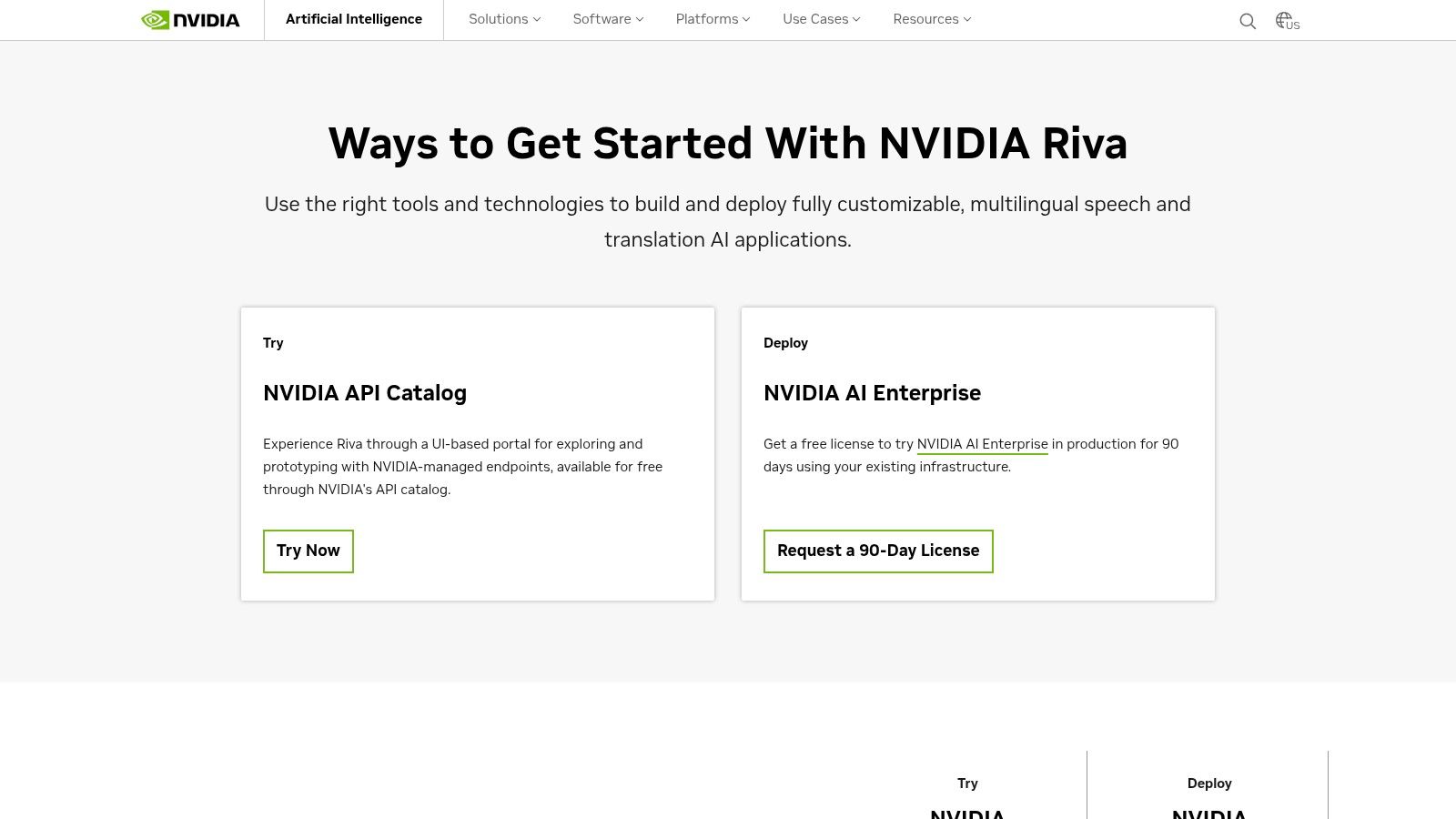
Riva is not a simple tool. It's a box of parts that you build yourself. This gives you total control over how fast it is and how safe your information is. It's for teams of very smart computer experts who need the fastest speed possible for their voice tools.
What's Special About It?
- Super Fast: It's made to work on special computer parts (called GPUs) that make it listen and write in a flash.
- You Control It: It runs on your own computers, so you have full control.
- Very Hard to Use: You need to be a computer expert and have special computers to make it work.
- For Big Companies: It's sold to big companies that need the best performance.
Riva is the engine, not the car. It's the building block for making your own special voice tools that are faster than anything else.
Who It's For: Computer experts at big companies like call centers or phone companies that need to build their own super-fast voice apps.
12. Windows 11 Voice Typing (built-in)
If you need a talking tool right now and don't want to pay, Windows 11 has one built right in. You just press the Win+H keys on your keyboard, and it starts listening. It's great for simple things like writing an email or a quick note. You don't have to download or buy anything.
This tool uses the internet to understand you, so it works best when you are online. Your voice is sent to Microsoft's computers. The best part is how easy it is. It's already on your computer, waiting for you to use it.
What's Special About It?
- Free and Easy: It's already in Windows 11. No cost!
- Quick to Start: Just press
Win+Hto start talking and writing in any app. - Uses the Internet: It uses Microsoft's smart online brain to get better at listening.
- Needs Internet: It works best with a good internet connection.
This is one of the best voice recognition software tools for everyday, simple tasks. It doesn't have all the fancy tricks of the paid tools, like learning special words. If you need help turning it on, you can learn how to turn on this talk-to-text feature.
Who It's For: Anyone with a Windows 11 computer who needs a quick, easy, and free way to write with their voice for everyday tasks.
Top 12 Voice Recognition Software Comparison
| Product | What It Does Best | How Well It Listens | Who It's For & What It Works With | Is It Private? | What's the Cost? |
|---|---|---|---|---|---|
| WriteVoice | Talks and fixes your writing, makes notes, knows 30+ languages | Very good (98-99%); super fast; 4x faster than typing | Desk workers, bosses, doctors; works in Slack, Gmail, Jira | Very private: doesn't store your voice; works on phones & web | Free to try, has different plans; saves a lot of time |
| Nuance Dragon Professional v16 (official) | Works offline on Windows; you can make your own voice commands | Very good, learns your voice; works fast offline | Lawyers, bosses, people who need help typing; works with Office | Stays on your computer (very private) | Buy it once; good for power users |
| CDW – Dragon Professional v16 (retailer) | Sells many copies to big groups, gives official papers | Same as Dragon; listens very well | Big companies that need to buy a lot at once | Stays on your computer after you buy it | Price is clear for businesses; good for buying a lot |
| Staples – Dragon Professional v16 (retailer) | Easy to buy from a big store you know | Same as Dragon; listens very well | Small businesses & people who like big stores | Stays on your computer; store helps with buying issues | Regular store price; sometimes has sales |
| StartStop.com – Authorized Dragon reseller | Sells Dragon with a good microphone, gives expert setup help | Same as Dragon; listens well when you practice | Doctors & lawyers who need a full tool kit & help | Stays on your computer; store helps you use it | You pay for the tools and the extra help |
| Otter.ai | Listens to meetings, knows who is talking, writes summaries | Good for meetings; can make mistakes with bad sound | Teams, students; works with Zoom, Teams, Google Meet | Works online; big companies can get more safety | Has monthly plans; good for teams |
| Rev.com | A robot or a person writes down your recording | Robot is fast; person is almost perfect (but costs more) | People who need perfect writing from a recording | Works online; has safe plans for secret files | Pay for each minute you use; you choose what you need |
| Google Cloud Speech‑to‑Text | An engine for builders to make their own talking apps | Very good; has special models for phone calls or doctor talk | Computer experts, big companies; you build it into your apps | Works on Google's computers; you pay for what you use | Pay for each minute; cheaper if you use a lot |
| Microsoft Azure AI Speech | A tool for experts to build their own talking apps | Very good if you teach it; can be very fast | Big companies with computer teams | Works online or on your own computers; very safe | Has special prices for big users |
| IBM Watson Speech to Text / watsonx | A very safe engine for big companies with strict rules | Very good if you teach it special words | Banks, hospitals, government | Can run on your private computers; very safe | You have to ask IBM for the price |
| NVIDIA Riva | A super-fast engine for builders who need top speed | Super fast with special computers | Call centers, car makers; needs expert builders | Runs on your own computers; needs special hardware | You have to ask for the price; costs a lot |
| Windows 11 Voice Typing (built‑in) | A free, built-in tool for quick talking and writing | Good for simple notes; not as good as paid tools | Anyone on Windows 11 for quick emails or notes | Works online; it's part of the computer | Free with Windows 11; not for big jobs |
Start Talking, Stop Typing Today
We've looked at many tools. Some, like Dragon, work on your computer and keep your words private. Others, like Google's and Microsoft's, are building blocks for experts. The best voice recognition software for you is the one that fits how you work. You don't want to change for the tool; you want the tool to help you. The goal is to be faster and have more fun working.
The right tool can feel like magic. It can turn messy meeting talk into a neat to-do list. It can turn your voice into a perfect paper. Or it can just give your hands a break. But the wrong tool can be annoying. It might make mistakes, not keep your secrets, or just be hard to use.
What We Learned
As you pick your tool, remember these things:
- It Must Listen Well: A tool that makes mistakes makes more work for you. Find one that understands the words you use for your job.
- Keep Your Secrets Safe: Think about where your voice goes. If you are a doctor or a lawyer, you need a tool that keeps your voice on your own computer, like WriteVoice or Dragon.
- It Should Work with Your Other Tools: The best tools don't work alone. They should work inside the apps you use every day, like your email or work chat. This is what makes a talking tool a real helper.
- Speed is Important: You think fast. Your tool should be fast, too. If you have to wait for your words to show up, it can break your train of thought.
Your Plan to Pick the Right Tool
So, what's next? Don't just sit and think. Follow these steps to find the perfect tool for you.
- Know What You Need: What will you use it for? Writing long papers? Taking notes in meetings? Telling your computer what to do? Knowing this will help you pick the right group of tools. A writer needs something different than a person who works on projects.
- Think About Safety: Are you working with secret stuff? If yes, pick a tool that keeps your voice on your computer. This is a very important first step.
- Try Them for Free: You wouldn't buy a bike without riding it. Most of the best tools let you try them for free. Use this time to see if they listen well and are easy to use. Does it really make your day easier?
The future of work is talking, not just typing. When you choose the right voice recognition software, you get a tool that makes you faster and better at your job. The time you save will be worth it.
Ready to try a tool that listens well, keeps your secrets safe, and works with your favorite apps? WriteVoice was made for people who need to be fast and safe. See how it can change your work by starting a free trial today. Visit WriteVoice to learn more.